

Add or edit a meter invoice
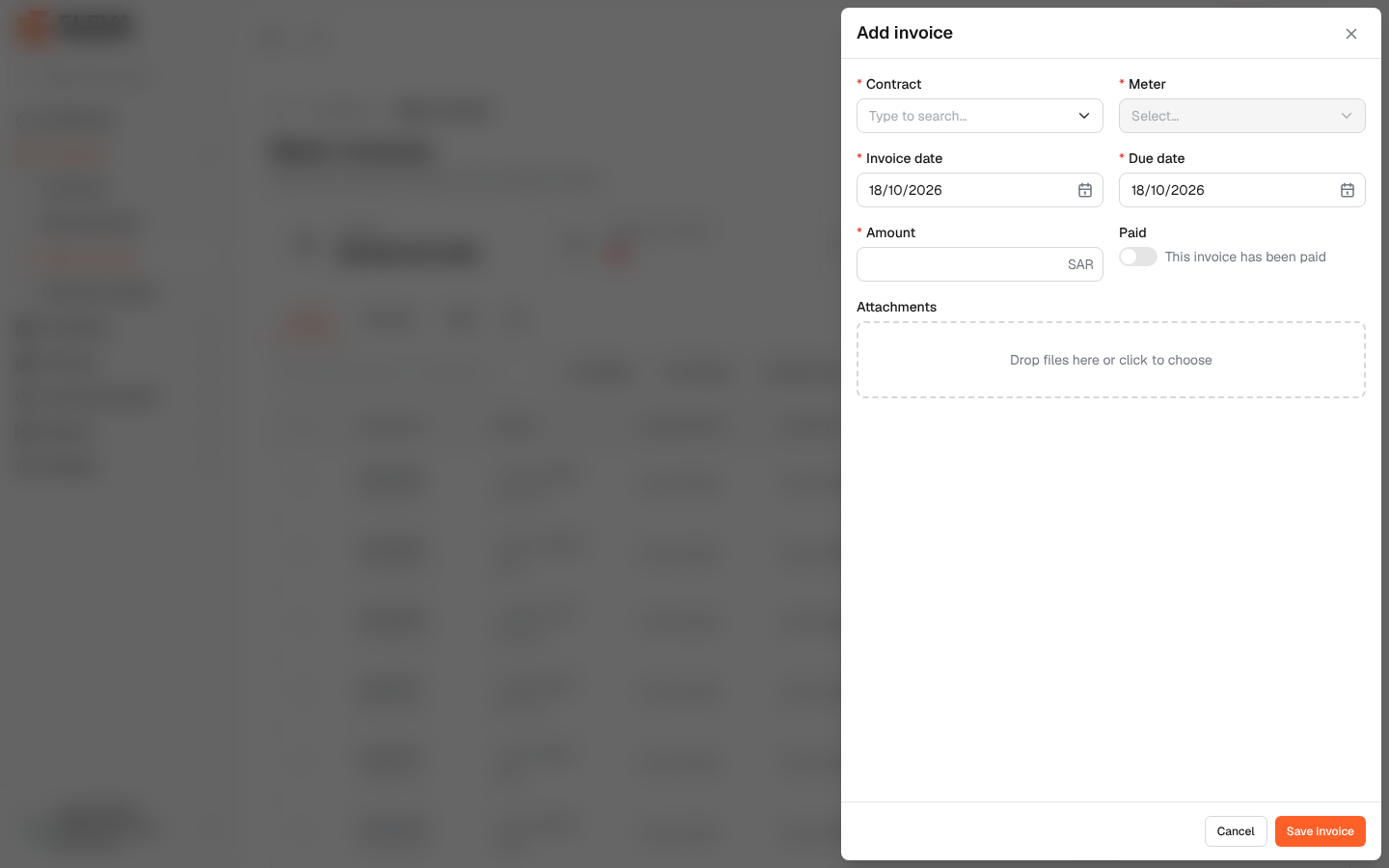
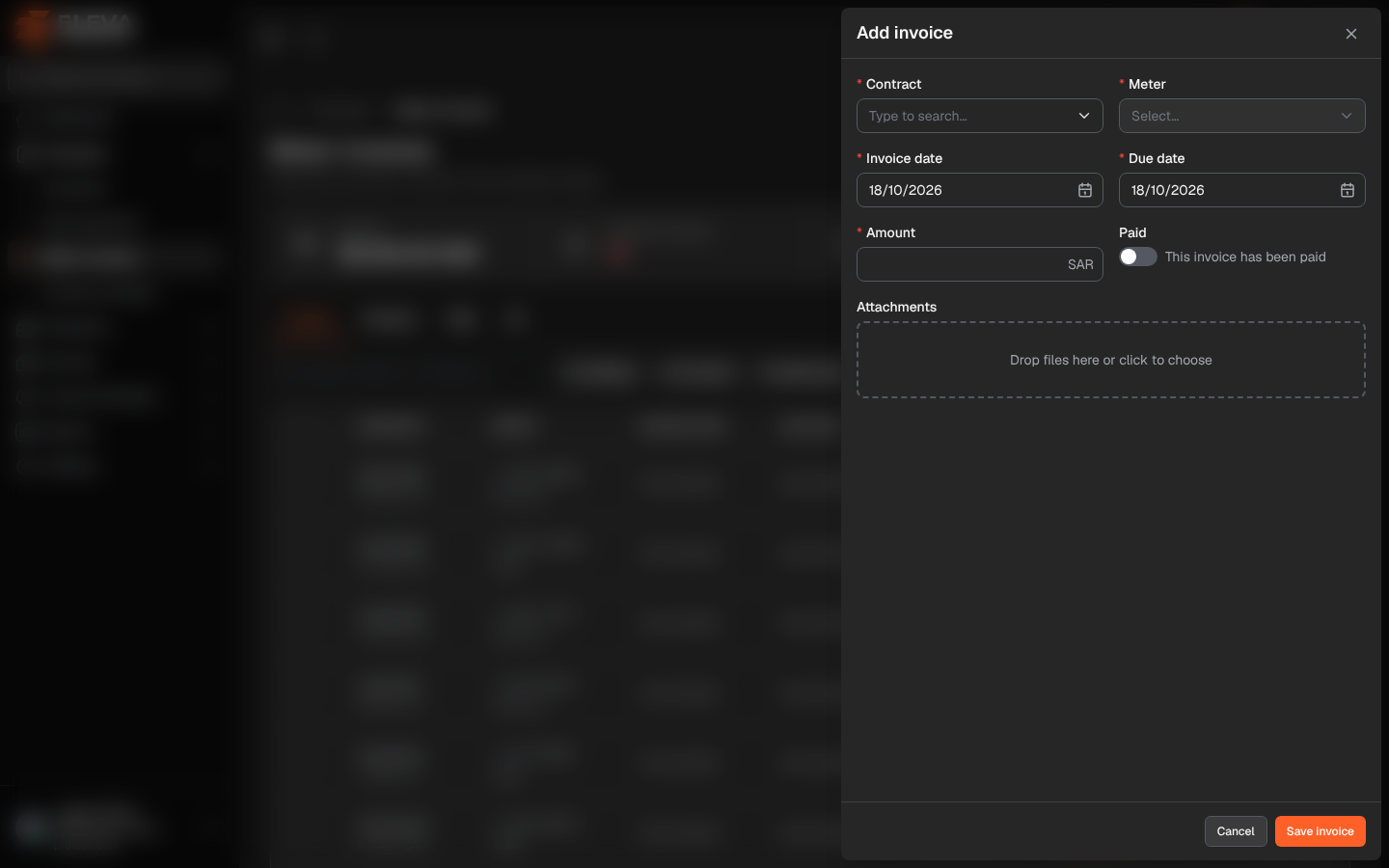
Record a meter invoice when the electricity or water bill of a leased building arrives. The invoice is attached to one meter of a contract; the meter must exist first (see Meters and invoices of a contract).
From the side menu, open Contracts › Meter invoices and click Add invoice. To edit an invoice, click its pencil icon or its row.
Fields
Section titled “Fields”- Contract (required): type a few letters of the contract number. Only contracts that have meters are offered. When the form is opened from a contract page, the contract is already set and this field is not shown.
- Meter (required): a meter of the chosen contract. If the contract has no meters, the form shows This contract has no meters yet.
- Invoice date (required).
- Due date (required): on or after the invoice date.
- Amount (required).
- Paid: switch on when This invoice has been paid.
- Attachments: the invoice file or payment receipt, up to 20 files of up to 20 MB each.
How to add an invoice
Section titled “How to add an invoice”- Click Add invoice.
- Choose the Contract and Meter.
- Enter the Invoice date, Due date and Amount.
- Switch on Paid if it is already paid, and attach the file.
- Click Save invoice.
Required permissions
Section titled “Required permissions”Meters & invoices › Add to add; Meters & invoices › Edit to edit.