

Lessor details
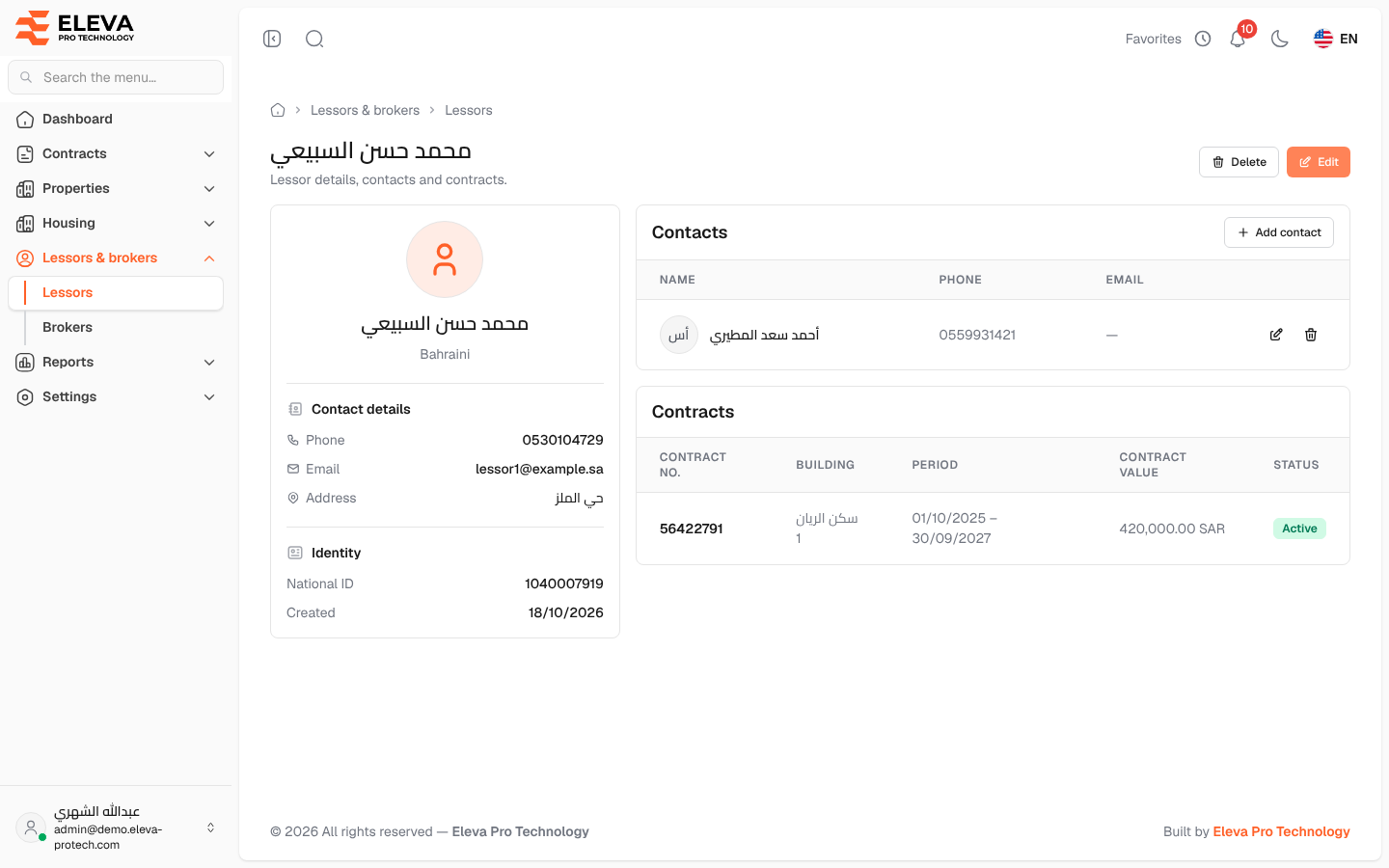
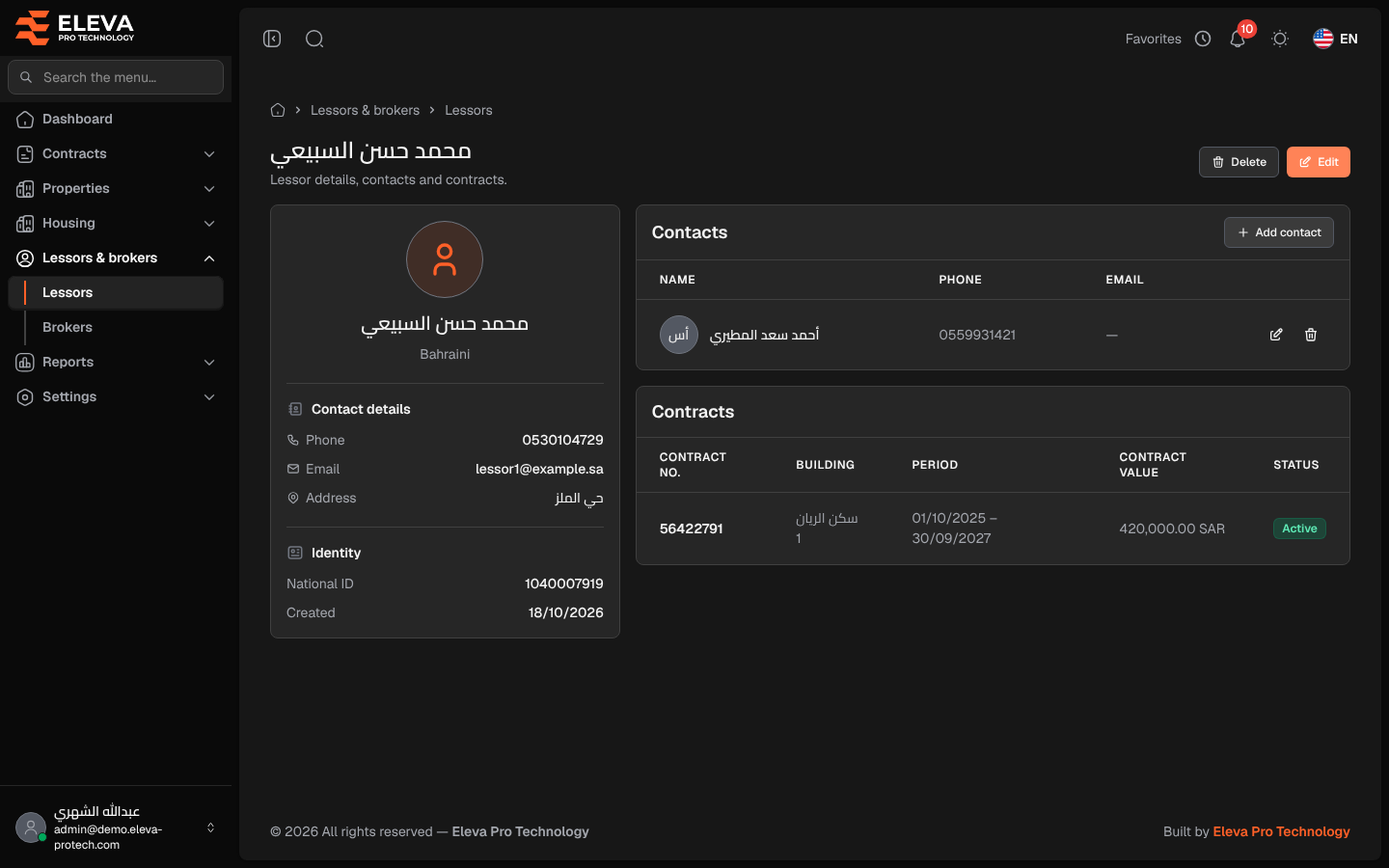
The lessor page shows one lessor’s details, their contact people and their contracts.
From the side menu, open Lessors & brokers › Lessors and click the lessor.
What’s on this screen
Section titled “What’s on this screen”At the top: the lessor’s name and the buttons Delete and Edit.
- A card with Contact details (Phone, Email, Address) and Identity (National ID, Created).
- Contacts: the lessor’s contact people, with Name, Phone and Email, and Add contact, Edit and Delete.
- Contracts: Contract no., Building, Period, Contract value and Status. Click a contract to open it.
How to add a contact person
Section titled “How to add a contact person”- Under Contacts, click Add contact.
- Fill in Name (required), Phone, Email, Nationality and National ID. The phone, e-mail and national ID must not belong to another contact of a lessor.
- Click Save contact.
A contact can then be chosen as the Lessor contact of a contract.
Required permissions
Section titled “Required permissions”- Lessors › View to open the page.
- Lessors › Edit to add, edit and delete contacts and to edit the lessor; Lessors › Delete to delete it.