

Generate a building layout
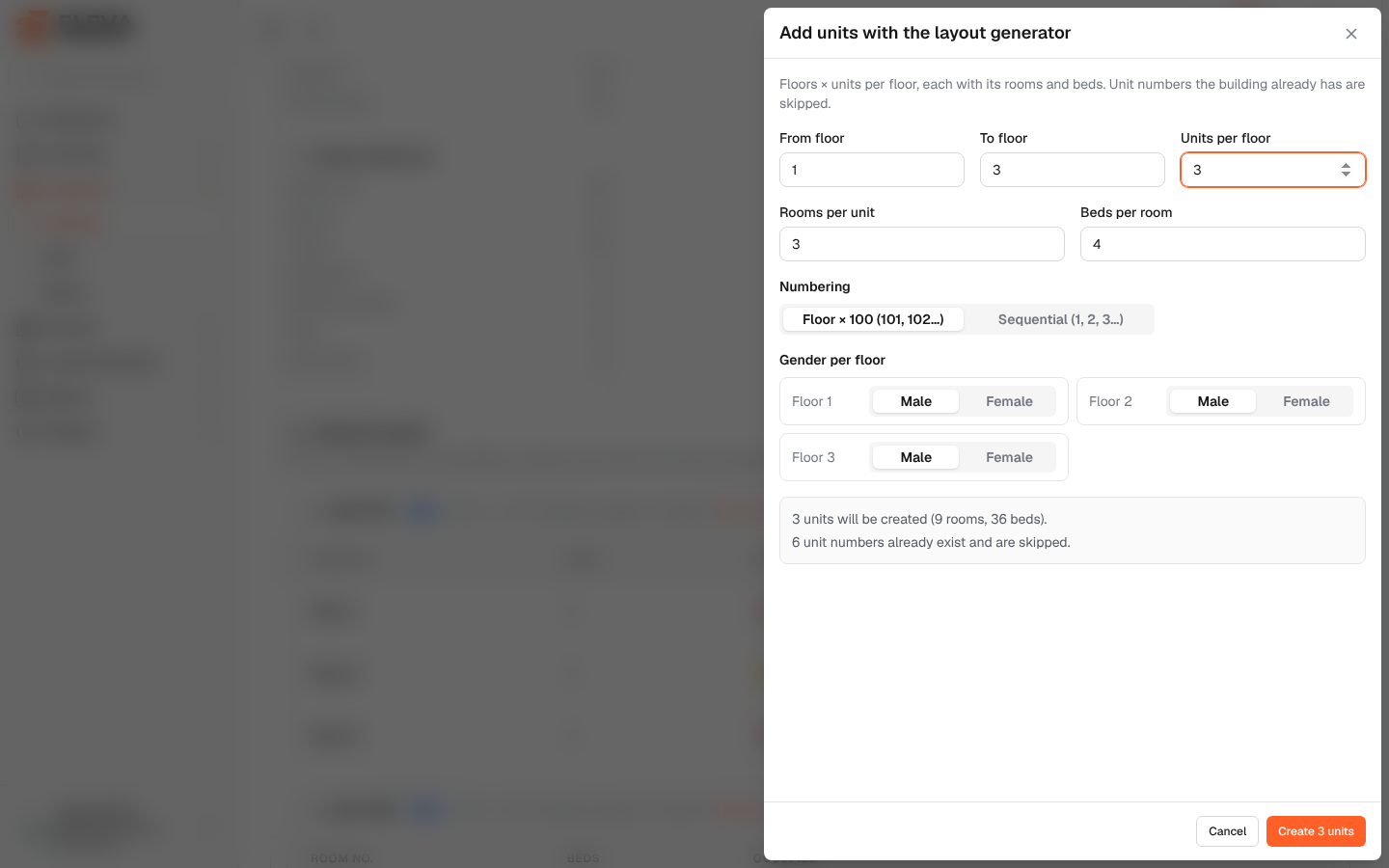
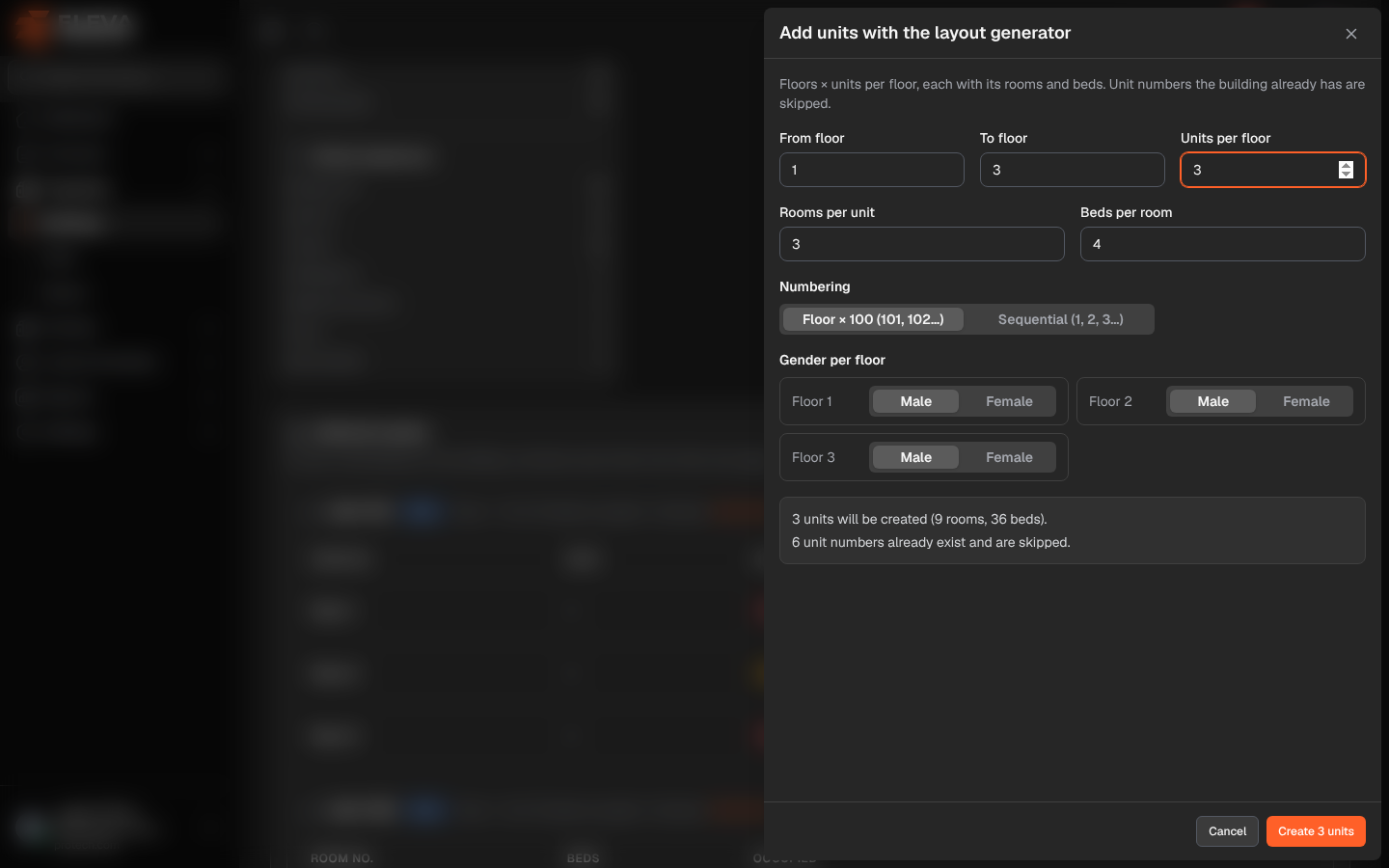
The layout generator creates many units at once: a number of units on each floor, each with the same number of rooms and beds. Use it right after adding a building, or to add floors later. Unit numbers the building already has are skipped.
Open the building and click Generate layout in Units & rooms.
Fields
Section titled “Fields”- From floor and To floor (required): the floors to fill, from 0 (ground) to the building’s number of floors.
- Units per floor (required): 1 to 100.
- Rooms per unit and Beds per room (required): 1 to 50.
- Numbering: Floor × 100 (101, 102…) numbers units by floor; Sequential (1, 2, 3…) numbers them one after another.
- Gender per floor: Male or Female for each floor.
The panel shows what will happen, for example 3 units will be created (9 rooms, 36 beds). and, when some numbers already exist, N unit numbers already exist and are skipped.
How to generate the layout
Section titled “How to generate the layout”- Click Generate layout.
- Fill in the floors, units, rooms and beds, the numbering and the gender of each floor.
- Check the summary.
- Click Create N units. The message gives the number of units, rooms and beds created and the numbers skipped.
Required permission
Section titled “Required permission”Buildings, units & rooms › Edit.