

Edit an instalment
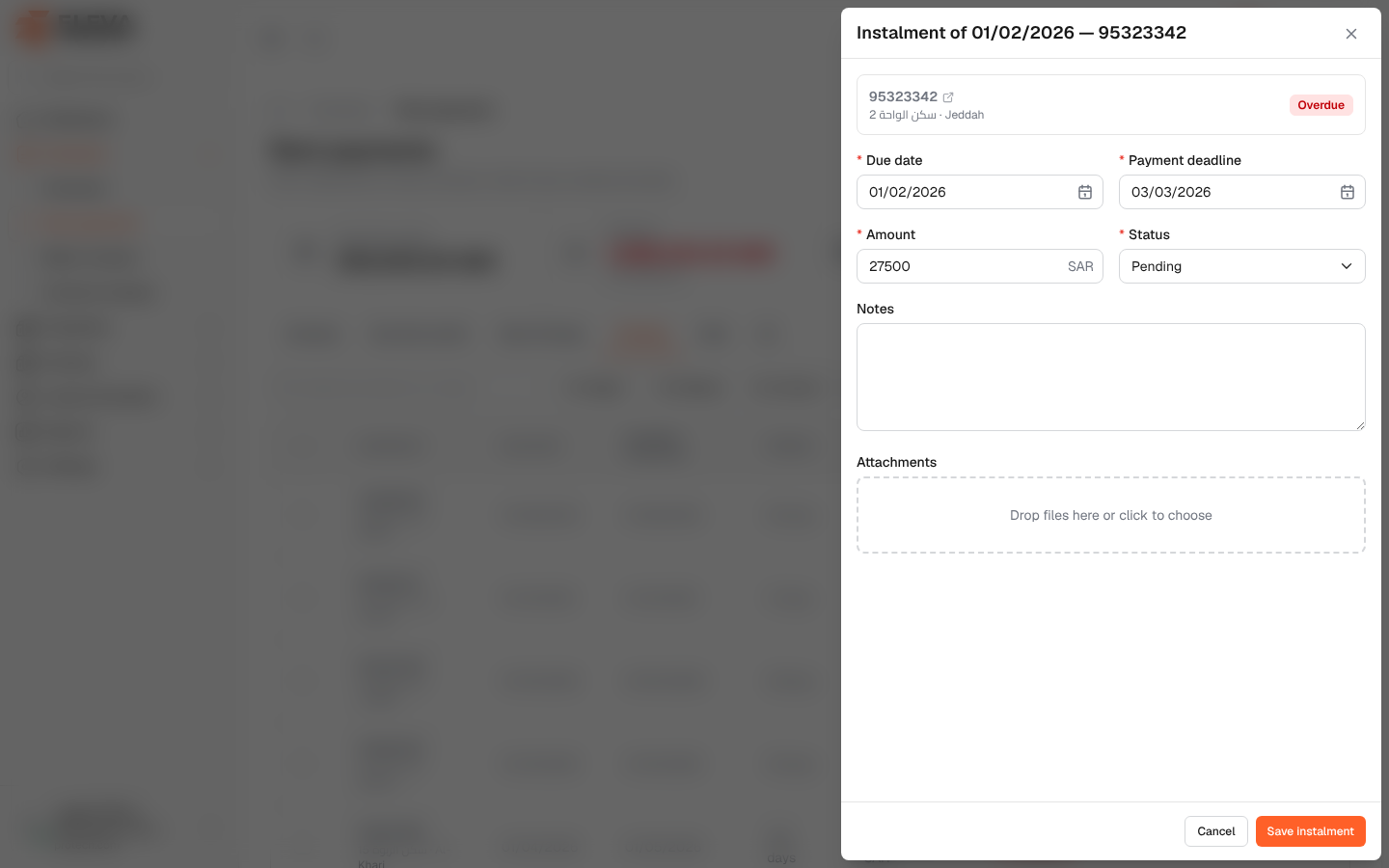
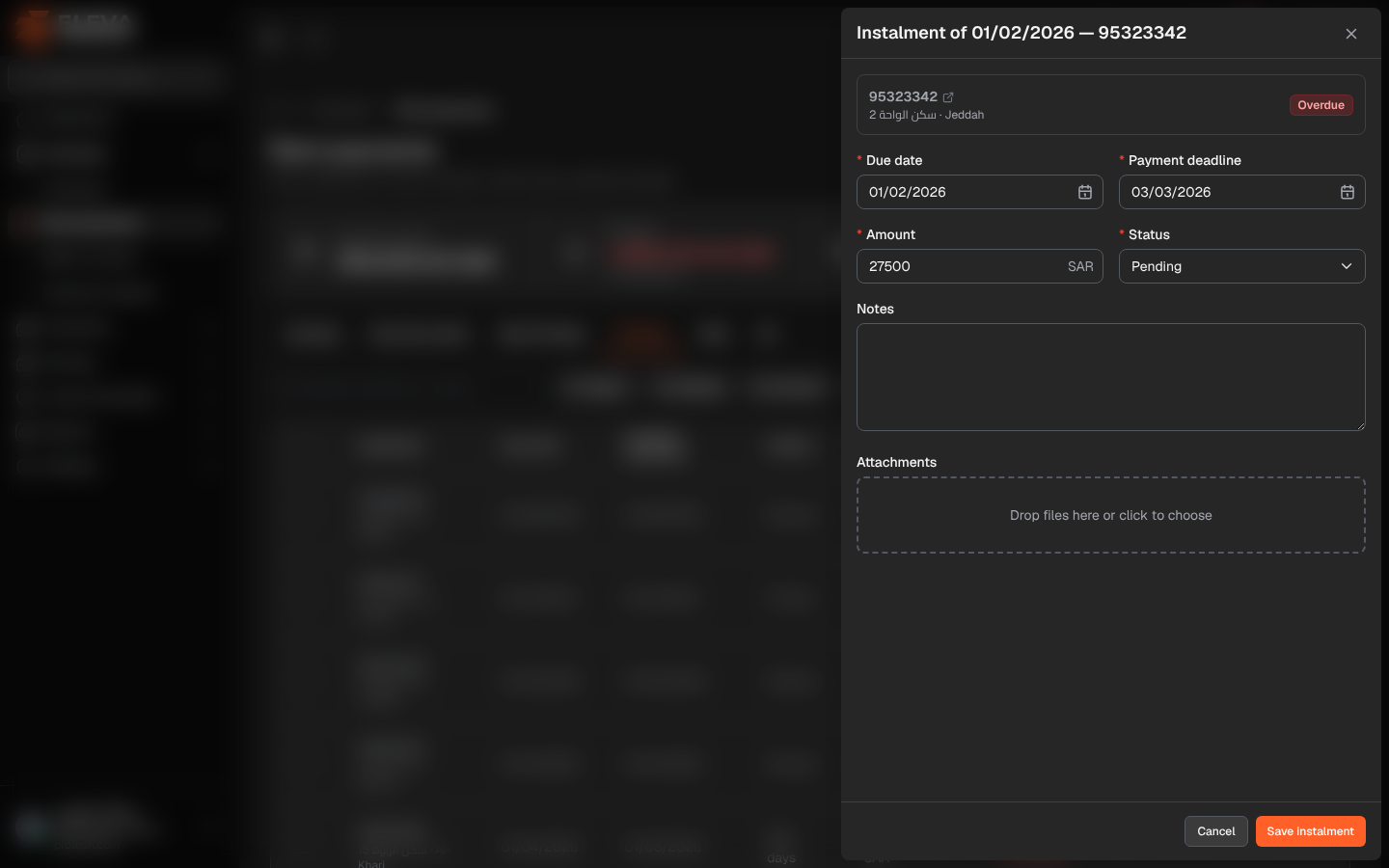
Each rent instalment can be opened to record its payment, attach the receipt, add a note or correct its dates and amount. The same panel opens from Rent payments and from the contract’s Payment schedule tab.
From the side menu, open Contracts › Rent payments and click an instalment.
What’s on this screen
Section titled “What’s on this screen”The title shows the due date and contract number, for example Instalment of 01/11/2026 — 95323342, with a link icon to open the contract and the current status.
Fields
Section titled “Fields”- Due date (required).
- Payment deadline (required): on or after the due date.
- Amount (required).
- Status (required): Pending or Paid. Choosing Paid fills Payment date with today.
- Payment date: required when the status is Paid, and only allowed then.
- Notes: up to 255 characters.
- Attachments: receipts or transfer slips, up to 20 files of up to 20 MB each.
How to record a payment
Section titled “How to record a payment”- Set Status to Paid.
- Check the Payment date.
- Attach the receipt if you have one.
- Click Save instalment.
Required permissions
Section titled “Required permissions”Rent payments › View to open the instalment; Rent payments › Edit to save changes.