

Notifications center
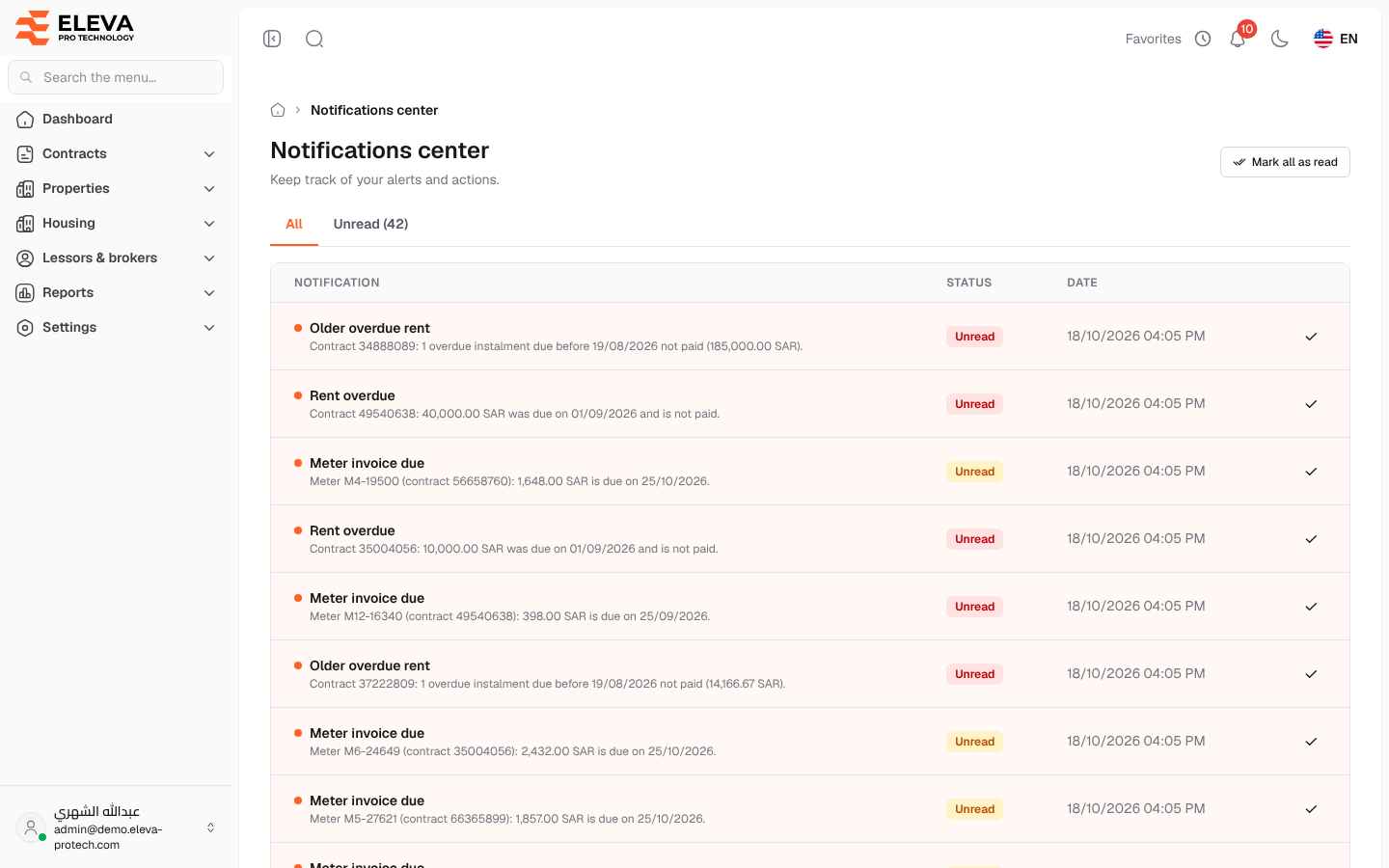
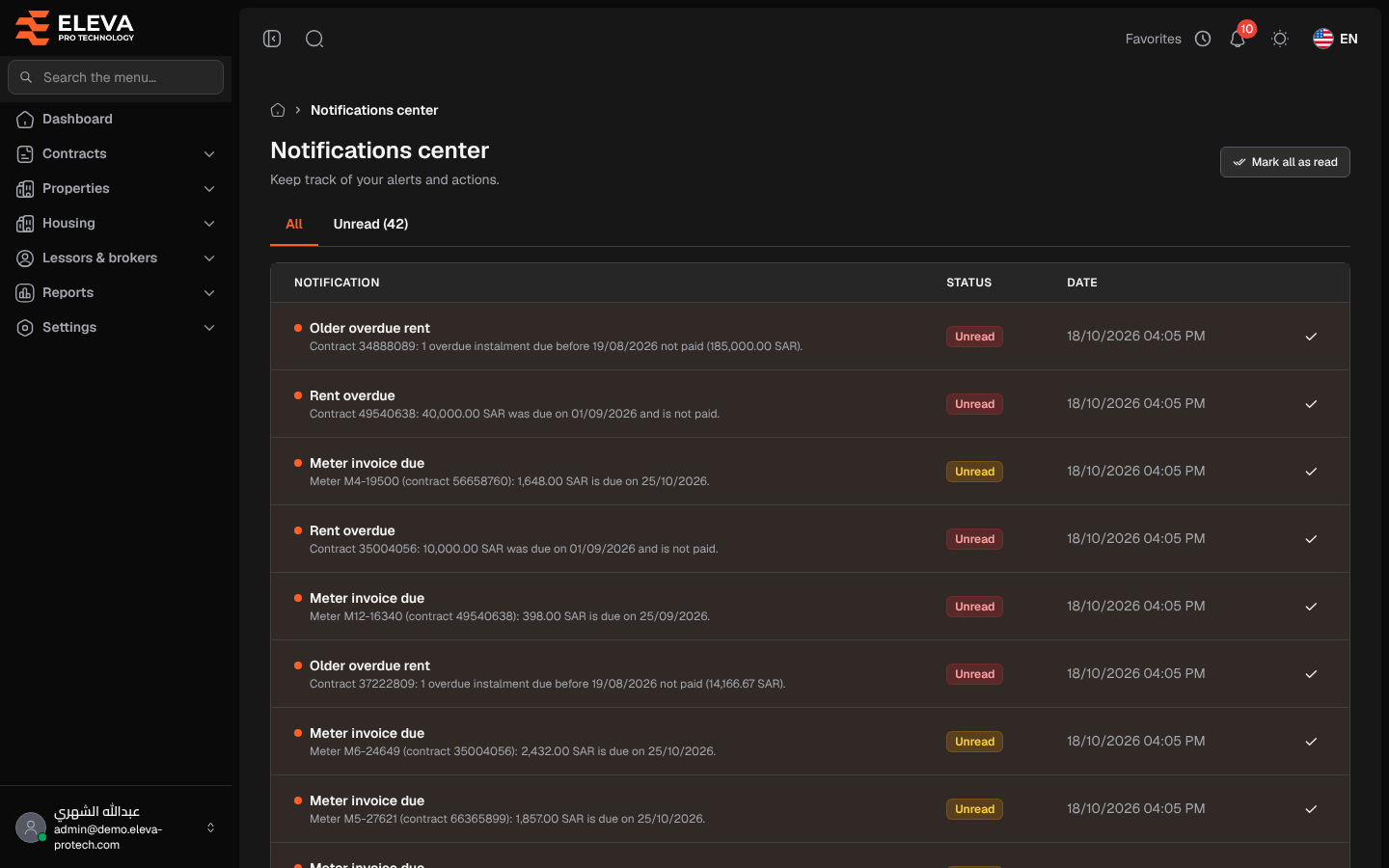
The notifications center lists every notification sent to you, newest first, so you can catch up on anything you missed. Each day the system sends reminders to the users who may see the record concerned: rent instalments due soon or overdue, contracts ending soon, meter invoices due soon, and a daily summary of the day’s reminders.
To open it, click the bell icon at the top of the screen, then View all notifications at the bottom of the list. The red badge on the bell shows how many notifications you have not read yet.
What’s on this screen
Section titled “What’s on this screen”- All and Unread (N): tabs that filter the list; N is the number of unread notifications.
- Mark all as read: appears when there are unread notifications and marks them all as read.
- The list. Unread notifications are highlighted and marked with a dot.
Columns
Section titled “Columns”- Notification: the title, such as Rent due soon, Rent overdue, Older overdue rent (overdue instalments older than the reminder period, one line per contract), Contract ending soon, Meter invoice due or Today’s reminders, with the details underneath (contract, amount and date), for example Contract 34888089: 1 overdue instalment due before 19/08/2026 not paid (185,000.00 SAR). Dates follow the date format of the general settings, and counts are worded in the singular or plural as needed.
- Status: Unread or Read.
- Date: when the notification was sent.
- A tick icon, Mark as read, on unread rows.
When there is nothing to show, the page displays No notifications.
How to open a notification
Section titled “How to open a notification”- Click the notification row.
- The notification is marked as read and the related screen opens, for example the contract whose rent is due.
Required permission
Section titled “Required permission”None: every signed-in user sees their own notifications.