

Employee details
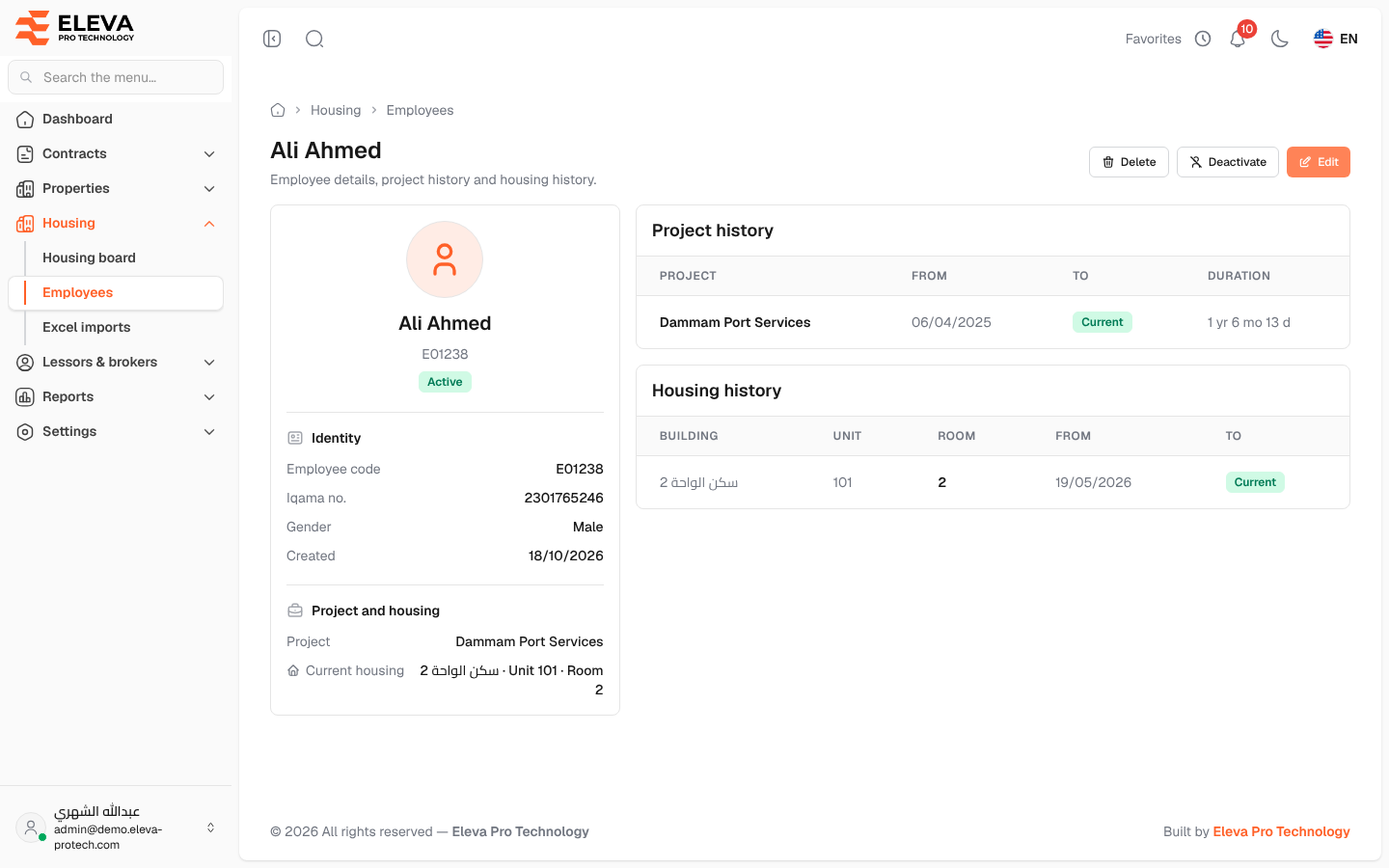
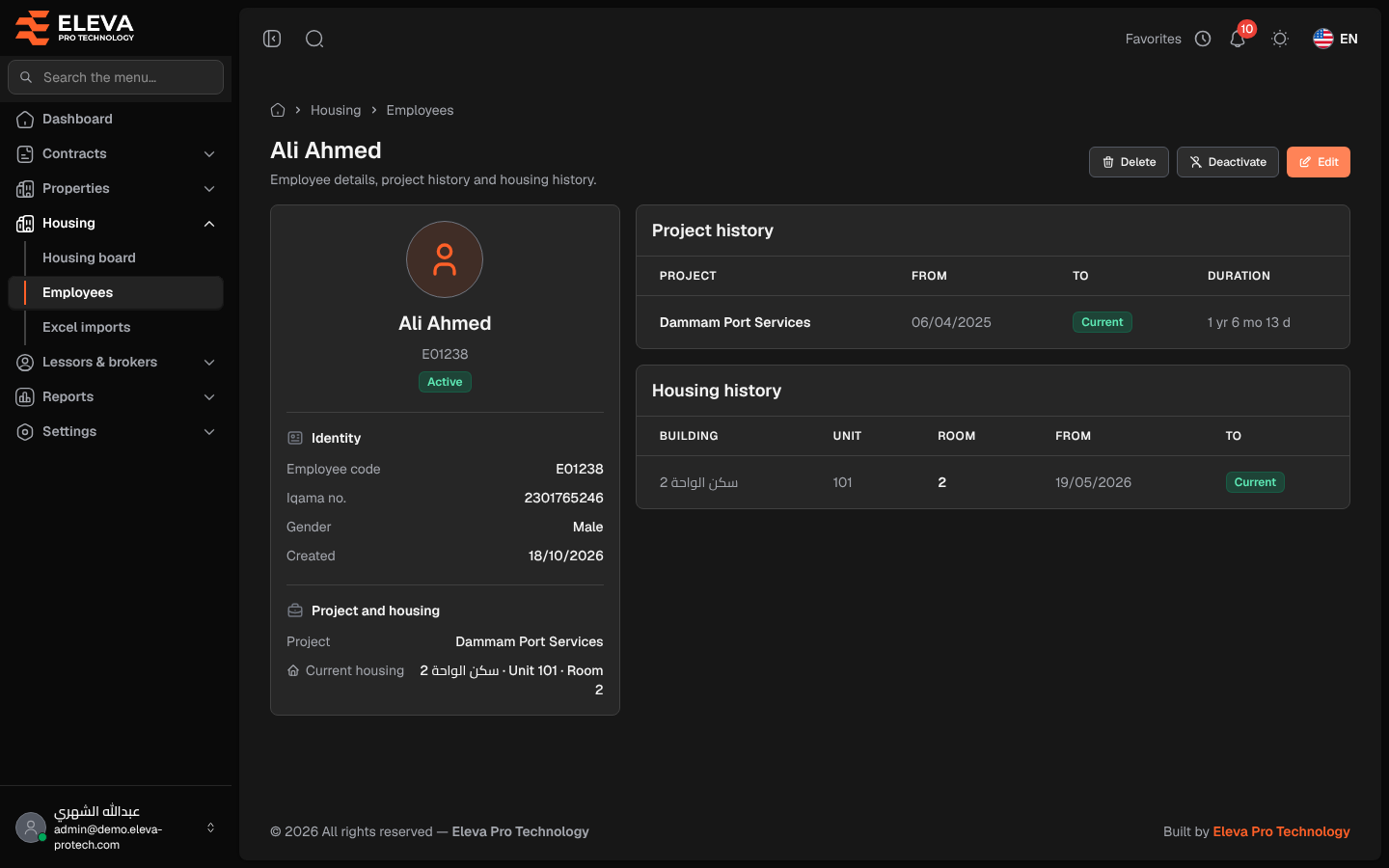
The employee page shows one employee’s details, where they live now, and the history of their projects and housing.
From the side menu, open Housing › Employees and click the employee.
What’s on this screen
Section titled “What’s on this screen”At the top: the employee’s name and the buttons Delete, Deactivate (or Activate) and Edit.
- A card with the name and status, then Identity (Employee code, Iqama no., Gender, Created) and Project and housing (Project and Current housing, a link to the room).
- Project history: Project, From, To (Current for the project they are on now) and Duration.
- Housing history: Building, Unit, Room, From and To (Current for where they live now).
How to deactivate or activate an employee
Section titled “How to deactivate or activate an employee”- Click Deactivate.
- Confirm in Deactivate employee. The employee becomes inactive and their current housing ends today.
Activate marks an inactive employee active again; their housing is not restored, so house them again from the Housing board.
Required permissions
Section titled “Required permissions”- Employees › View to open the page.
- Employees › Edit for Edit, Deactivate and Activate, and Employees › Delete for Delete.