

Edit contract
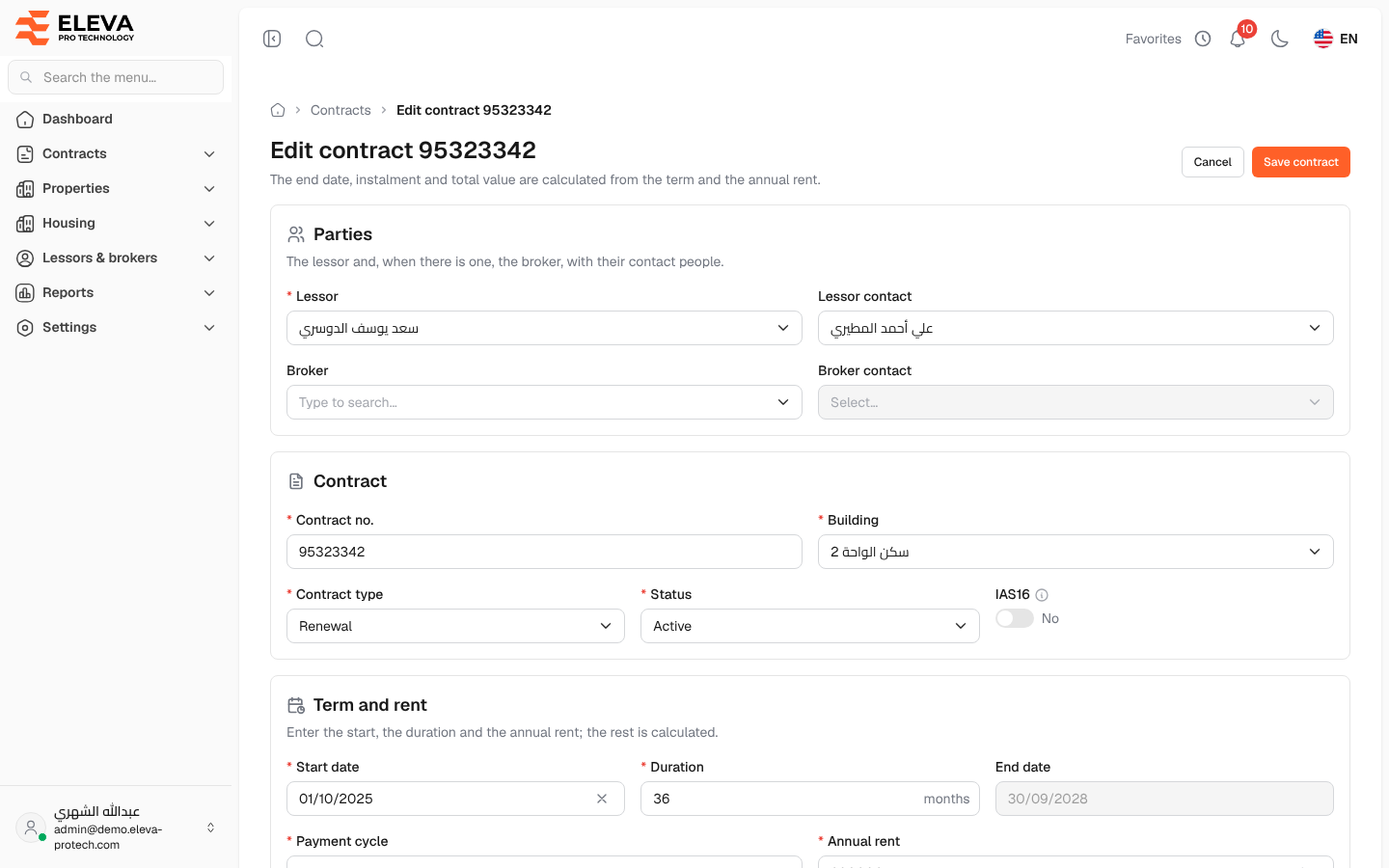
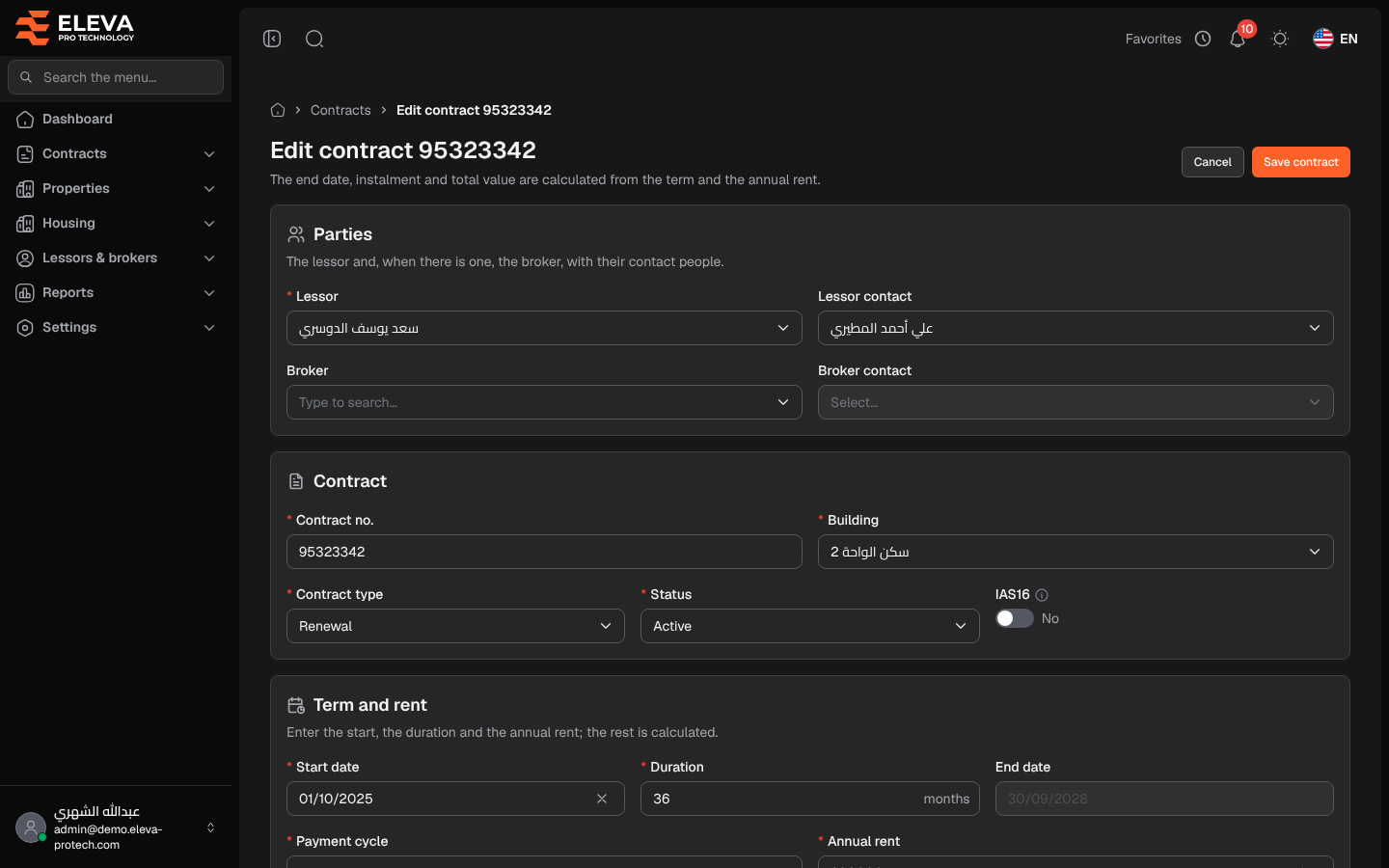
Edit a contract to correct its details or to change its terms, for example when the lease is extended or the rent changes. As in the wizard, you type the start date, duration and annual rent; the end date, instalment, number of instalments and total value are calculated.
Open the contract and click Edit.
Fields
Section titled “Fields”Parties
- Lessor (required) and Lessor contact: the contact must be one of the chosen lessor’s contacts.
- Broker and Broker contact: optional; the contact must be one of the chosen broker’s contacts.
Contract
- Contract no. (required): must not be used by another contract.
- Building (required).
- Contract type (required), Status (required: Active or Inactive) and IAS16.
Term and rent
- Start date (required), Duration (required, 1 to 600 months) and the calculated End date.
- Payment cycle (required) and Annual rent (required).
- The calculated Instalment, Instalments and Total value.
Commission and insurance: Broker commission and Insurance.
Notes: up to 5000 characters.
Attachments: Files: add files (up to 20 MB each) or remove existing ones.
How to edit a contract
Section titled “How to edit a contract”- Change the fields.
- Click Save contract, at the top or bottom of the page. Cancel returns to the contract without saving.
Required permission
Section titled “Required permission”Contracts › Edit.