

Forgot password
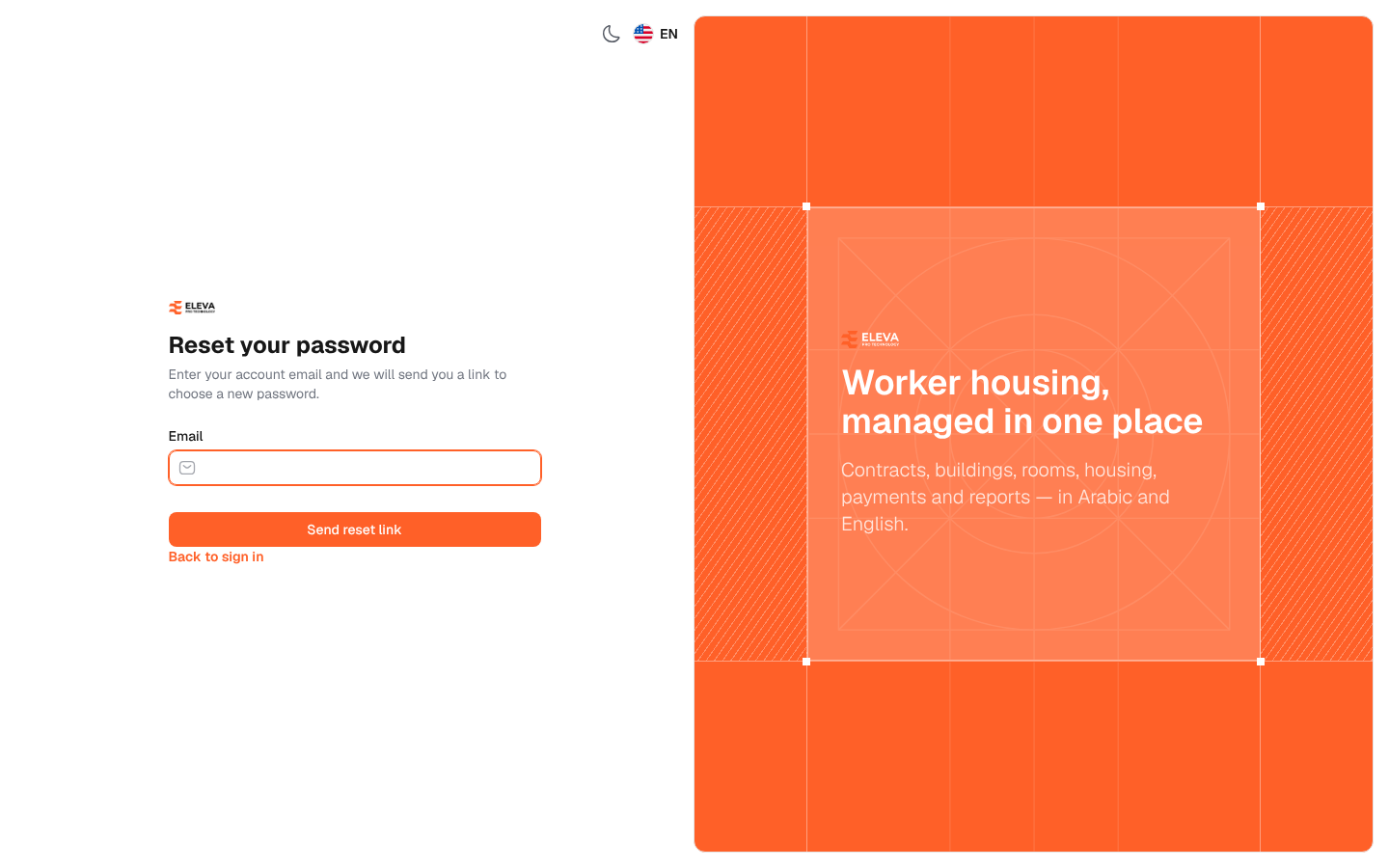
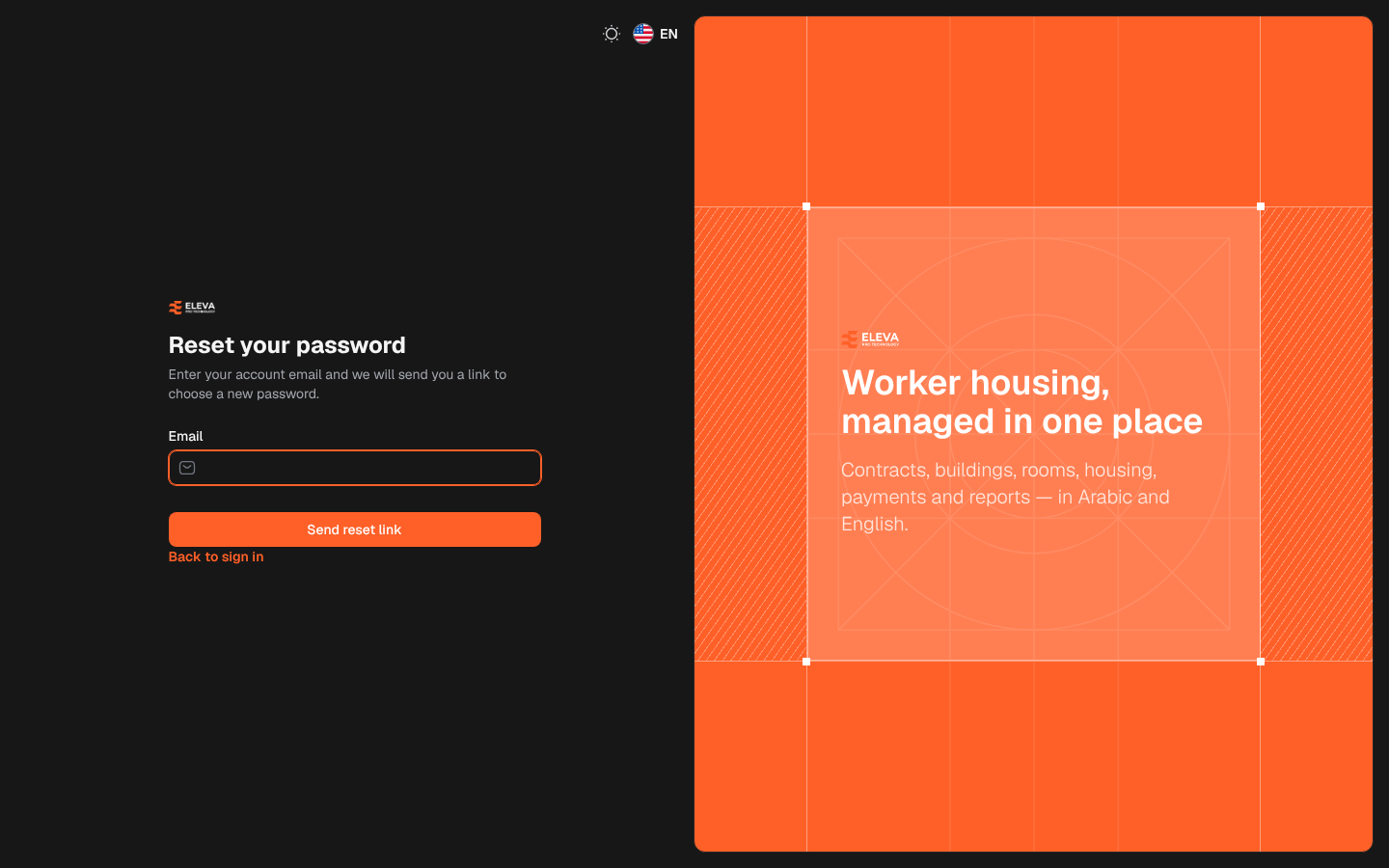
If you forget your password, you can choose a new one yourself through a link sent to your e-mail. The link reaches you only if the system’s mail server is set up in Settings › General settings › Email.
From the sign-in page, click Forgot password?.
What’s on this screen
Section titled “What’s on this screen”- Email: the e-mail address of your account.
- Send reset link: sends the message with the link.
- Back to sign in: returns to the sign-in page.
How to reset your password
Section titled “How to reset your password”- On the sign-in page, click Forgot password?.
- Type your account e-mail in Email and click Send reset link.
- When the page shows We have emailed your password reset link., open your mailbox and click the link in the message.
- On the Reset your password page, check Email, type the New password and repeat it in Confirm new password.
- Click Save password. The message Your password has been reset. appears and you can sign in with the new password.
Messages
Section titled “Messages”- We can’t find a user with that email address.: no account uses this e-mail. Check the spelling or ask your administrator.
- Please wait before retrying.: a link was requested a moment ago. Wait a little before asking for another one.
- This password reset token is invalid.: the link has expired or has already been used. Ask for a new link.