

Buildings
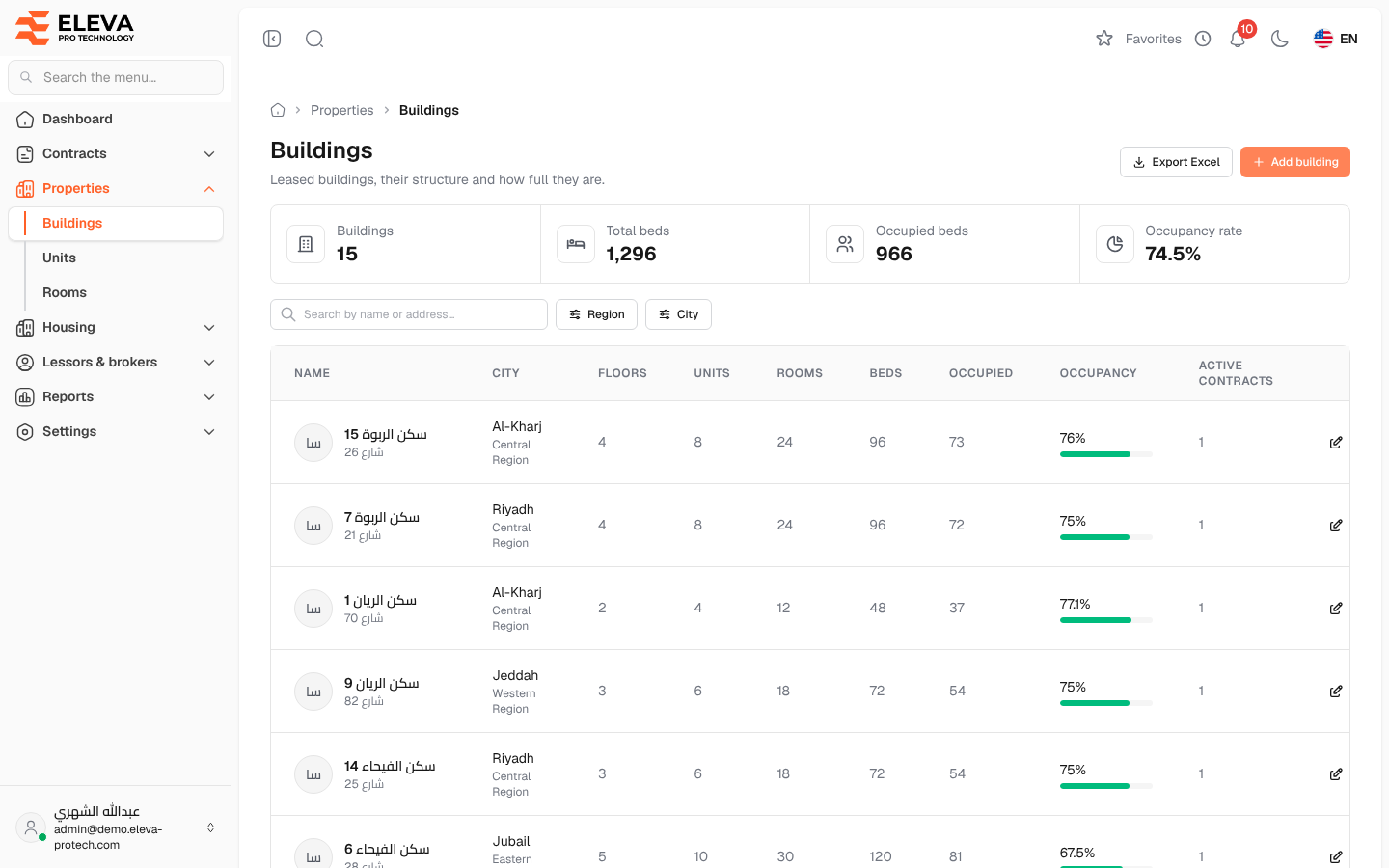
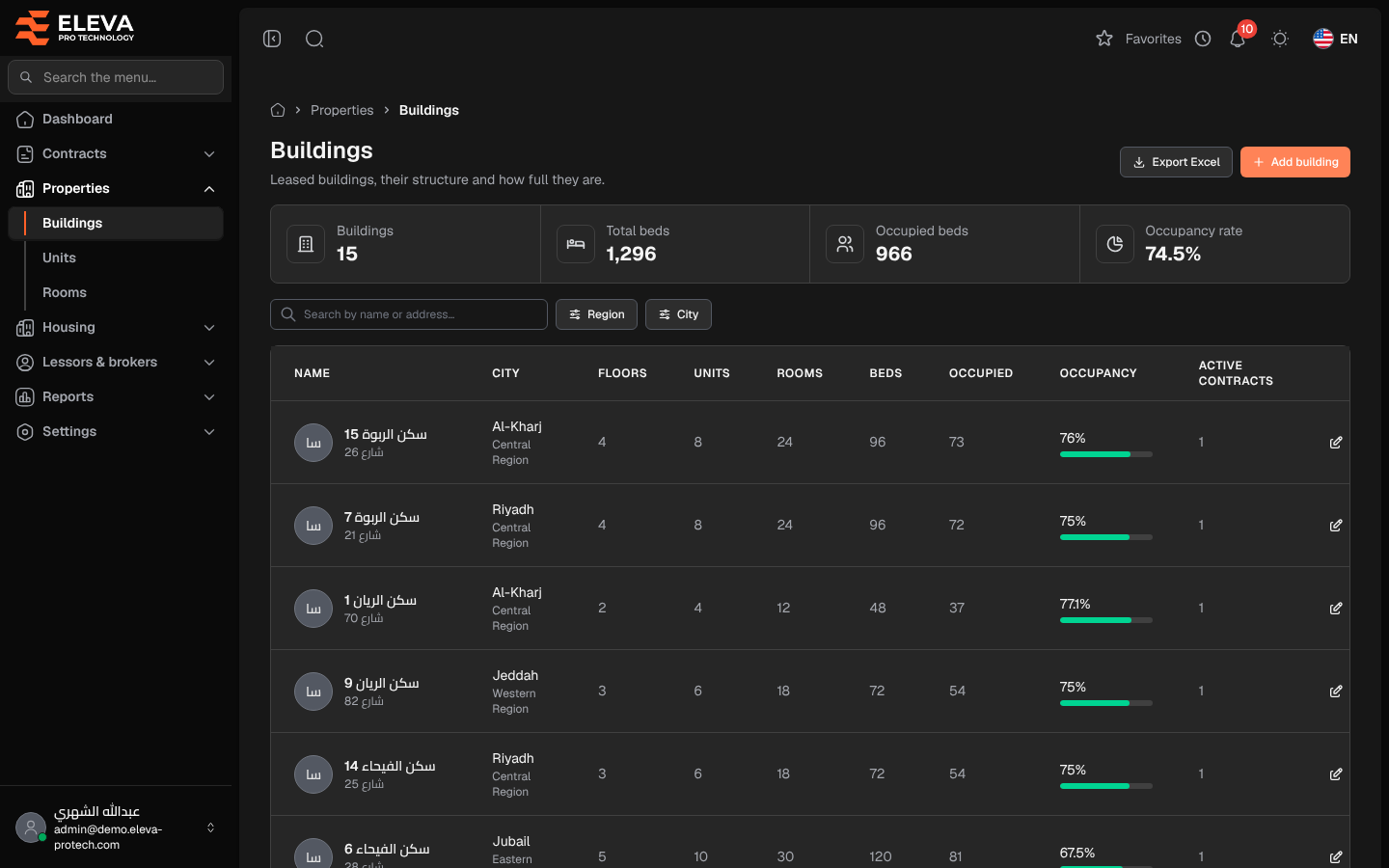
The Buildings screen lists the leased housing buildings with their structure and how full they are. Use it to find a building and open it, to add a building or to export the list.
From the side menu, open Properties › Buildings.
What’s on this screen
Section titled “What’s on this screen”- Summary cards: Buildings, Total beds, Occupied beds and Occupancy rate.
- Search by name or address…
- Filters: Region and City.
- Export Excel: downloads the list as shown.
- Add building: opens the building form. See Add or edit a building.
Columns
Section titled “Columns”- Name: the building name, with its address underneath.
- City: with the region underneath.
- Floors
- Units, Rooms and Beds: what the building has today.
- Occupied: beds occupied today.
- Occupancy: a bar with the occupancy rate.
- Active contracts
- Actions: Edit and Delete.
Click a row to open the building. See Building details.
How to delete a building
Section titled “How to delete a building”- Click the bin icon in the building’s row.
- Confirm with Delete in Delete building.
Required permissions
Section titled “Required permissions”- Buildings, units & rooms › View to open the screen.
- Buildings, units & rooms › Add, Edit and Delete for Add building, Edit and Delete.
- Buildings, units & rooms › Export for Export Excel.