

Units
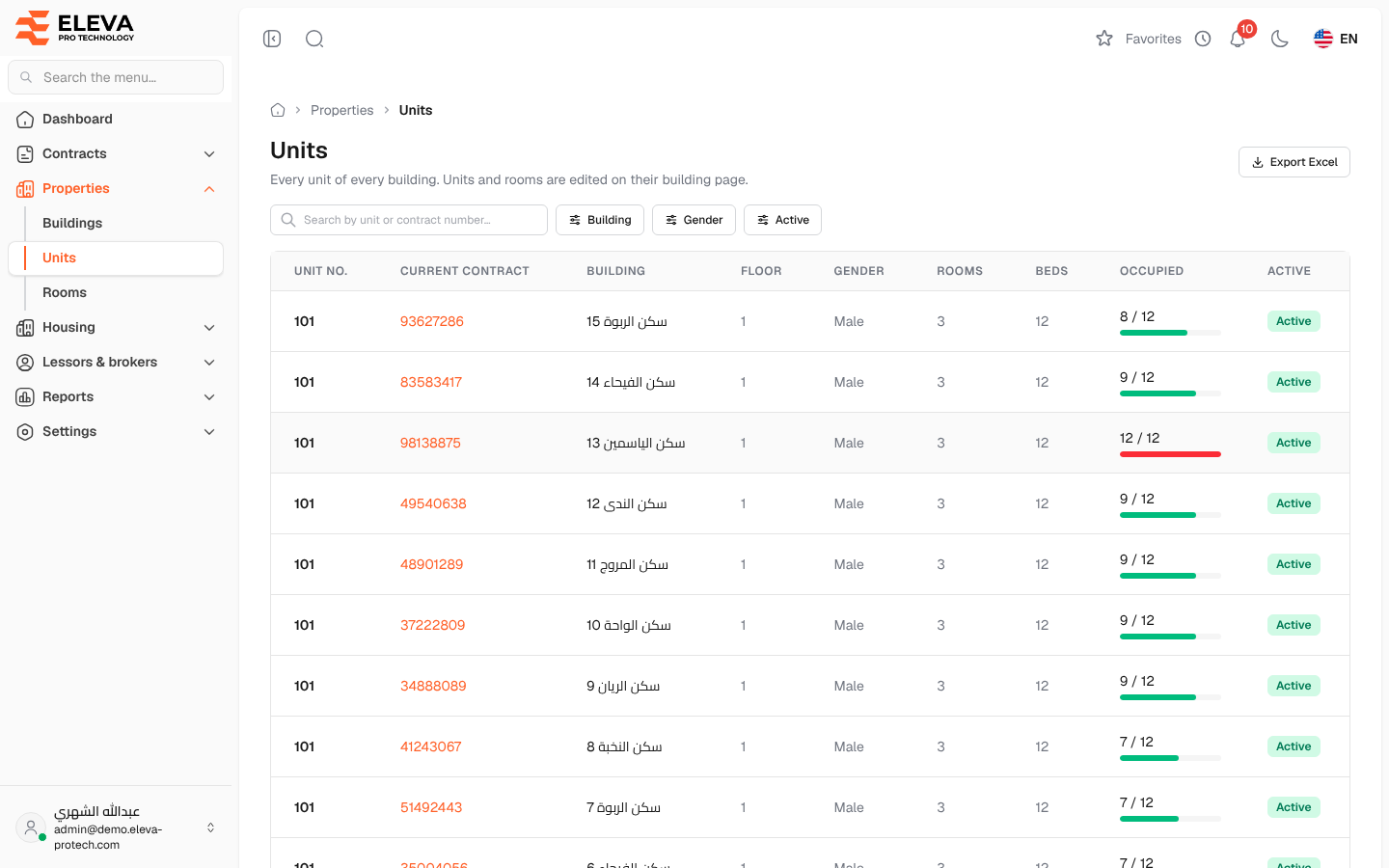
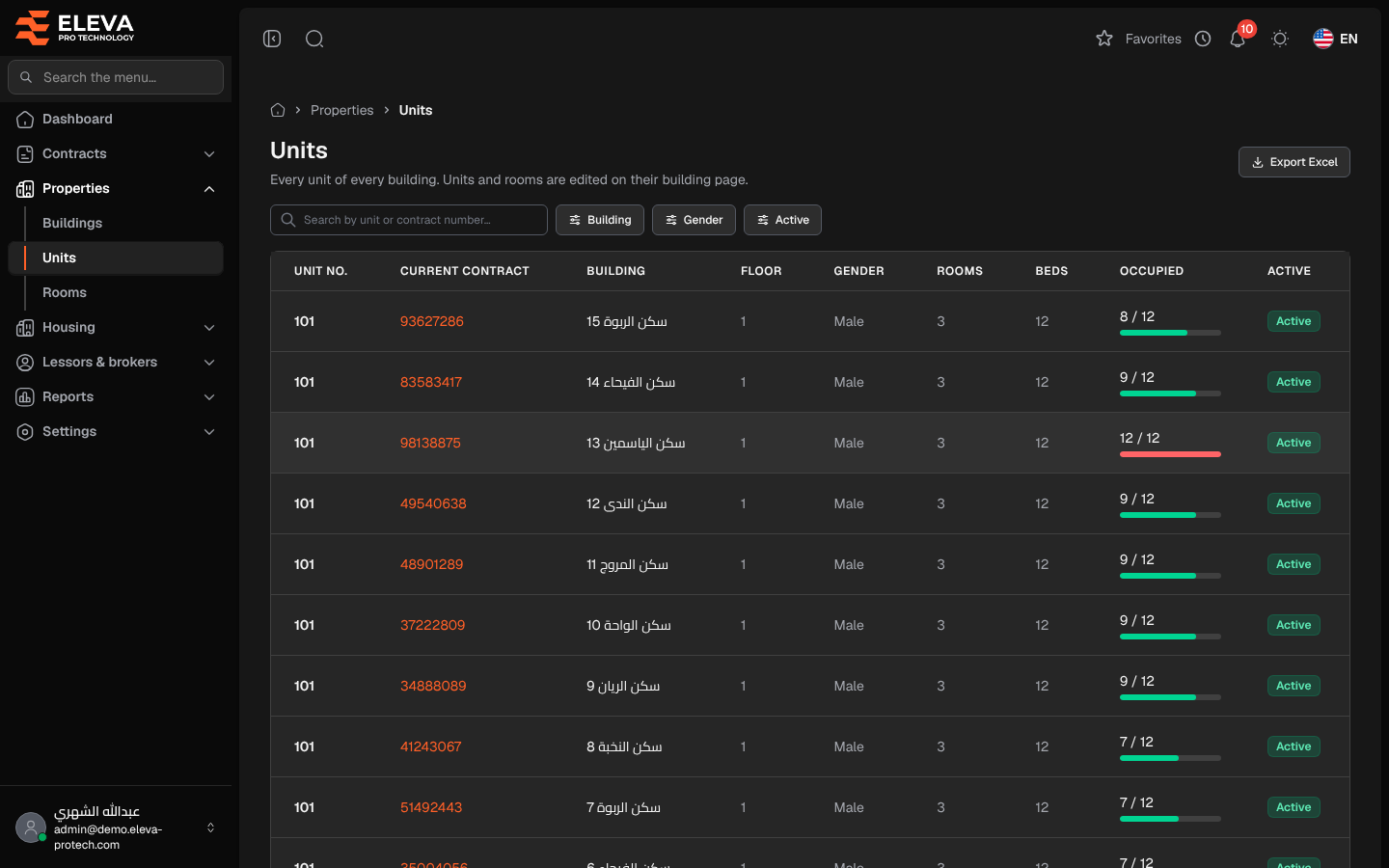
The Units screen lists every unit (flat) of every building in one table, with the contract that covers it today and how many of its beds are occupied. It is read-only: units and their rooms are added and changed on their building’s page.
From the side menu, open Properties › Units.
What’s on this screen
Section titled “What’s on this screen”- Search by unit or contract number…
- Filters: Building, Gender (Male or Female) and Active (Active or Inactive).
- Export Excel: downloads the list as shown.
Columns
Section titled “Columns”- Unit no.
- Current contract: the active contract that covers the unit, a link to the contract; — when no active contract covers it.
- Building: a link to the building page.
- Floor
- Gender: the residents the unit is for.
- Rooms and Beds
- Occupied: occupied beds out of all beds.
- Active: Active or Inactive.
How to change a unit
Section titled “How to change a unit”- Click the building name in the unit’s row.
- On the building page, find the unit in Units & rooms and click its pencil icon. See Units and rooms of a building.
Required permissions
Section titled “Required permissions”- Buildings, units & rooms › View to open the screen.
- Buildings, units & rooms › Export for Export Excel.