

Cost analysis
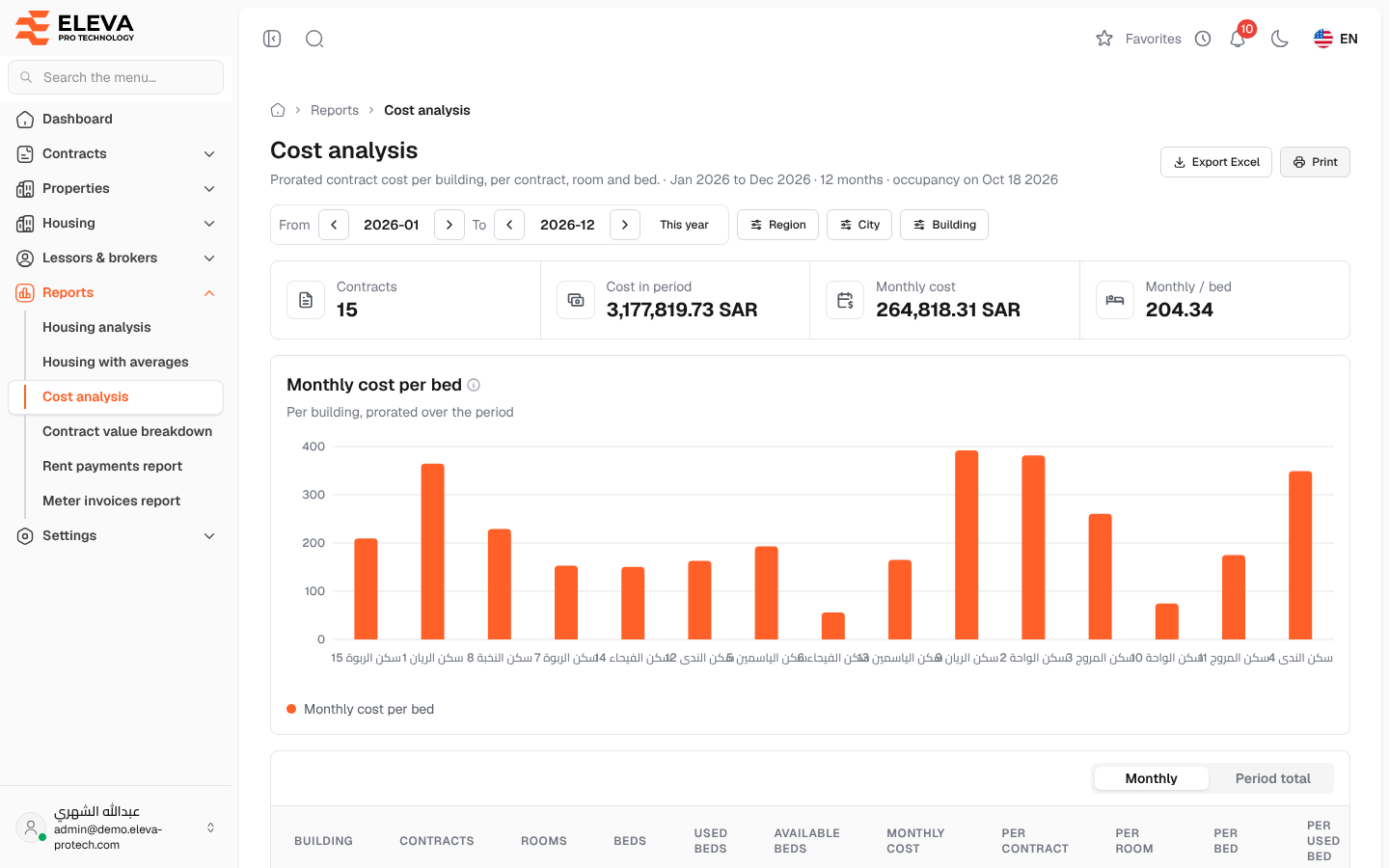
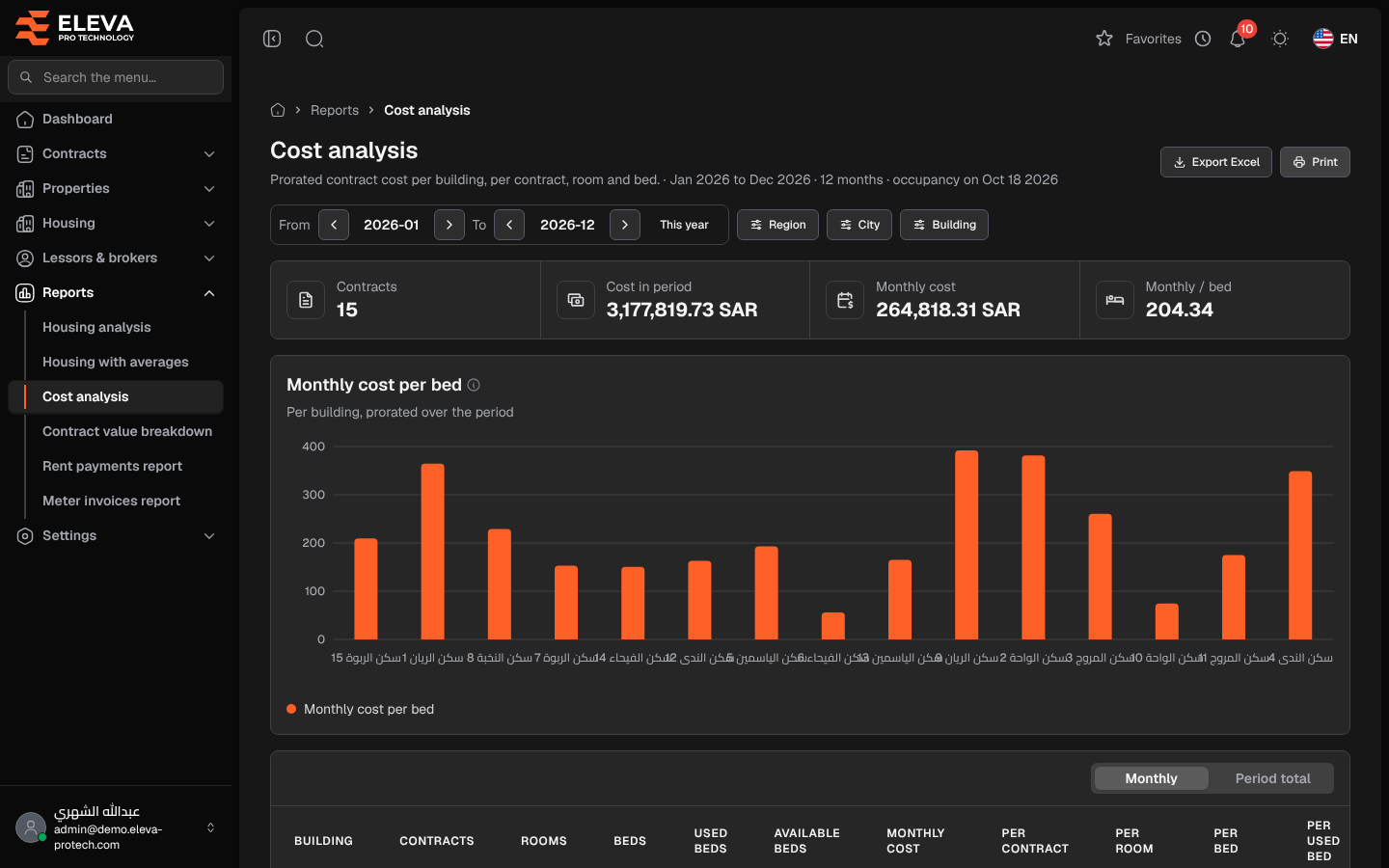
The Cost analysis report shows what each building costs over a period, spread over its contracts, rooms and beds. Use it to compare the cost of housing a worker in different buildings.
From the side menu, open Reports › Cost analysis.
Filters
Section titled “Filters”From, To (or This year), Region, City and Building.
What’s on this screen
Section titled “What’s on this screen”- Export Excel and Print.
- Summary cards: Contracts, Cost in period, Monthly cost and Monthly / bed.
- Monthly cost per bed: one bar per building.
- Monthly and Period total: switches the table between monthly amounts and amounts for the whole period.
- The table, with Total and Average per building rows.
Columns
Section titled “Columns”- Building: with the city and region underneath.
- Contracts, Rooms and Beds
- Used beds and Available beds
- Monthly cost (or Cost in period)
- Per contract, Per room, Per bed, Per used bed and Per available bed
The cost is the contract value spread over the days of the period (contract value × days of the contract inside the period ÷ contract days). Beds are counted on the last day of the period, or today.
Required permissions
Section titled “Required permissions”- Reports › View to open the report.
- Reports › Export for Export Excel.