

Add or edit a broker
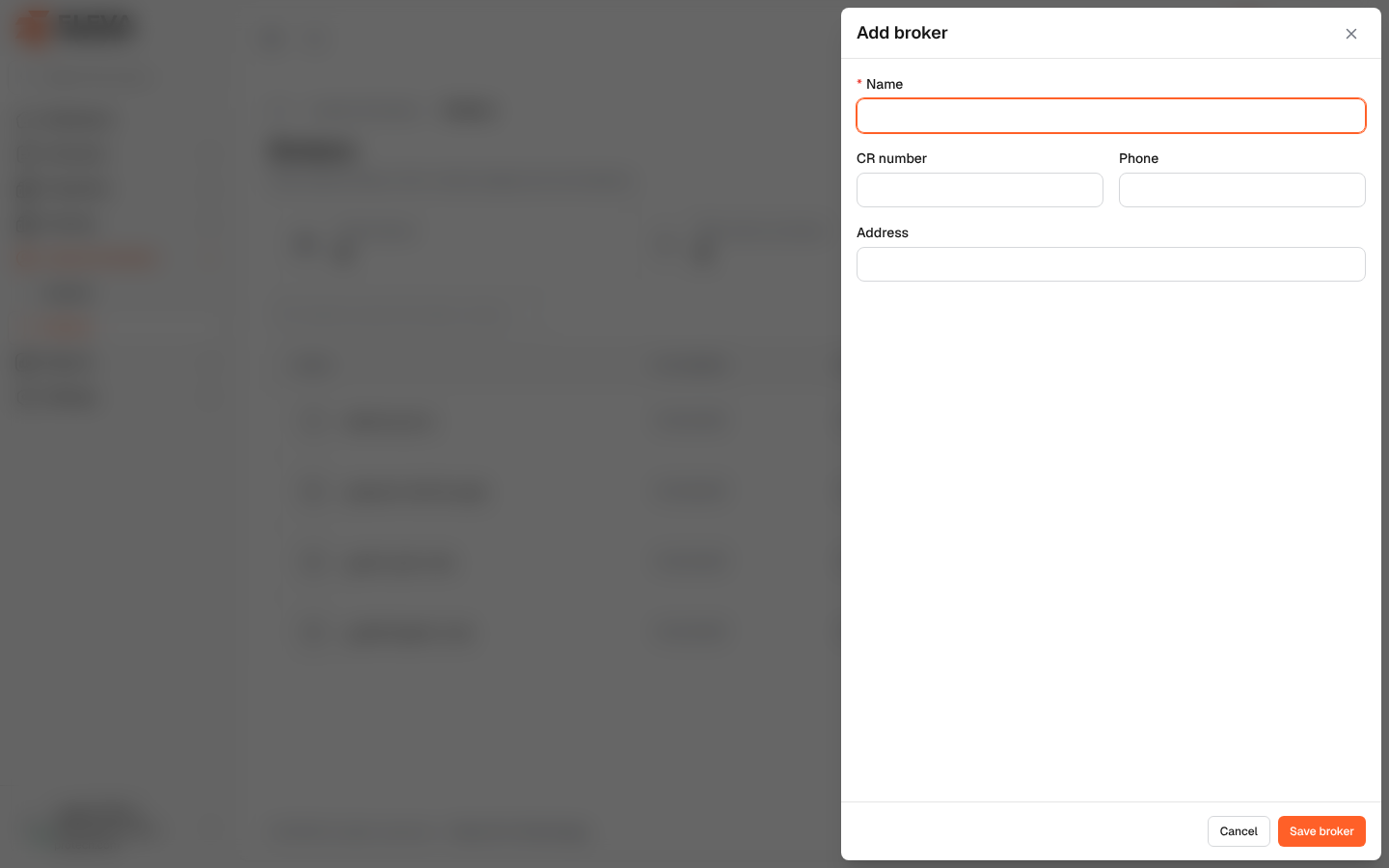
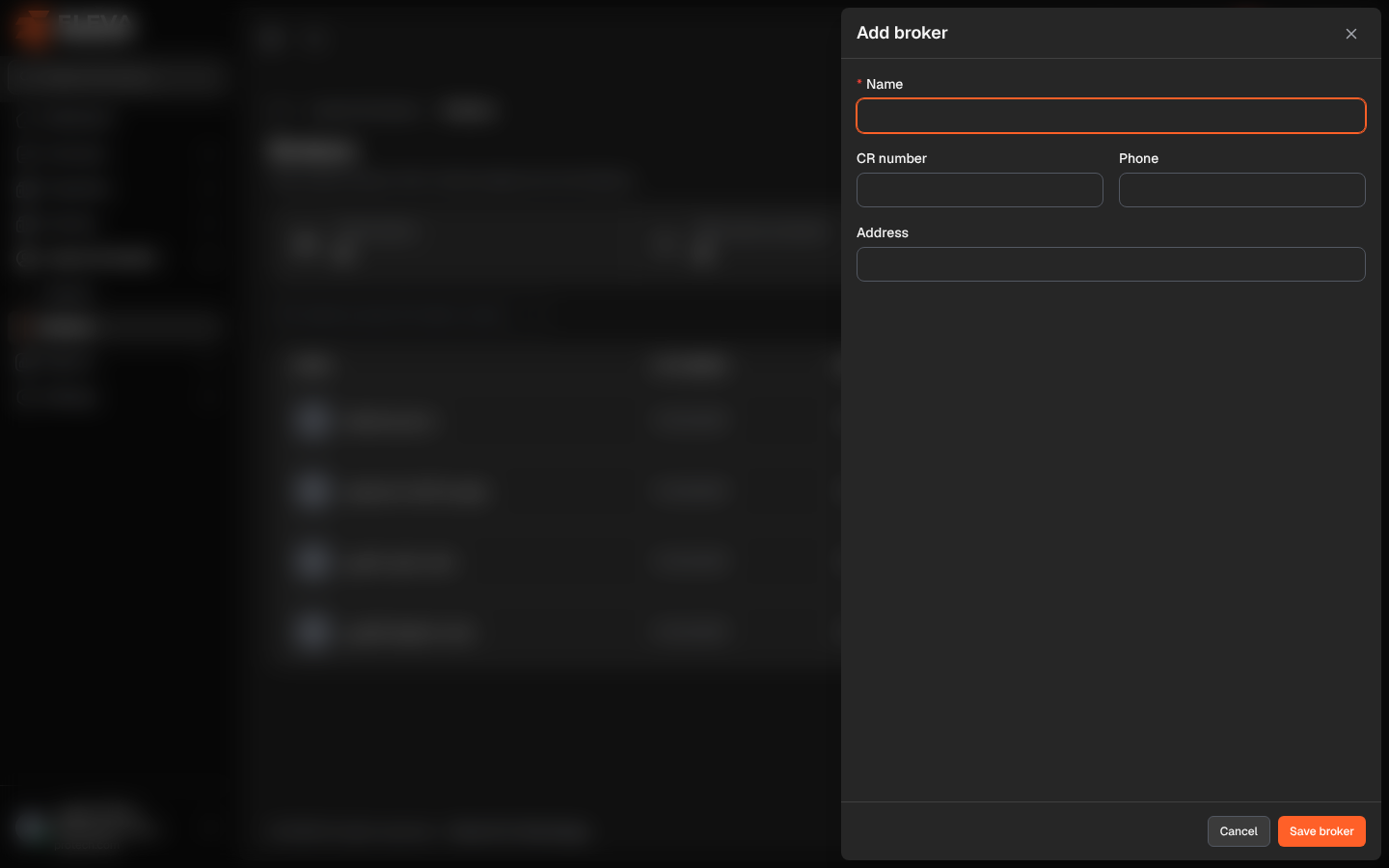
Add a broker before recording a contract made through them, or add them directly in the new contract wizard. Their contact people are added afterwards on the broker page.
From the side menu, open Lessors & brokers › Brokers and click Add broker. To edit a broker, click Edit on the broker page or the pencil icon in the list.
Fields
Section titled “Fields”- Name (required).
- CR number: must not belong to another broker.
- Phone: must not belong to another broker.
- Address
How to add a broker
Section titled “How to add a broker”- Click Add broker.
- Fill in the fields.
- Click Save broker, or Cancel to close without saving.
Required permissions
Section titled “Required permissions”Brokers › Add to add; Brokers › Edit to edit.