

New contract: meters
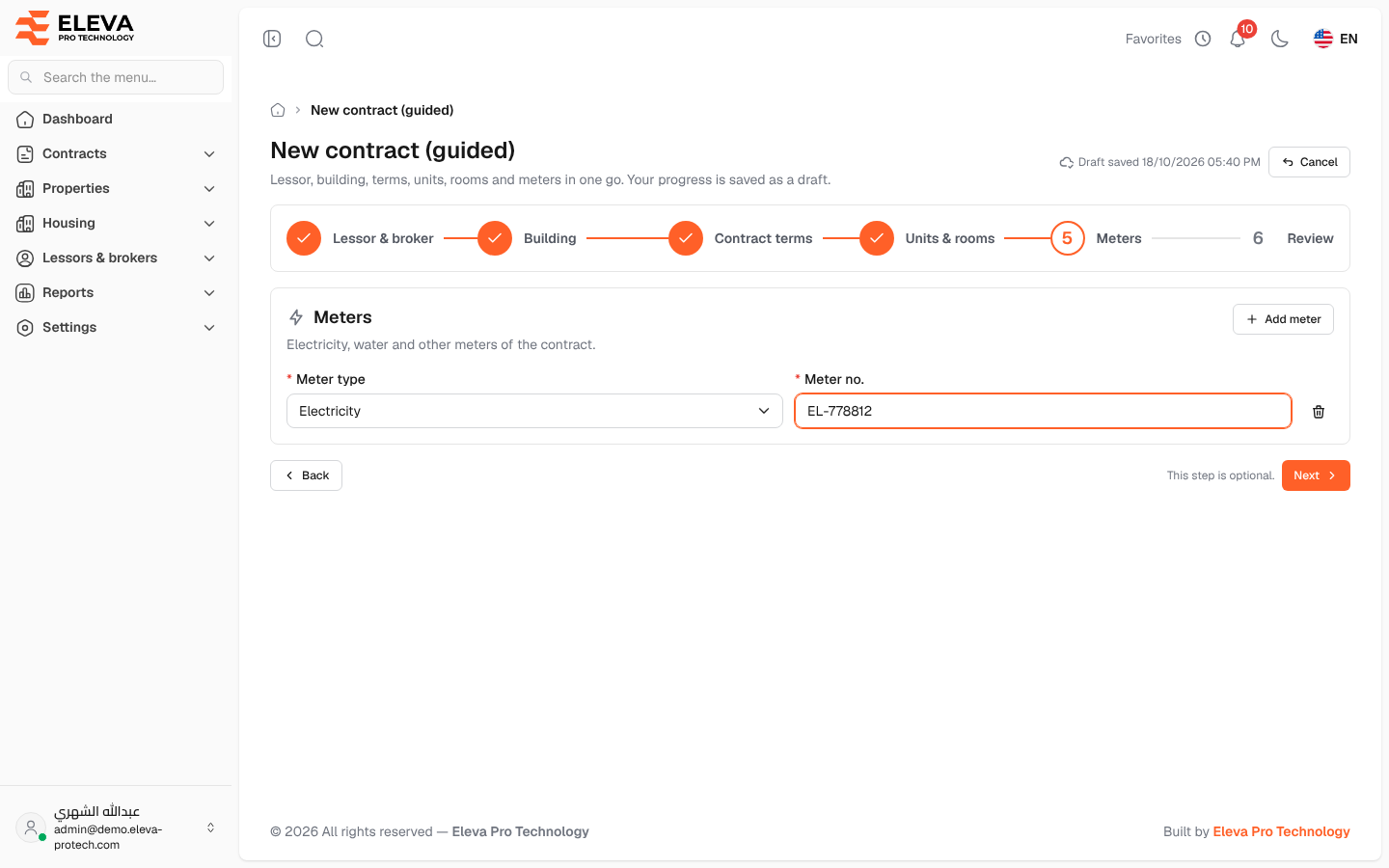
The fifth step lists the electricity, water and other meters of the leased building, so that their invoices can be recorded against the contract. This step is optional: meters can also be added later on the contract’s Meters & invoices tab.
Fields
Section titled “Fields”Each meter row has:
- Meter type (required): one of the meter types in Settings › Lists, such as electricity or water.
- Meter no. (required): the number printed on the meter. The same number cannot be used twice in the list (This meter number is used more than once.).
A contract can have up to 100 meters.
How to fill in this step
Section titled “How to fill in this step”- Click Add meter for each meter.
- Choose the Meter type and type the Meter no.. To remove a row, click its bin icon.
- Click Next.
When there are no meters, the step shows No meters. Add them here or later from the contract page.
Required permission
Section titled “Required permission”Contracts › Add.