

Contract renewal
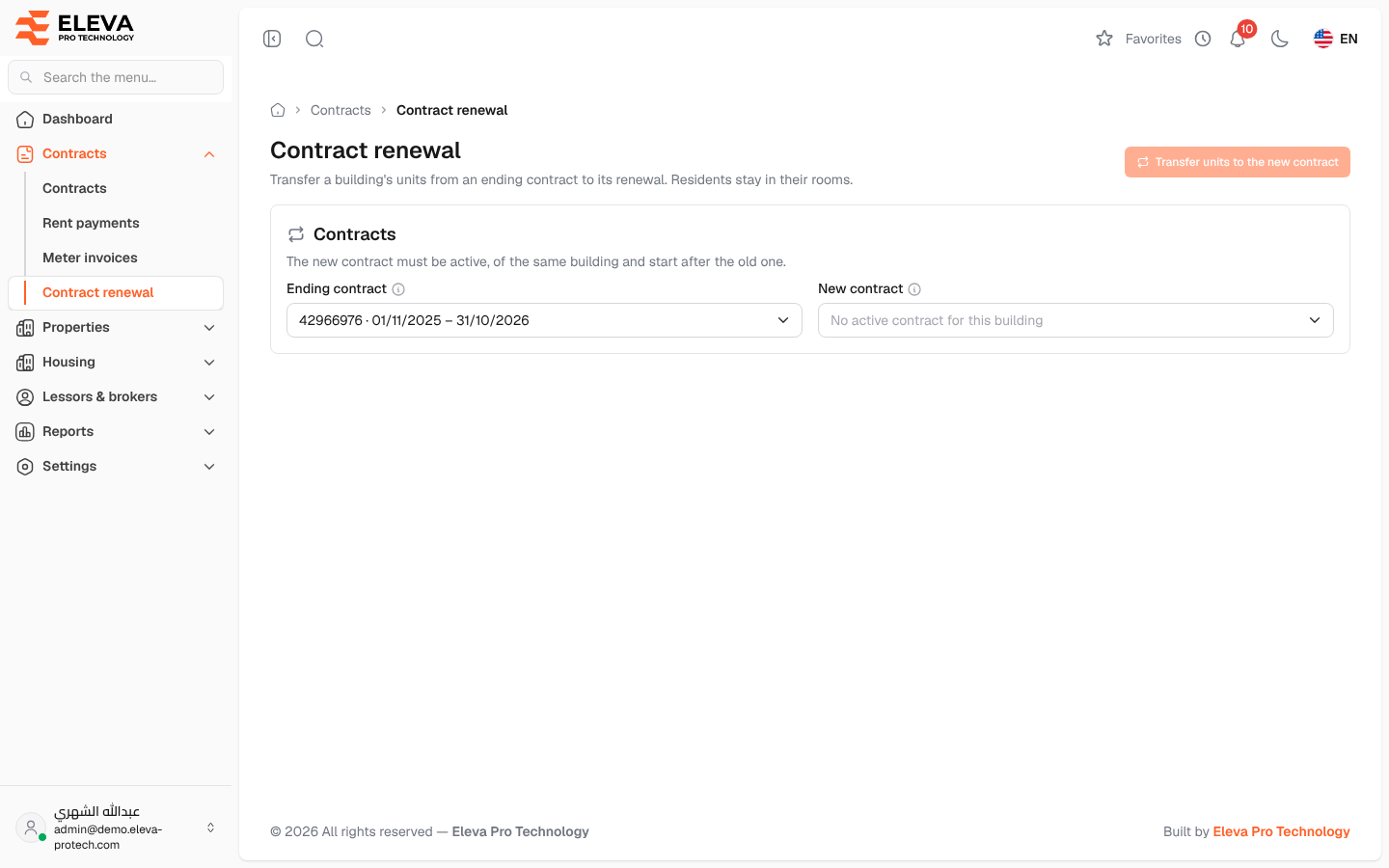
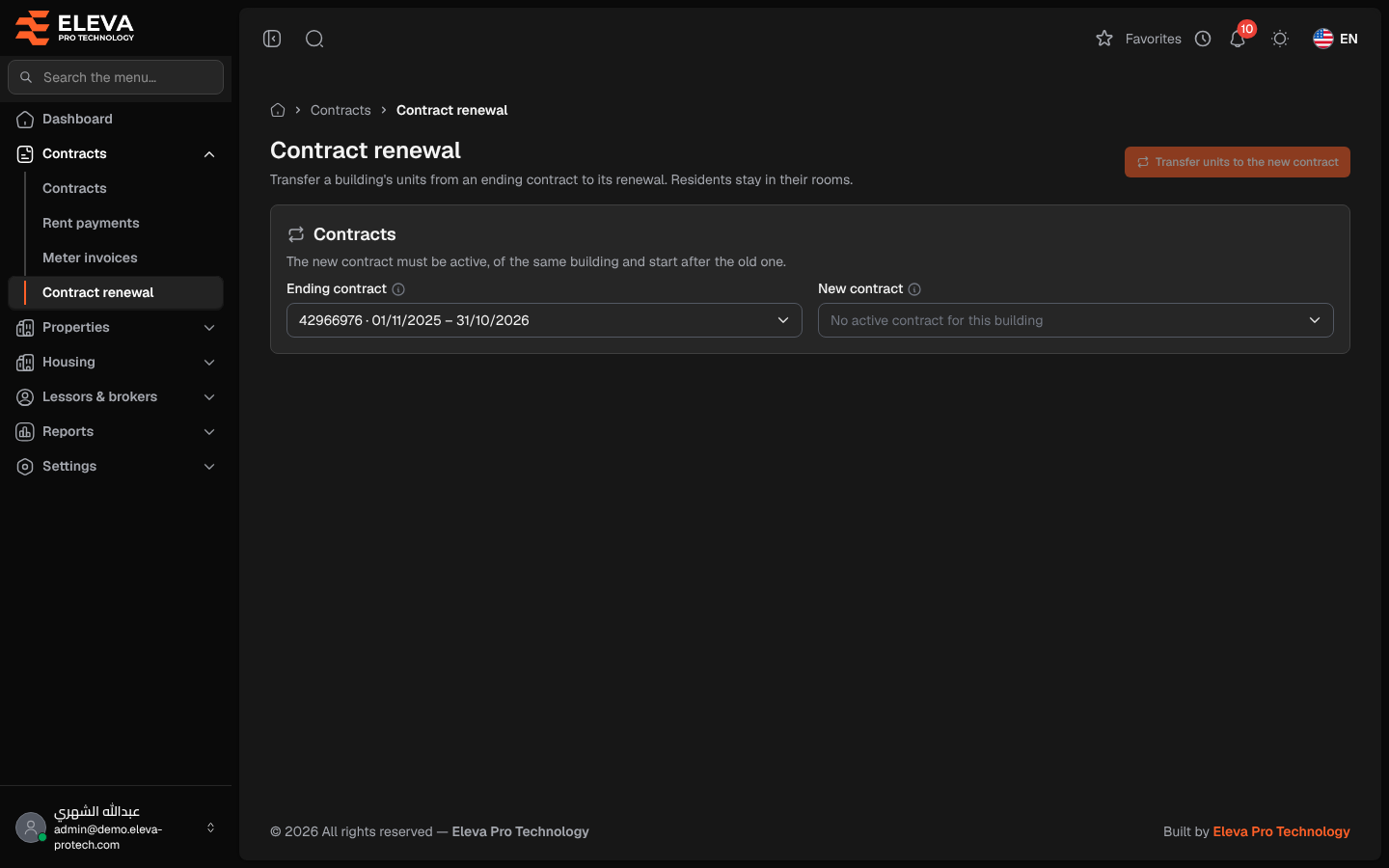
When a lease is renewed, the renewal is recorded as a new contract on the same building. Contract renewal then transfers the building’s units from the ending contract to the new one in one step. Nothing is copied and no stay changes: residents keep their rooms.
From the side menu, open Contracts › Contract renewal. The Housing board also has a Contract renewal button.
What’s on this screen
Section titled “What’s on this screen”- Ending contract: the contract to renew. Only contracts that are inactive or end within 90 days, cover units and were not renewed before are offered. When there are none, the page shows No contract is waiting for a renewal.
- New contract: the active contracts of the same building. When there are none, the field shows No active contract for this building.
- Once both are chosen, a preview: Units to transfer, Rooms, Beds and Residents now, and the date from which the new contract covers the units.
- Units (N): Unit, Floor, Gender, Rooms, Beds, Residents and New contract: Will be transferred or Already covered.
- Transfer units to the new contract: carries out the renewal.
How to renew a contract
Section titled “How to renew a contract”- Create the new contract with New contract for the same building. You can skip the Units & rooms step.
- Open Contracts › Contract renewal.
- Choose the Ending contract, then the New contract.
- Check the preview and the list of units.
- Click Transfer units to the new contract, read Renew the contract? and confirm.
The message Renewal done: N units transferred to the new contract; M residents stay in their rooms. confirms it.
- Both contracts must belong to the same building, and they must be different.
- The new contract must be active and must start after the old contract starts.
- A contract can be renewed only once (This contract was already renewed.).
- The old contract must cover units.
Required permission
Section titled “Required permission”Contracts › Renew contracts.