

Units and rooms of a building
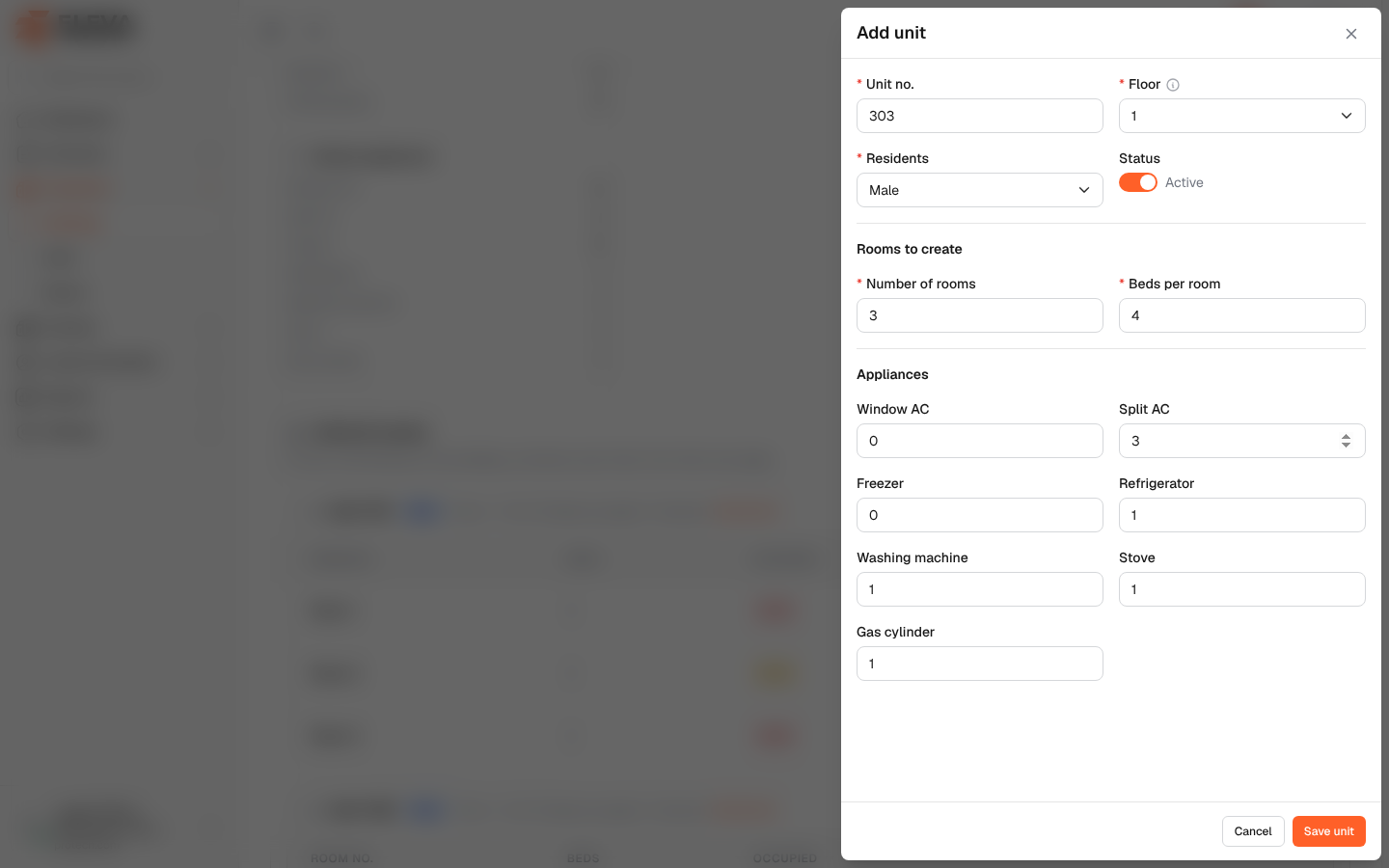
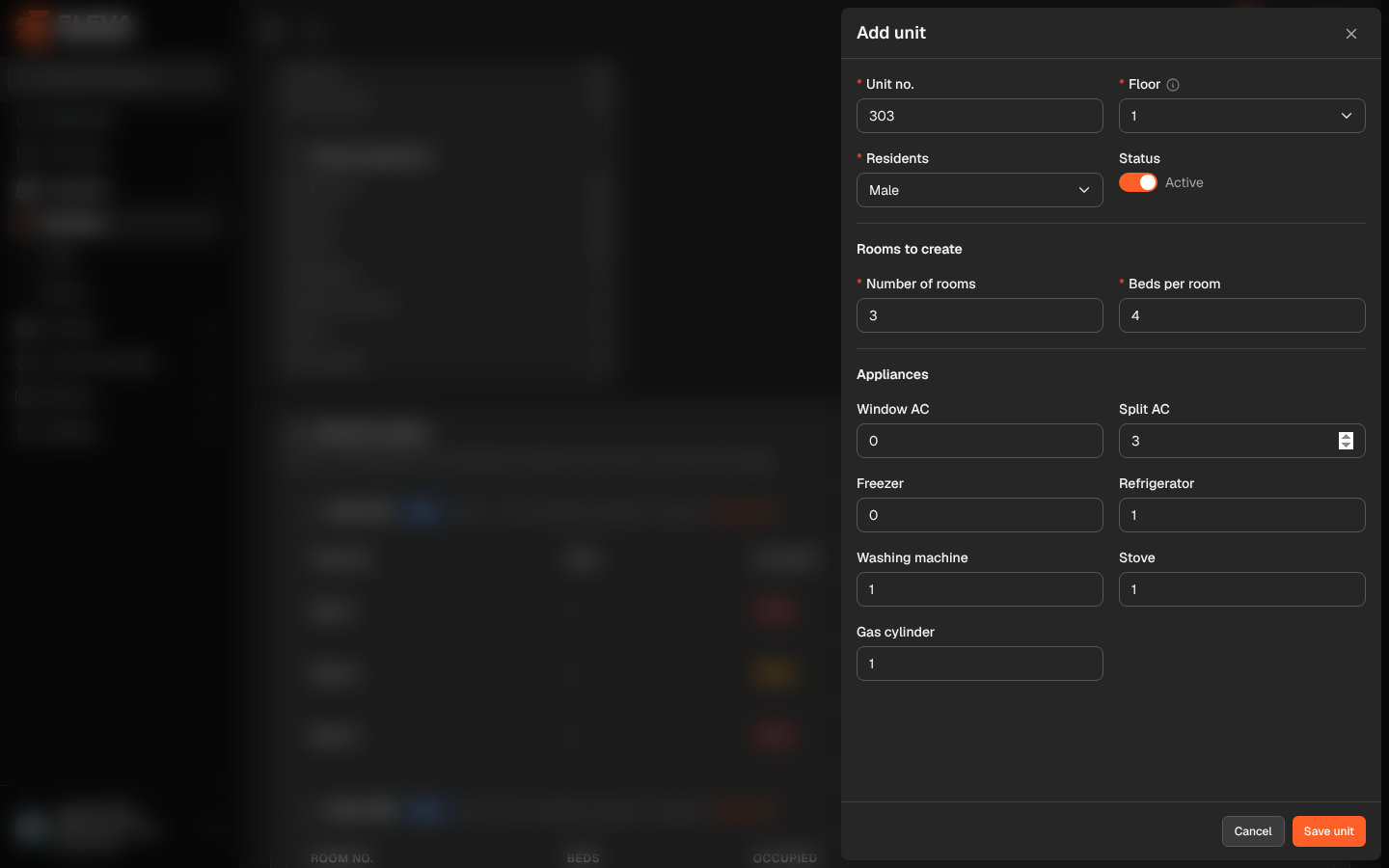
Units (flats) and their rooms belong to the building and are managed in the Units & rooms section of the building page. Each room has a number of beds; residents are housed in rooms from the Housing board. A unit can receive residents only when it is active and covered by an active contract.
Open the building and scroll to Units & rooms.
What’s on this screen
Section titled “What’s on this screen”- N units. Units belong to the building; contracts cover them from their own page.
- Generate layout: adds many units at once. See Generate a building layout.
- Add unit: adds one unit with its rooms.
- One card per unit: Unit N, the residents’ gender, Floor N · X of Y beds occupied and Contract (the contract that covers it). Tags show Inactive and No active contract when they apply. The buttons are Add room, Edit and Delete.
- Under each unit, its rooms: Room no., Beds and Occupied, with Open room, Edit and Delete. Click a room to open the room page.
Unit fields
Section titled “Unit fields”- Unit no. (required): a whole number, unique in the building.
- Floor (required): Ground or a floor number, up to the building’s number of floors (The building has N floors.).
- Residents (required): Male or Female.
- Status: Active or Inactive. An inactive unit cannot receive residents.
- Rooms to create (new unit only): Number of rooms and Beds per room, from 1 to 50.
- Appliances: the counts of each appliance in the unit (0 to 99), copied from the building’s defaults.
Room fields
Section titled “Room fields”- Room no. (required): unique in the unit.
- Beds (required): 1 to 50. It cannot be fewer than the residents living in the room now or booked later.
How to add a unit
Section titled “How to add a unit”- Click Add unit.
- Fill in the fields and click Save unit. The unit is created with its rooms and beds.
To add a single room to an existing unit, click Add room on the unit, fill in Room no. and Beds and click Save room.
How to delete a unit or a room
Section titled “How to delete a unit or a room”- Click the bin icon of the unit or the room.
- Confirm with Delete. Deleting a unit deletes its rooms, and contracts stop covering it.
Required permission
Section titled “Required permission”Buildings, units & rooms › Edit.