

Contract attachments
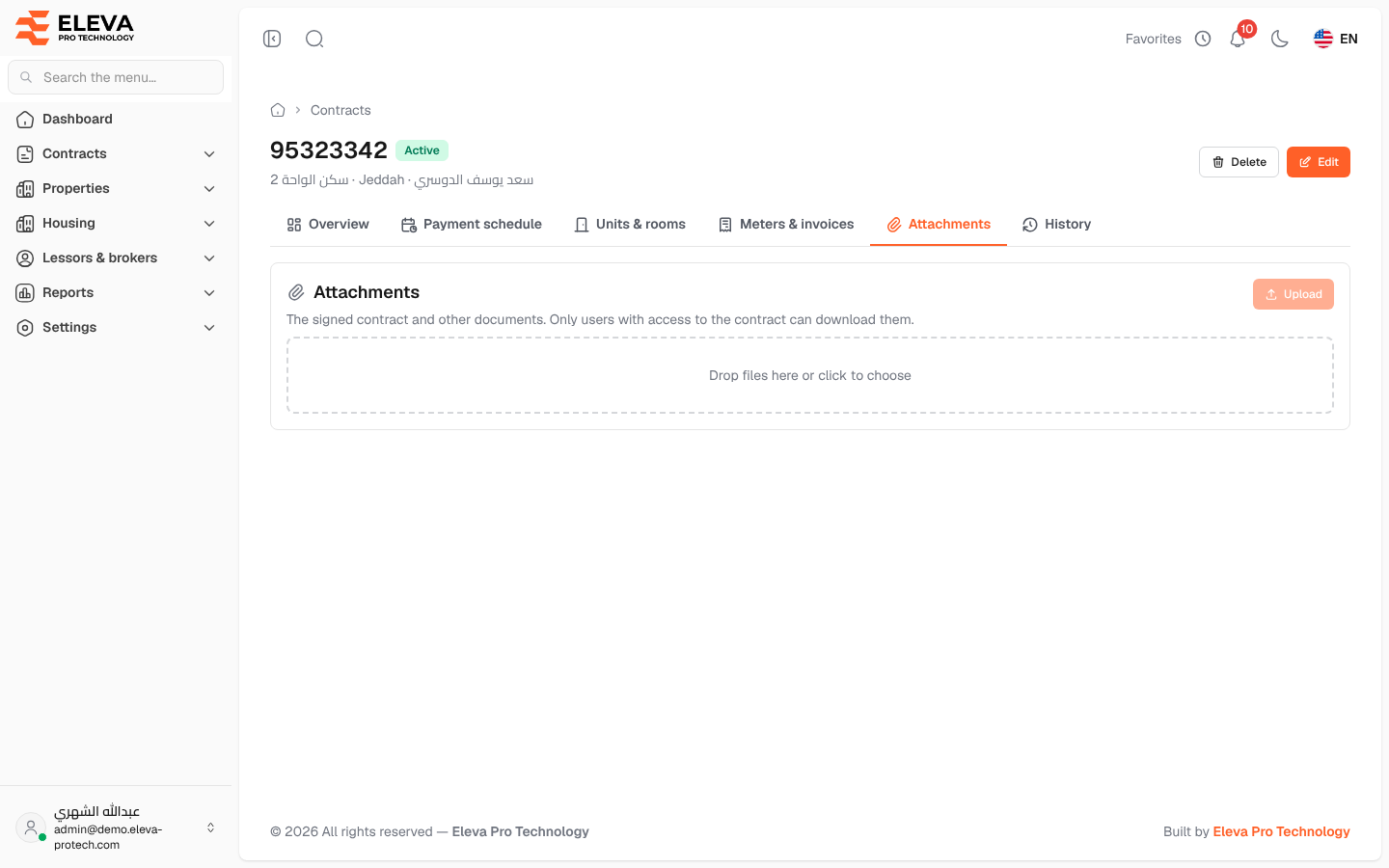
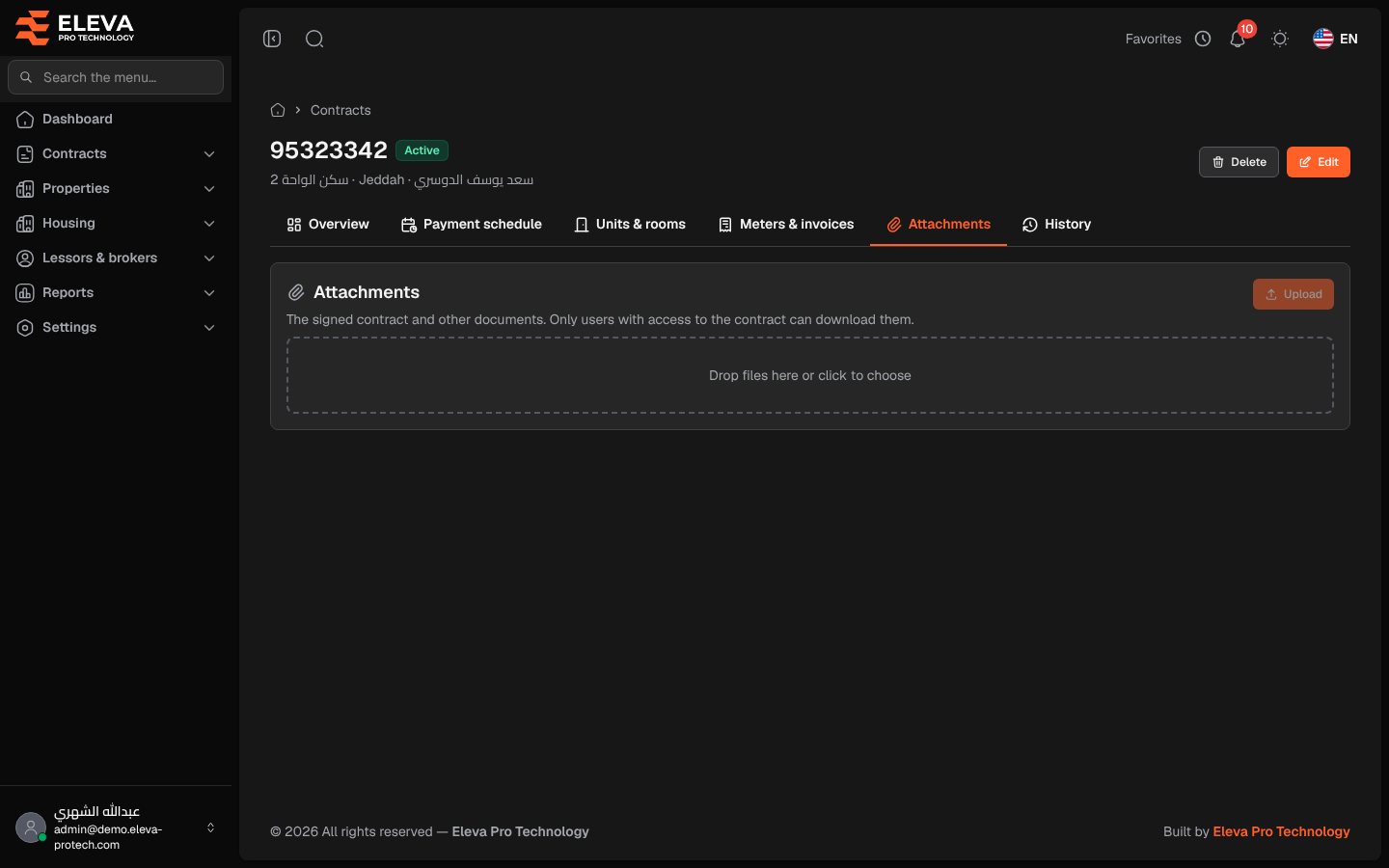
The Attachments tab keeps the signed contract and other documents of the lease. Only users who can see the contract can download its files.
Open the contract and click the Attachments tab.
What’s on this screen
Section titled “What’s on this screen”- The files already attached. Click a file to download it; the bin icon deletes it.
- The drop area, to add files.
- Upload: saves the files you added. It becomes available once a file is chosen.
Each file can be up to 20 MB, up to 20 files at a time, as PDF, JPG, PNG, WEBP, Word (DOC, DOCX) or Excel (XLS, XLSX).
How to attach files
Section titled “How to attach files”- Drag the files onto the drop area, or click it and choose them.
- Click Upload.
How to delete a file
Section titled “How to delete a file”- Click the bin icon next to the file.
- Confirm with Delete in Delete file.
When a user without edit rights opens a contract with no files, the tab shows No files attached.
Required permissions
Section titled “Required permissions”- Contracts › View to see and download the files.
- Contracts › Edit to upload and delete files.