

Notifications
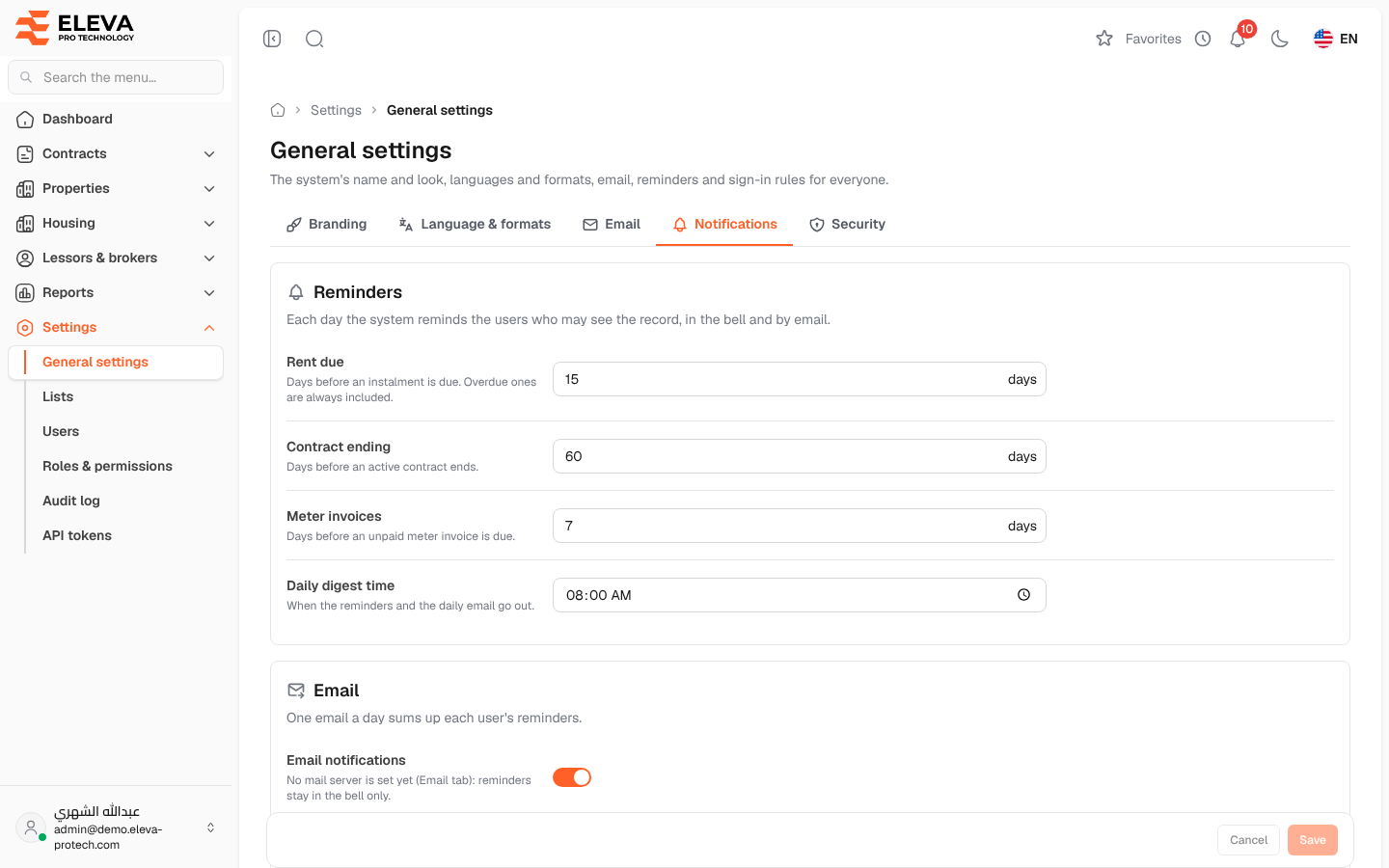
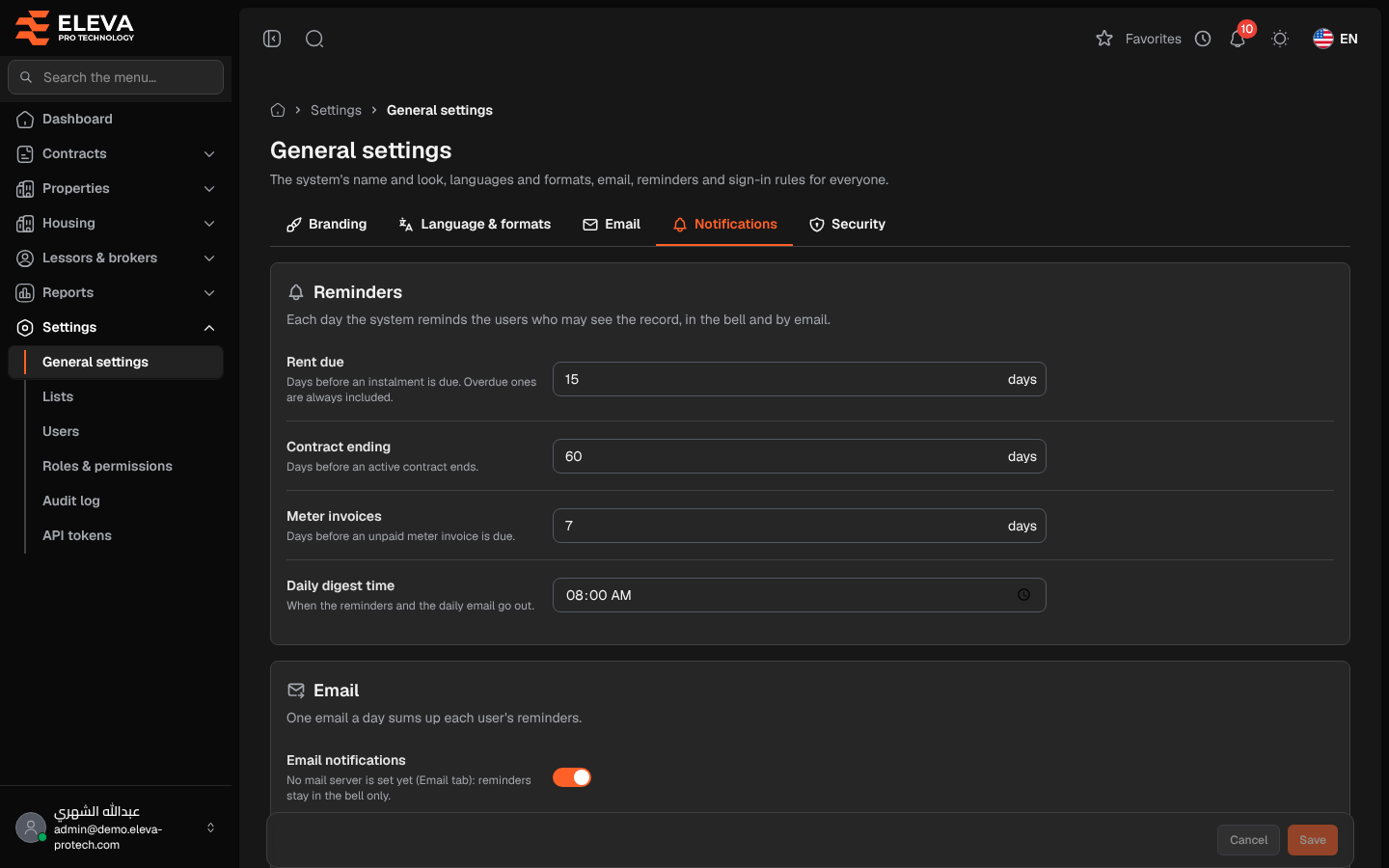
The Notifications tab sets the daily reminders. Each day the system reminds the users who may see the record, in the bell and by e-mail: rent instalments coming due (overdue ones are always included), active contracts about to end and unpaid meter invoices coming due.
From the side menu, open Settings › General settings and click Notifications.
Reminders
Section titled “Reminders”- Rent due: days before an instalment is due (15 by default).
- Contract ending: days before an active contract ends (60 by default).
- Meter invoices: days before an unpaid meter invoice is due (7 by default).
- Daily digest time: when the reminders and the daily e-mail go out (08:00 by default).
Each number of days can be from 0 to 365.
- Email notifications: on to also send one e-mail a day that sums up each user’s reminders. When no mail server is set, the page warns No mail server is set yet (Email tab): reminders stay in the bell only.
- Extra recipients: e-mail addresses separated by commas; they receive the whole day’s digest. Each address must be valid.
How to change the reminders
Section titled “How to change the reminders”- Change the days, the time or the e-mail options.
- Click Save.
Required permissions
Section titled “Required permissions”General settings › View to open the screen; General settings › Edit to save.