

Security
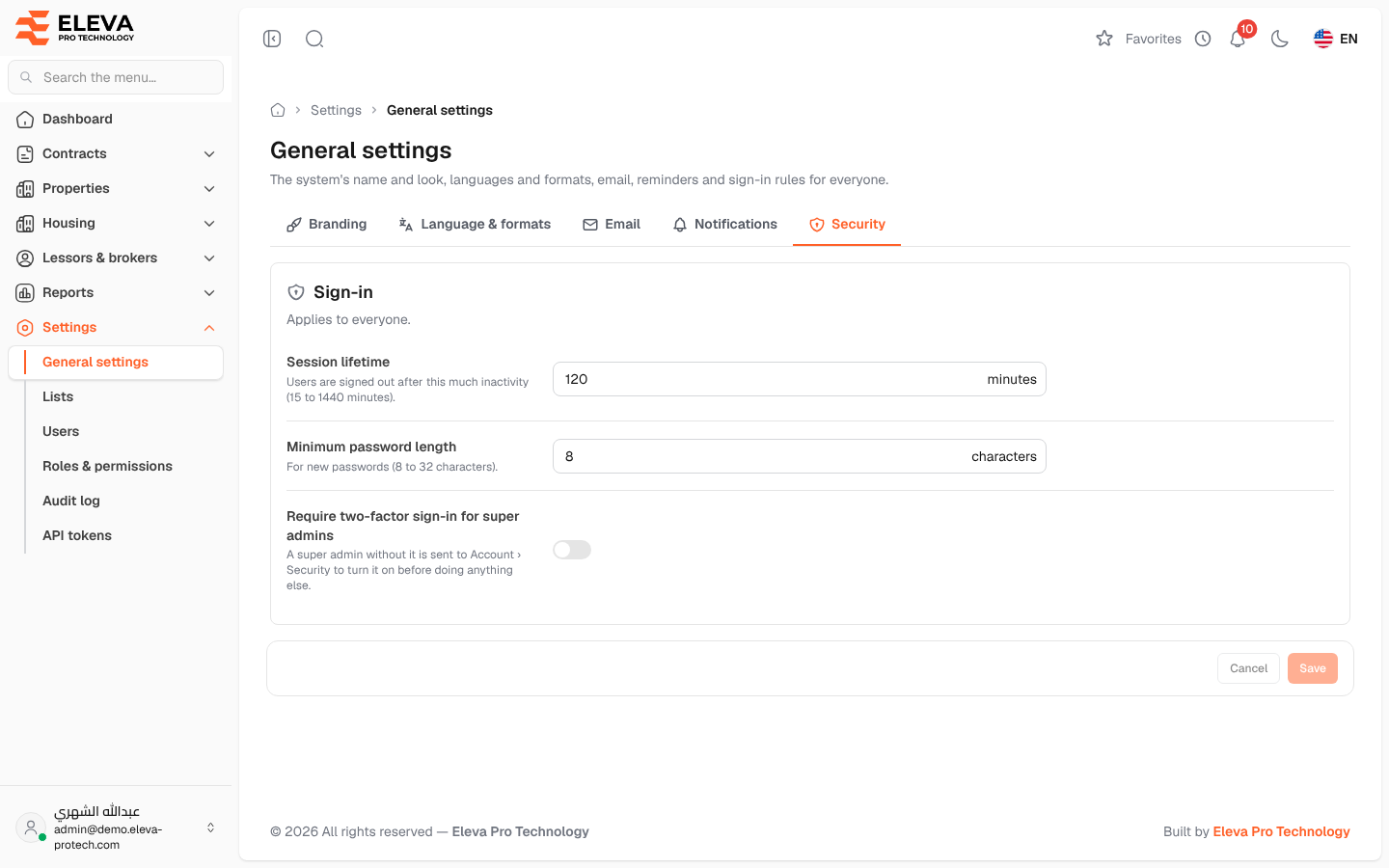
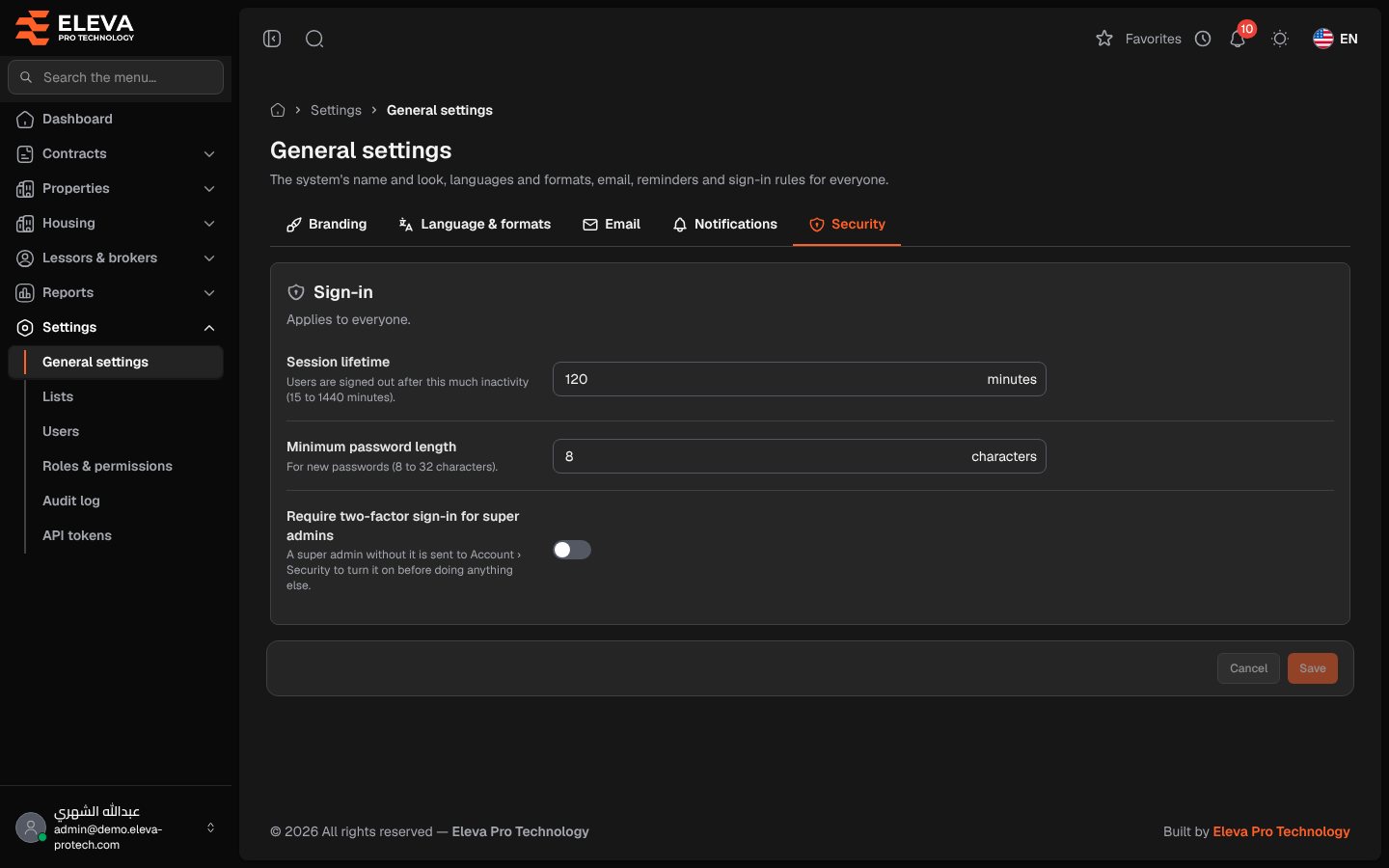
The Security tab sets the sign-in rules for everyone: how long a session lasts without activity, how long passwords must be, and whether super admins must use two-factor sign-in.
From the side menu, open Settings › General settings and click Security.
Fields
Section titled “Fields”- Session lifetime: users are signed out after this much inactivity, from 15 to 1440 minutes (120 by default).
- Minimum password length: for new passwords, from 8 to 32 characters (8 by default). It applies to passwords set by users, by administrators and through password reset.
- Require two-factor sign-in for super admins: when on, a super admin without two-factor sign-in is sent to the Password page of their account to turn it on before doing anything else.
How to change the security settings
Section titled “How to change the security settings”- Change the fields.
- Click Save.
Required permissions
Section titled “Required permissions”General settings › View to open the screen; General settings › Edit to save.