

Meters and invoices of a contract
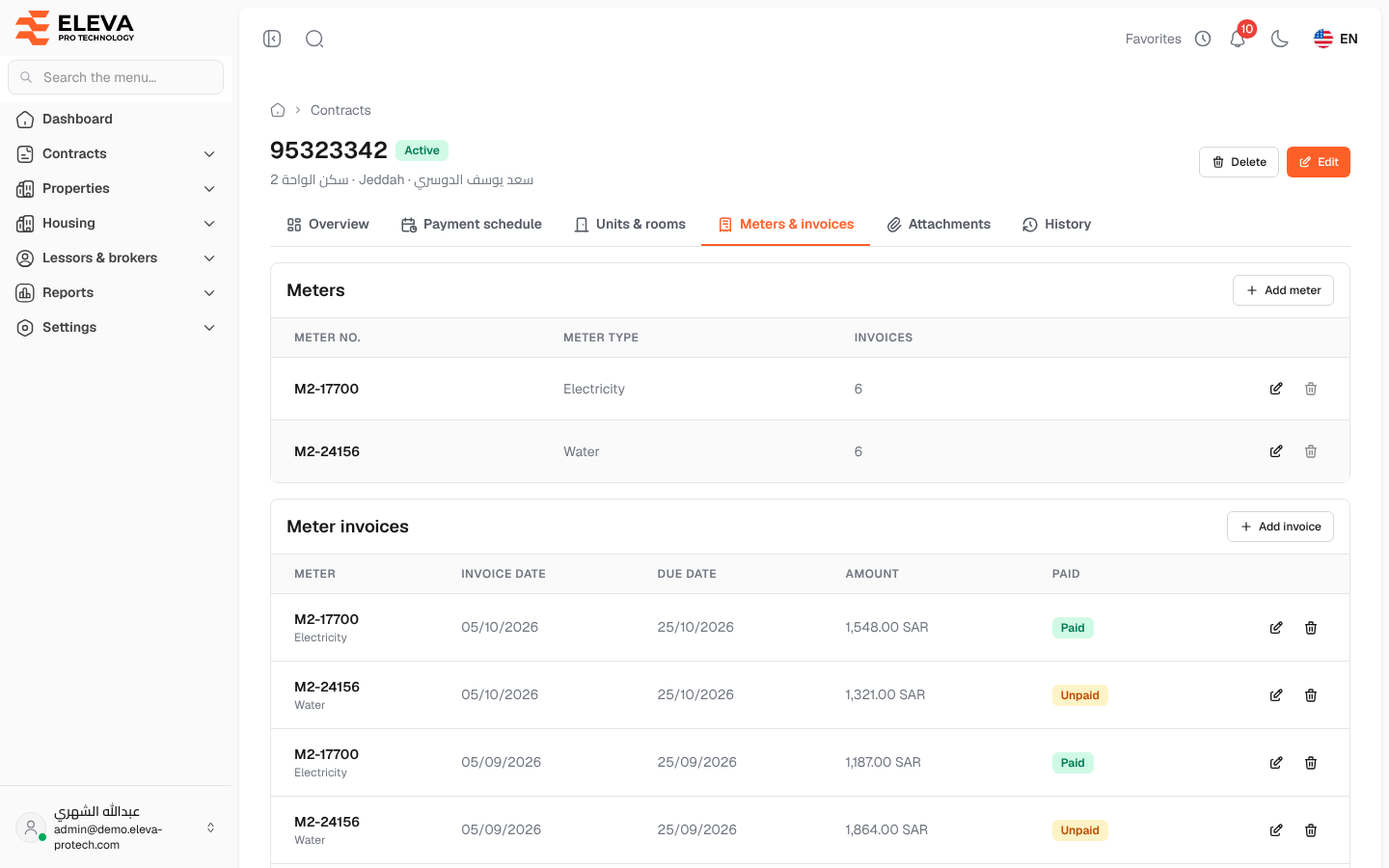
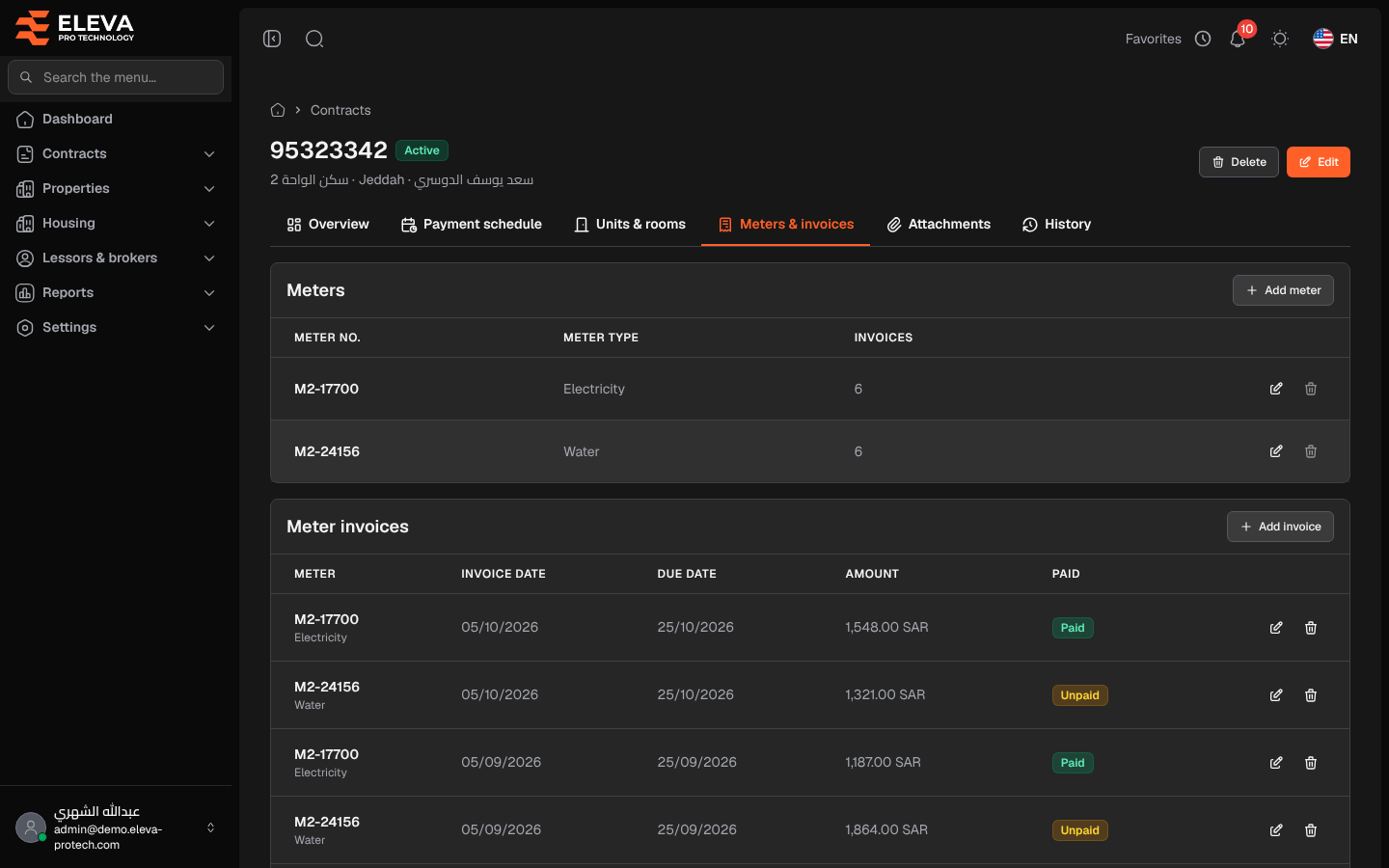
The Meters & invoices tab lists the electricity, water and other meters of the contract and the invoices recorded for them. Meters are added and edited here; invoices can be added here or from Contracts › Meter invoices.
Open the contract and click the Meters & invoices tab.
Meters
Section titled “Meters”- Columns: Meter no., Meter type and Invoices (the number of invoices recorded).
- Add meter opens a short form; the pencil icon edits a meter and the bin icon deletes it.
Fields:
- Meter type (required): from the meter types in Settings › Lists.
- Meter no. (required): unique within the contract.
Meter invoices
Section titled “Meter invoices”- Columns: Meter (number and type), Invoice date, Due date, Amount and Paid (Paid or Unpaid, with a paperclip when files are attached), with a Total row.
- Add invoice appears once the contract has at least one meter. Without meters, the list shows Add a meter first to record its invoices.
- The pencil icon edits an invoice and the bin icon deletes it after confirmation.
The invoice form is described in Add or edit a meter invoice.
How to add a meter and its first invoice
Section titled “How to add a meter and its first invoice”- Click Add meter, choose the Meter type, type the Meter no. and click Save meter.
- Click Add invoice, choose the meter, fill in the dates and amount and click Save invoice.
Required permissions
Section titled “Required permissions”Meters & invoices › Add, Edit and Delete for the buttons on this tab; Contracts › View to open the contract.