

Contract history
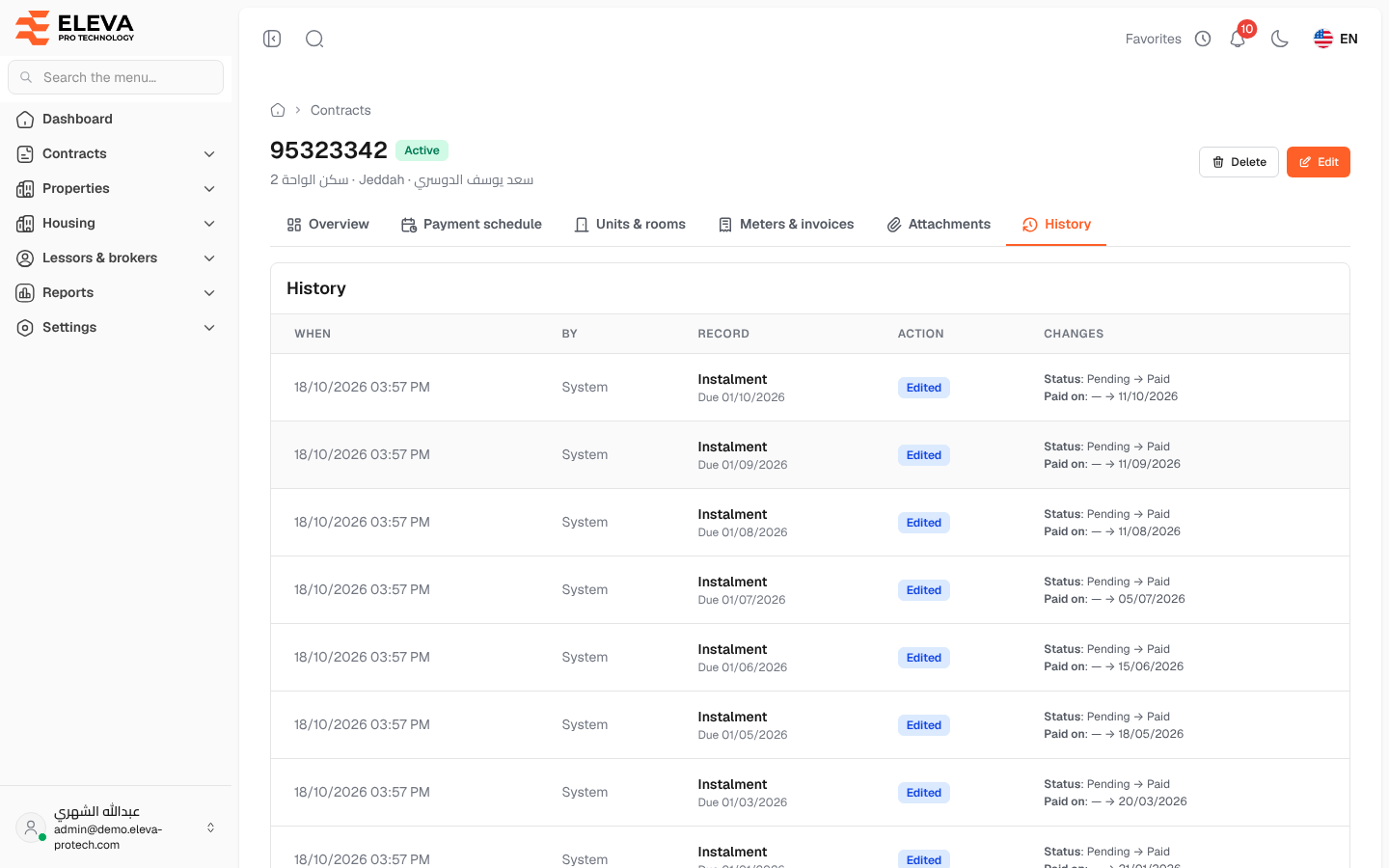
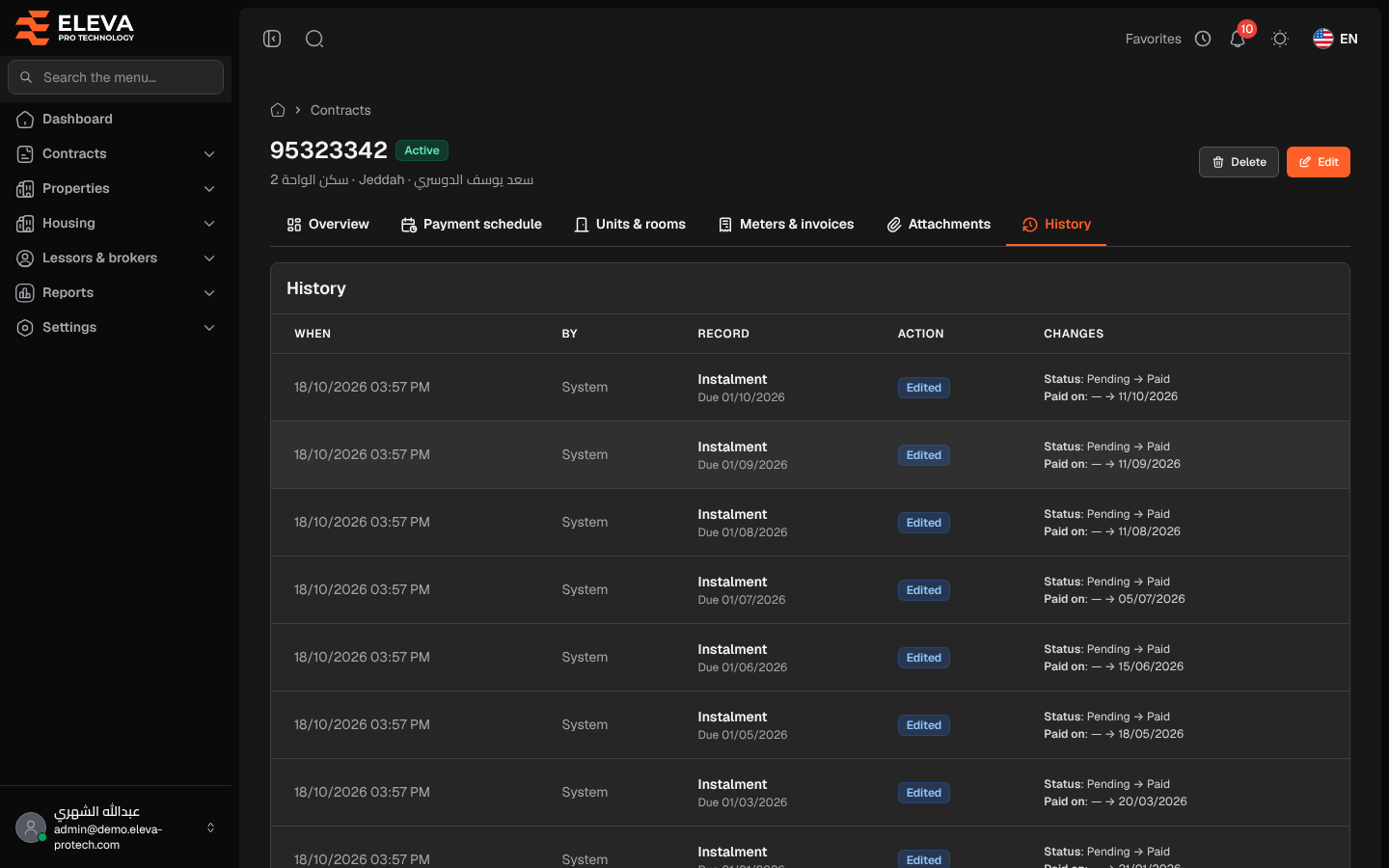
The History tab shows who changed what on the contract and when: the contract itself, its units and rooms, its meters and its instalments. Use it to trace a change, such as an amount corrected or an instalment marked as paid.
Open the contract and click the History tab.
Columns
Section titled “Columns”- When: the date and time of the change.
- By: the user who made it, or System for automatic changes.
- Record: what changed: Contract, Unit, Room, Meter or Instalment, with its number underneath (for an instalment, its due date: Due 01/10/2026).
- Action: Added, Edited or Deleted.
- Changes: each field by its name on the screens, with its old and new value (old → new), for example Status: Pending → Paid and Paid on: — → 11/10/2026. Dates follow the date format of the general settings, amounts show the currency, statuses and payment cycles show their names, and the lessor, broker, building, contract type, meter type and unit show their names instead of a number. — means empty. Long lists show the first eight fields and the number of the others.
When nothing has been recorded, the tab shows No changes recorded.
Required permission
Section titled “Required permission”Contracts › View.