

Mark instalments as paid
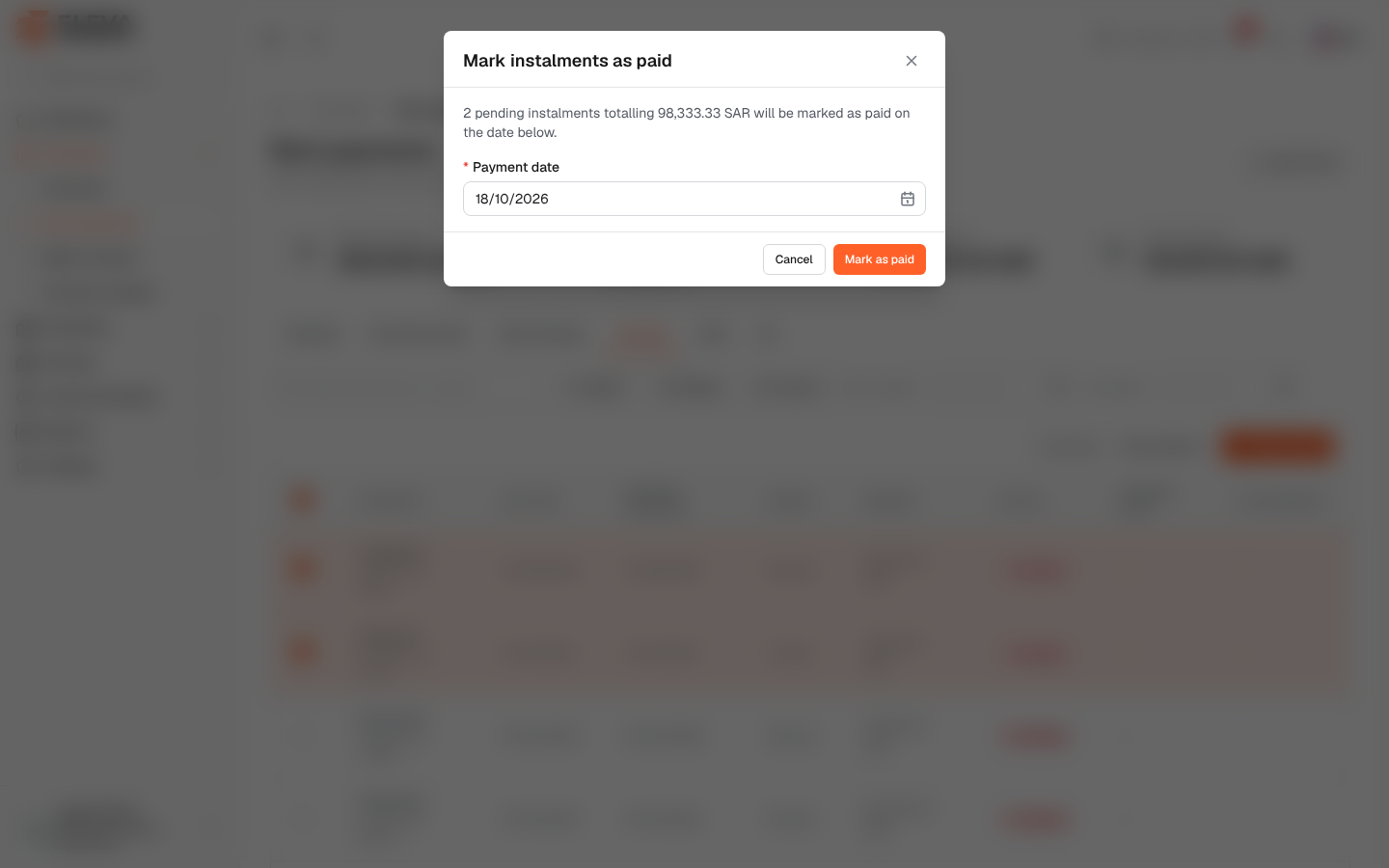
When rent for several instalments or contracts was paid on the same day, you can record all the payments at once instead of opening each instalment.
From the side menu, open Contracts › Rent payments, tick the instalments, then click Mark as paid.
What’s on this screen
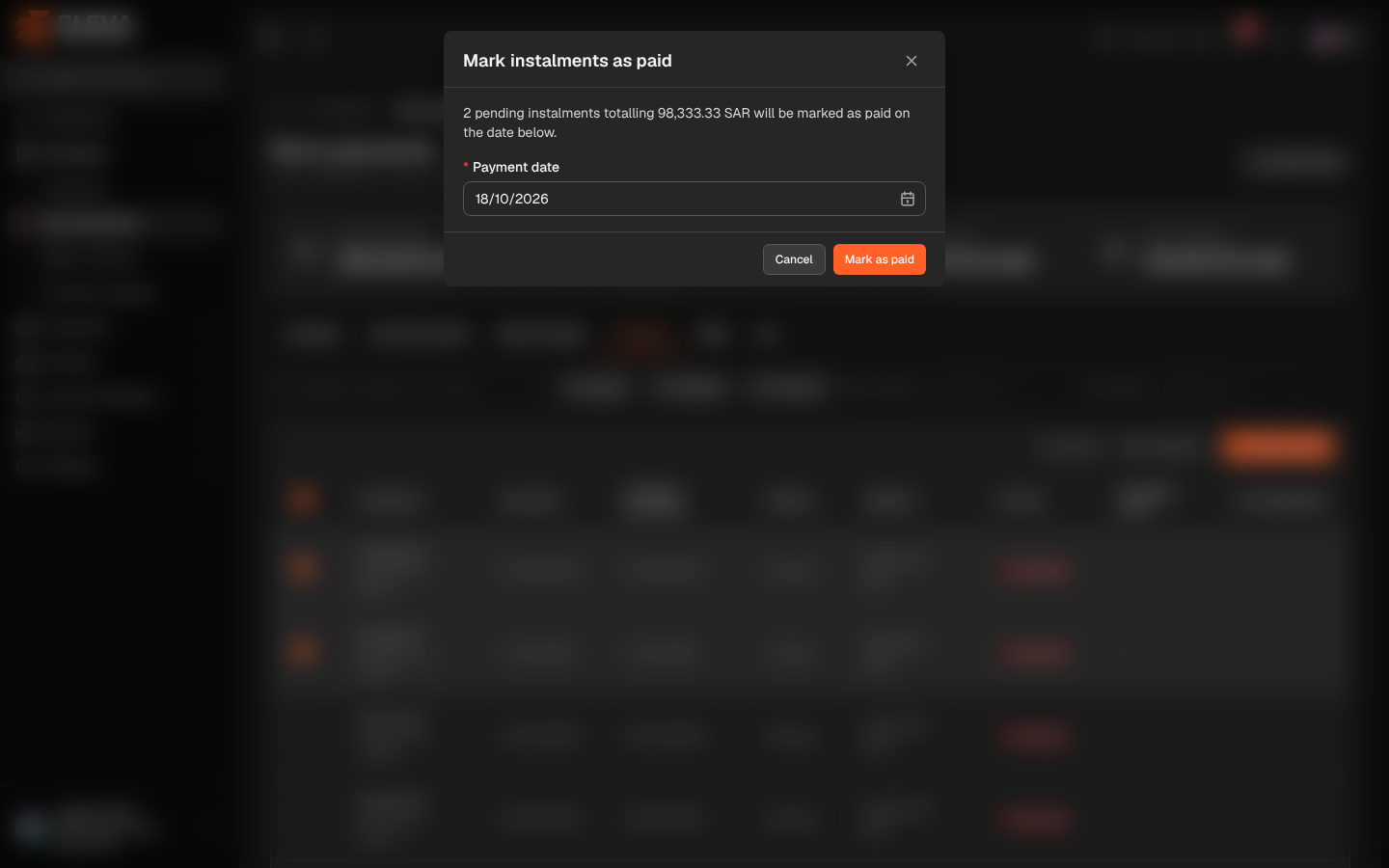
Section titled “What’s on this screen”- Mark instalments as paid: the window title.
- A line such as 2 pending instalments totalling 120,000.00 SAR will be marked as paid on the date below.
- Payment date (required): today by default.
- Cancel and Mark as paid.
How to mark instalments as paid
Section titled “How to mark instalments as paid”- In the list, tick the unpaid instalments that were paid.
- Click Mark as paid above the list.
- Check the total and set the Payment date.
- Click Mark as paid. The message N marked as paid. confirms it and the ticks are cleared.
Up to 500 instalments can be marked at once. Only unpaid instalments can be ticked.
Required permission
Section titled “Required permission”Rent payments › Edit.