

My profile
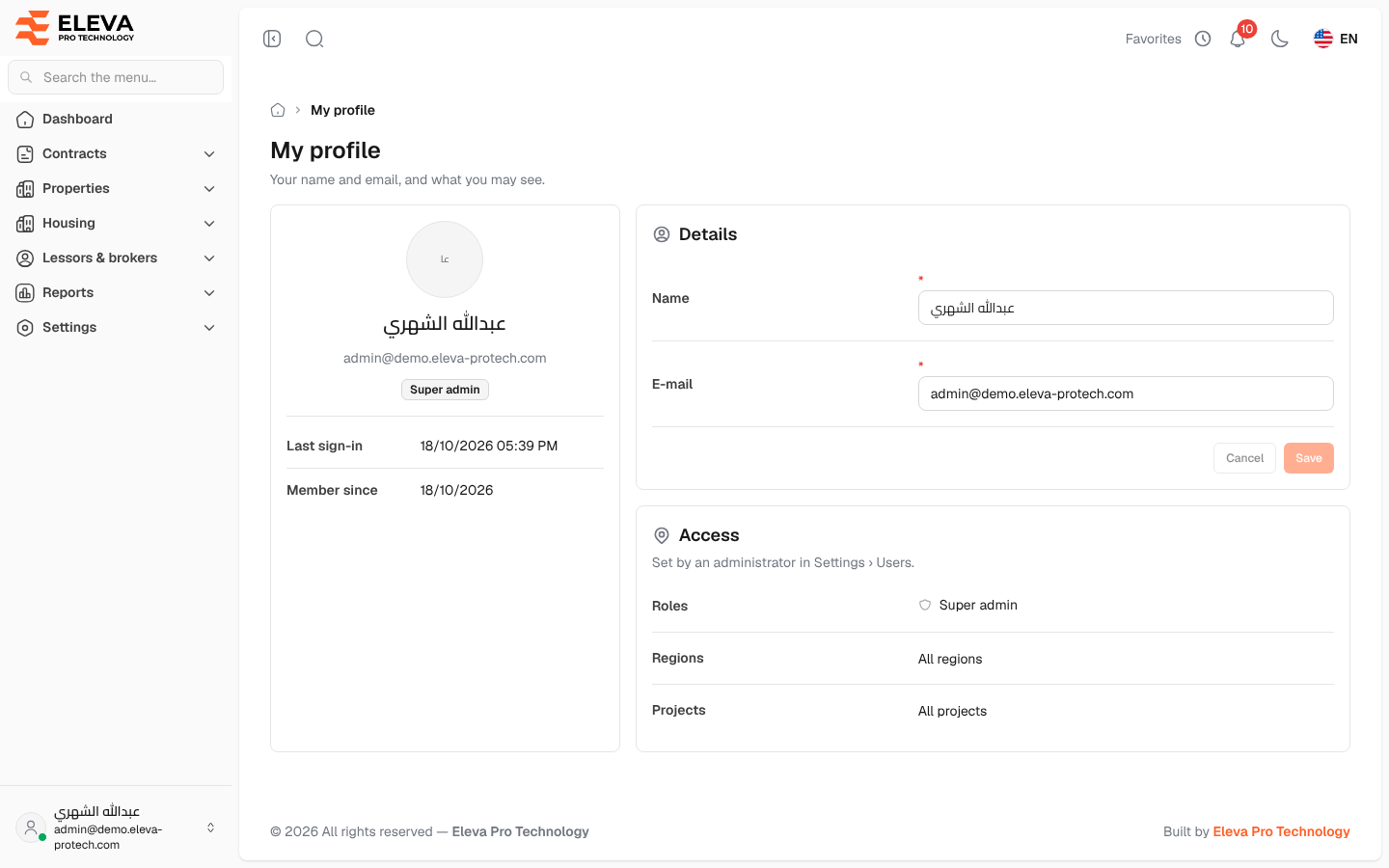
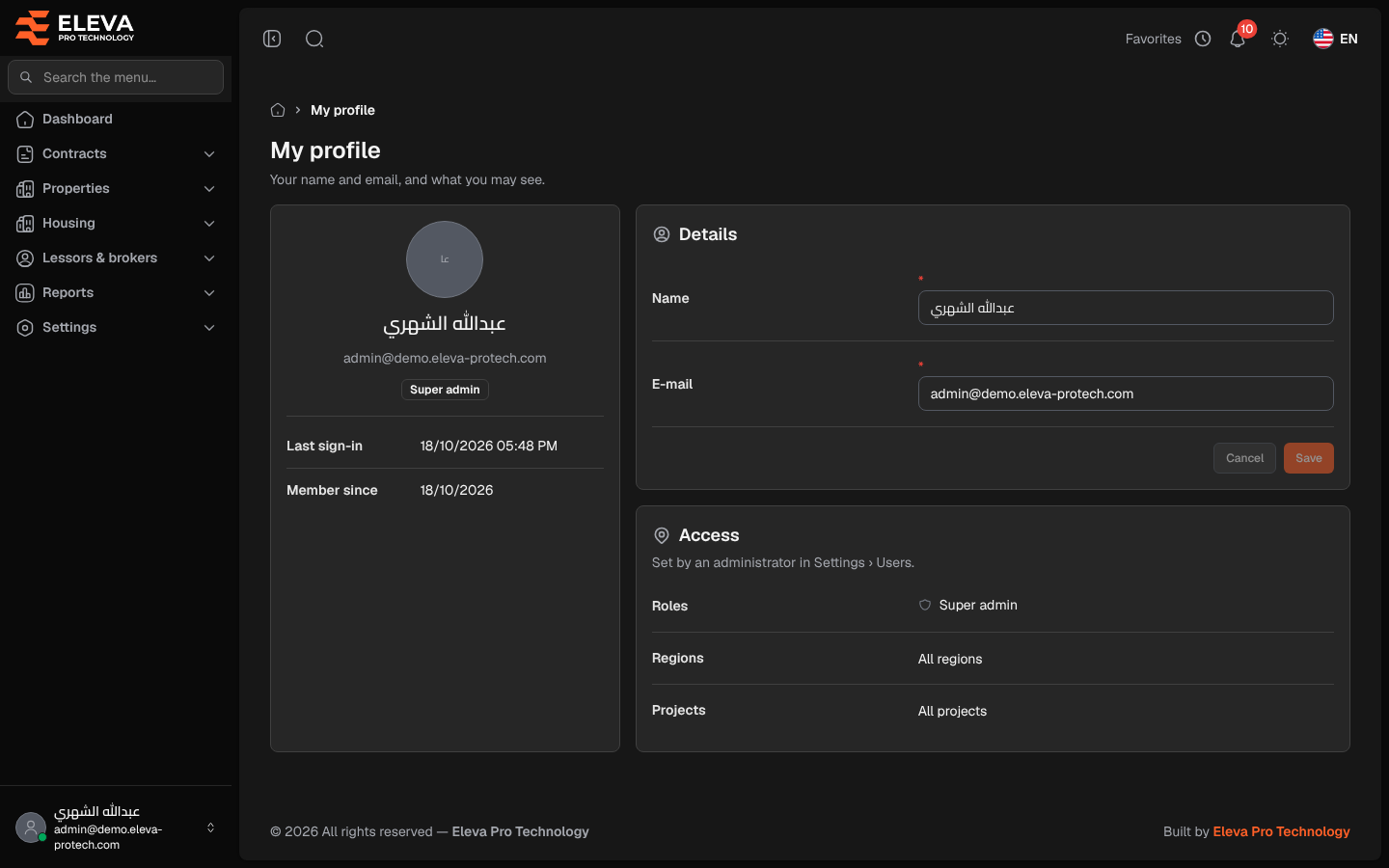
My profile is where you see and change the name and e-mail of your own account, and check what you are allowed to see: your roles, regions and projects. Every signed-in user can open it.
To open it, click your name at the bottom of the side menu and choose My profile.
What’s on this screen
Section titled “What’s on this screen”- A card with your initials, name, e-mail and roles, with Last sign-in and Member since.
- Details: your Name and E-mail, with Cancel and Save.
- Access: your Roles, Regions and Projects. All regions or All projects means you are not limited. These are set by an administrator in Settings › Users.
How to change your name or e-mail
Section titled “How to change your name or e-mail”- In Details, edit Name and/or E-mail.
- Click Save. The button becomes available once you change something; Cancel brings back the saved values.
Both fields are required, and the e-mail must not already be used by another account. The new e-mail is the one you sign in with from now on.