

New contract: contract terms
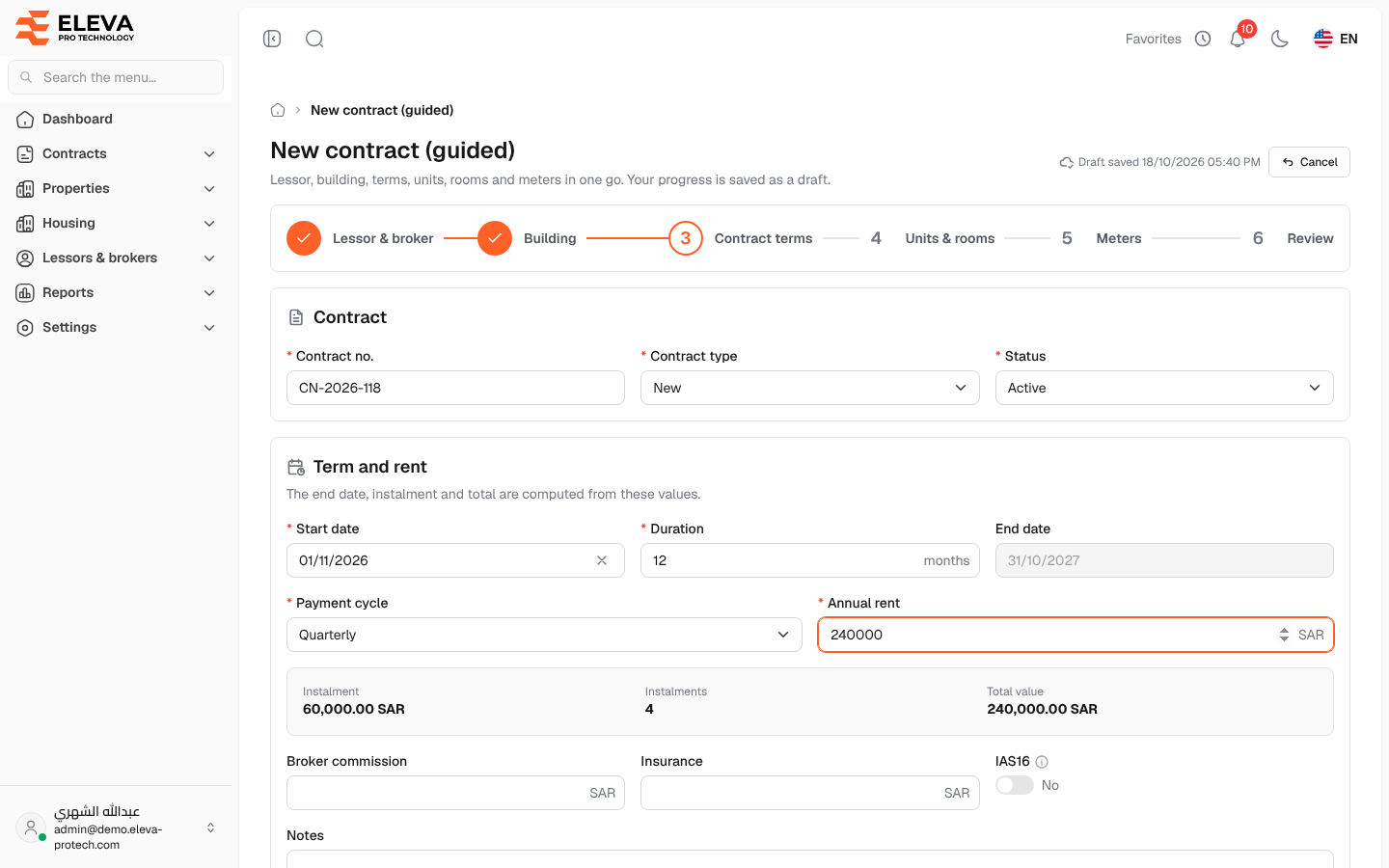
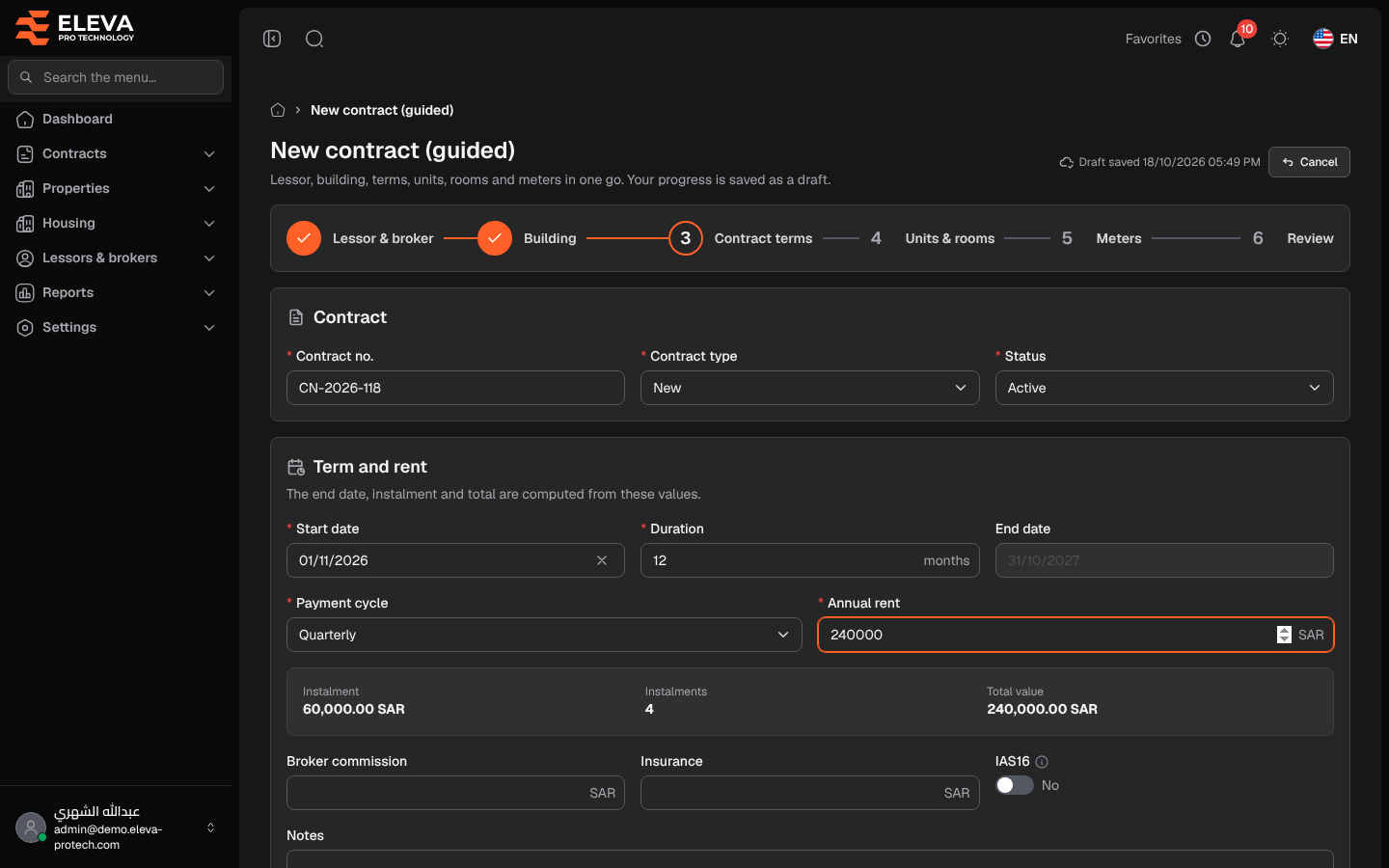
The third step records the contract itself: its number and type, its duration and rent, and the signed documents. You type the start date, the duration and the annual rent; the end date, the instalment, the number of instalments and the total value are calculated as you type.
Fields
Section titled “Fields”Contract
- Contract no. (required): must not be used by another contract.
- Contract type (required): one of the contract types in Settings › Lists.
- Status (required): Active (default) or Inactive.
Term and rent
- Start date (required).
- Duration (required): in months, from 1 to 600. 12 by default.
- End date: calculated: the start date plus the duration, minus one day.
- Payment cycle (required): Monthly, Quarterly (default), Biannual or Annual.
- Annual rent (required).
- Instalment, Instalments and Total value: calculated. The instalment is the annual rent divided by the number of payments a year; the total value is the annual rent for the whole duration.
- Broker commission and Insurance: optional amounts.
- IAS16: whether the contract is accounted for under the IAS 16 standard.
- Notes: up to 5000 characters.
Attachments
- Files: the signed contract and other documents: up to 20 files of up to 20 MB each (PDF, JPG, PNG, WEBP, Word or Excel).
For example, a 12-month contract starting on 01/11/2026 with a Quarterly cycle and an annual rent of 240,000 ends on 31/10/2027 and has 4 instalments of 60,000.
How to fill in this step
Section titled “How to fill in this step”- Type the Contract no., and choose the Contract type and Status.
- Enter the Start date, Duration, Payment cycle and Annual rent, and check the calculated values.
- Add the commission, insurance, notes and files if needed.
- Click Next.
Required permission
Section titled “Required permission”Contracts › Add.