

Contract value breakdown
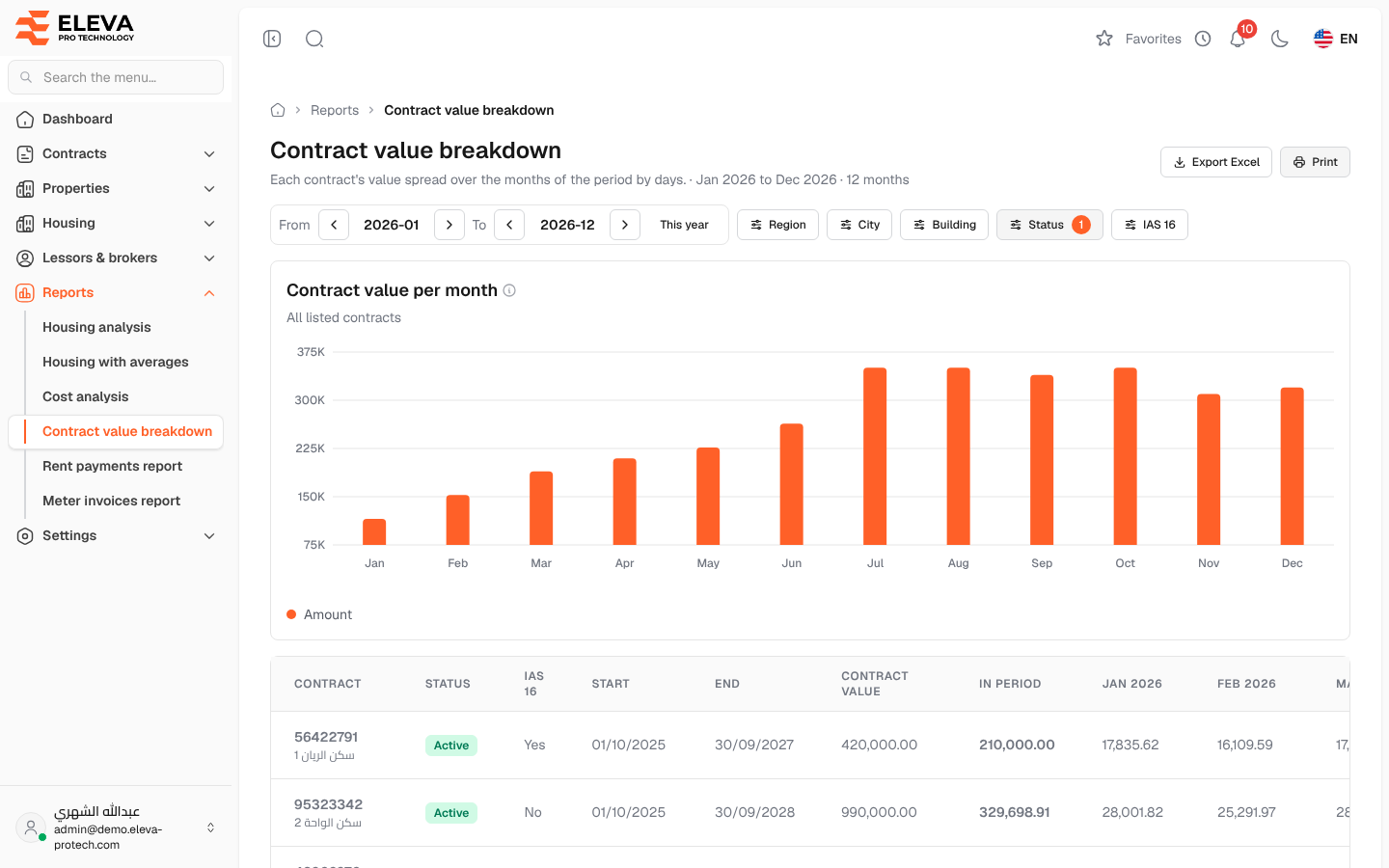
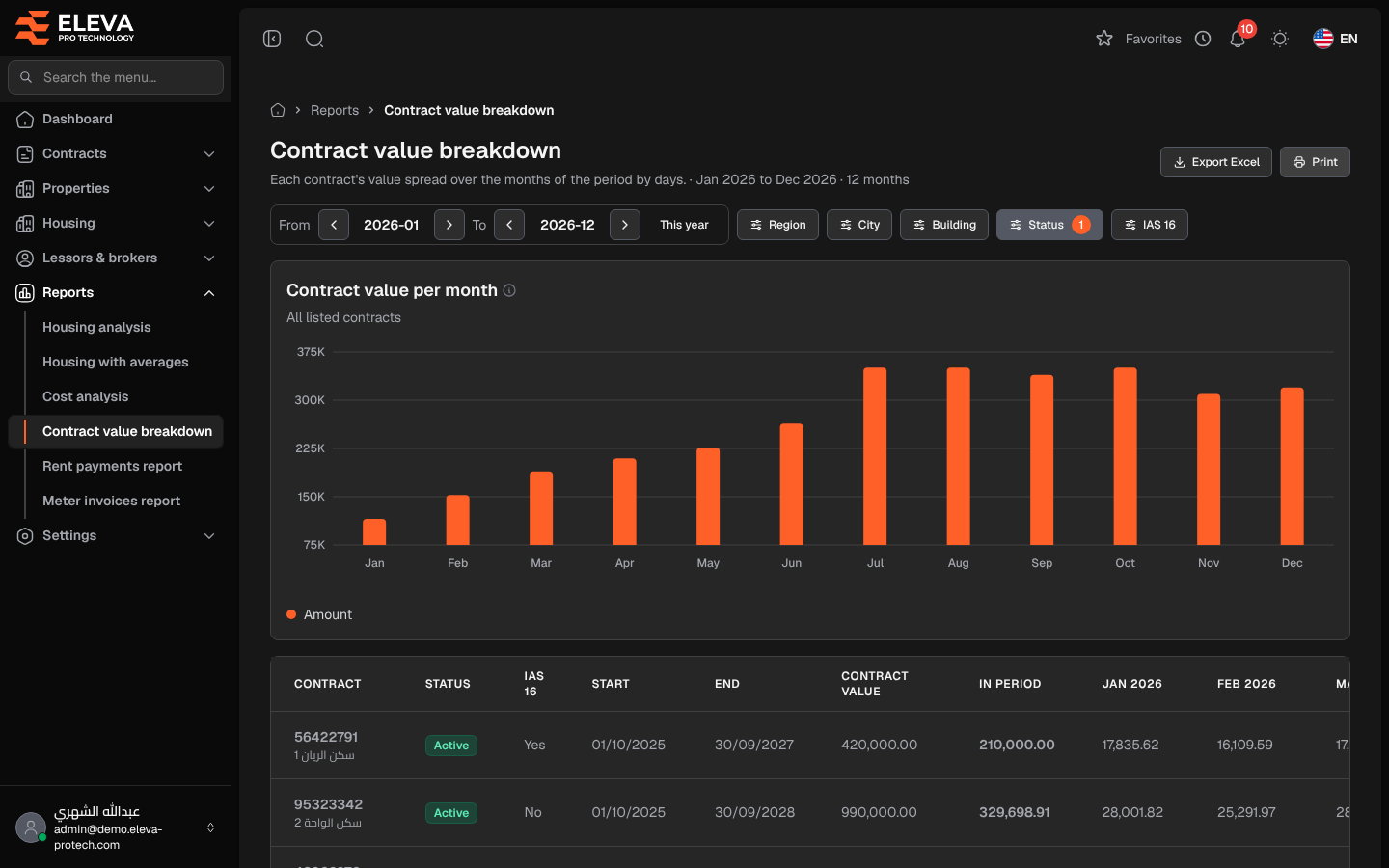
The Contract value breakdown report spreads each contract’s value over the months of a period by days. Use it for accounting: it gives the part of each lease that belongs to the period, and the total per month.
From the side menu, open Reports › Contract value breakdown.
Filters
Section titled “Filters”- From, To (or This year), Region, City and Building.
- Status: Active (the default), Inactive or All statuses.
- IAS 16: Yes or No.
What’s on this screen
Section titled “What’s on this screen”- Export Excel and Print.
- Contract value per month: the total of all listed contracts for each month.
- The table, with a Total row. Click a contract to open it.
Columns
Section titled “Columns”- Contract: the contract number, with the building underneath.
- Status
- IAS 16: Yes or No.
- Start and End
- Contract value
- In period: the part of the value that falls inside the period.
- One column for each month of the period.
Required permissions
Section titled “Required permissions”- Reports › View to open the report.
- Reports › Export for Export Excel.