

Rent payments report
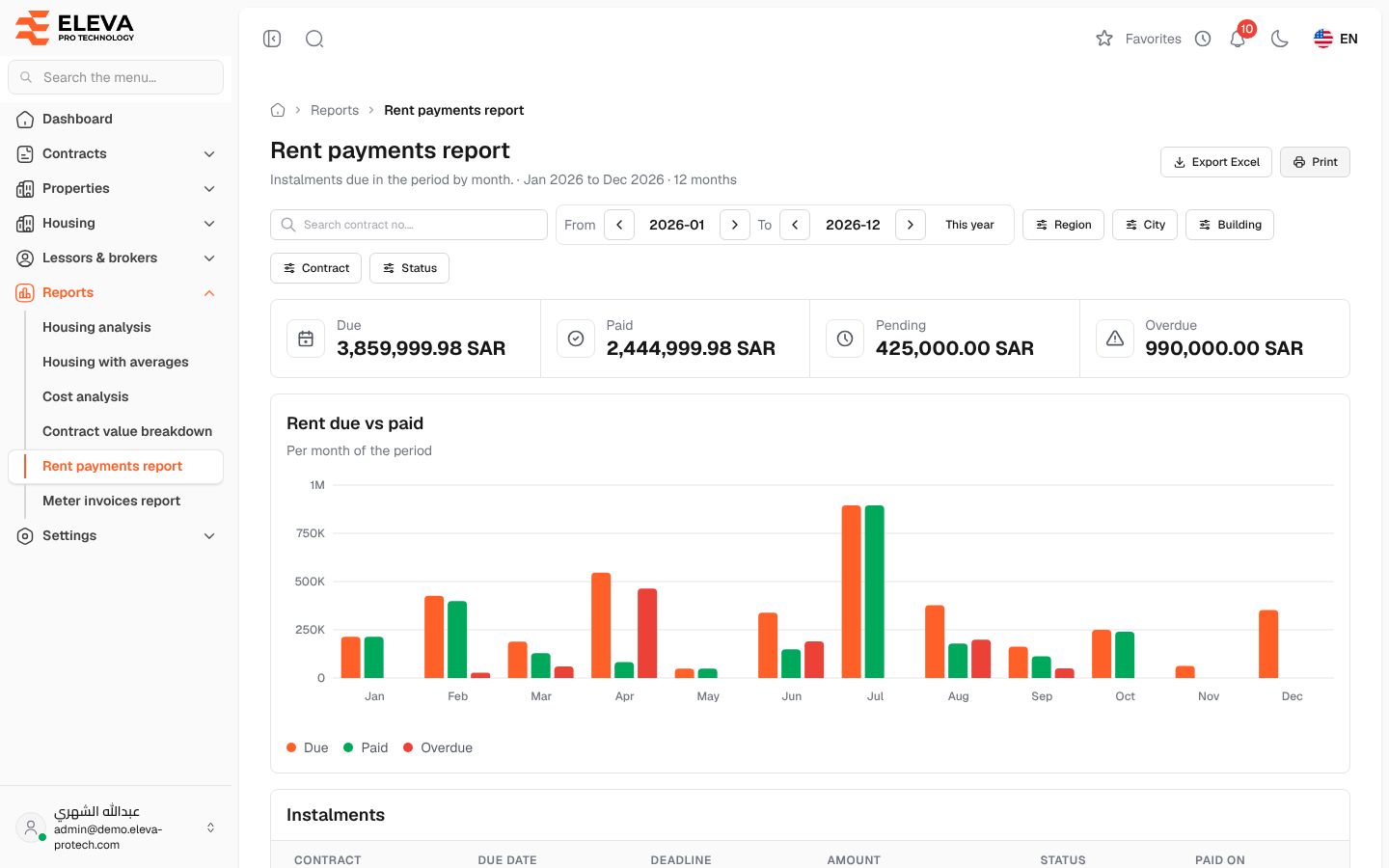
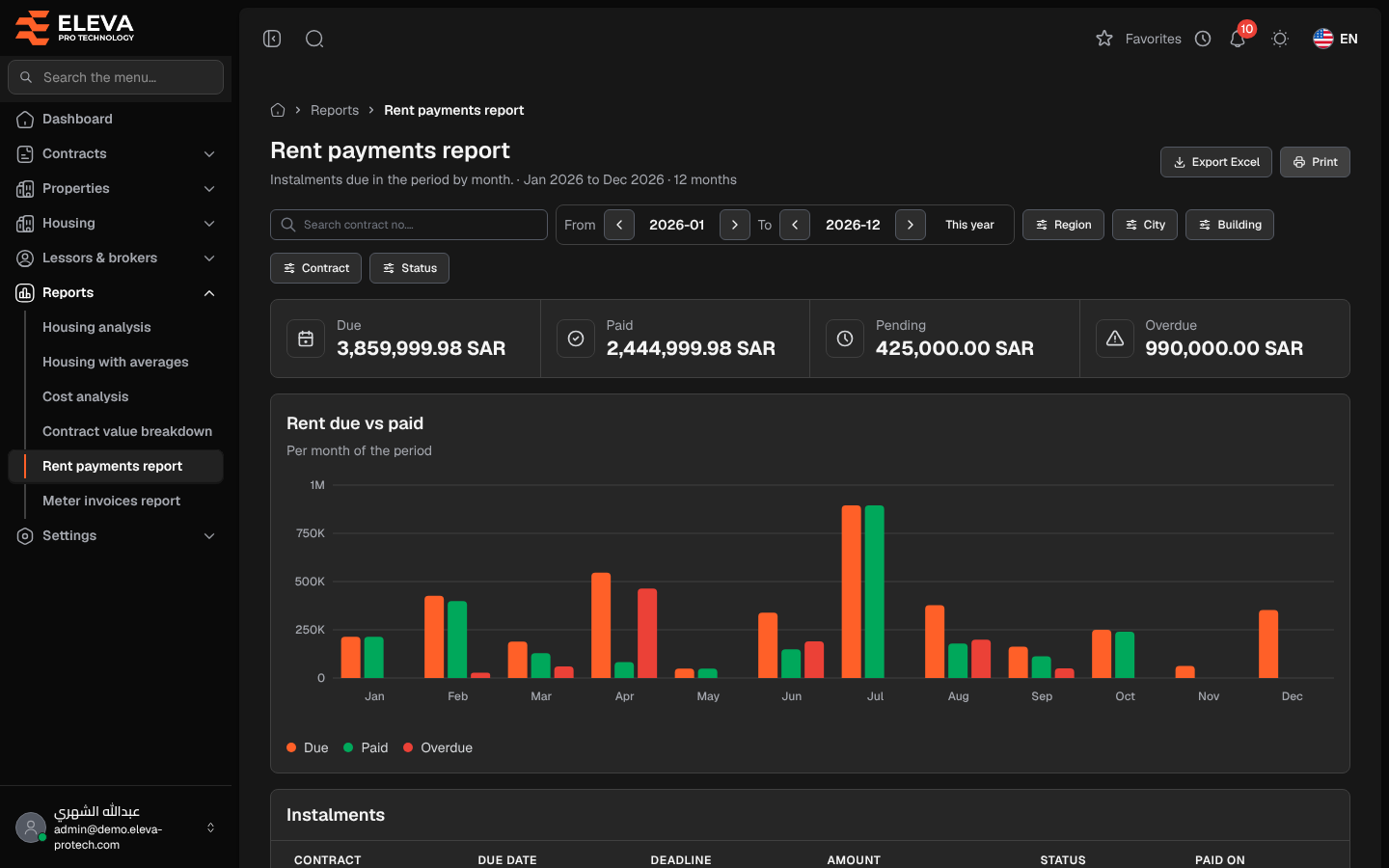
The Rent payments report shows the rent instalments due in a period, month by month: what was due, what was paid, what is pending and what is overdue.
From the side menu, open Reports › Rent payments report.
Filters
Section titled “Filters”- From, To (or This year), Region, City and Building.
- Search contract no.…
- Contract and Status (Paid, Pending or Overdue).
What’s on this screen
Section titled “What’s on this screen”- Export Excel and Print.
- Summary cards: Due, Paid, Pending and Overdue.
- Rent due vs paid: for each month of the period, the amounts due, paid and overdue.
- Instalments: the list of instalments. Click a row to open the contract.
Columns
Section titled “Columns”- Contract: the contract number, with the building underneath.
- Due date and Deadline
- Amount
- Status: Paid, Pending or Overdue.
- Paid on
Required permissions
Section titled “Required permissions”- Reports › View to open the report.
- Reports › Export for Export Excel.