

Brokers
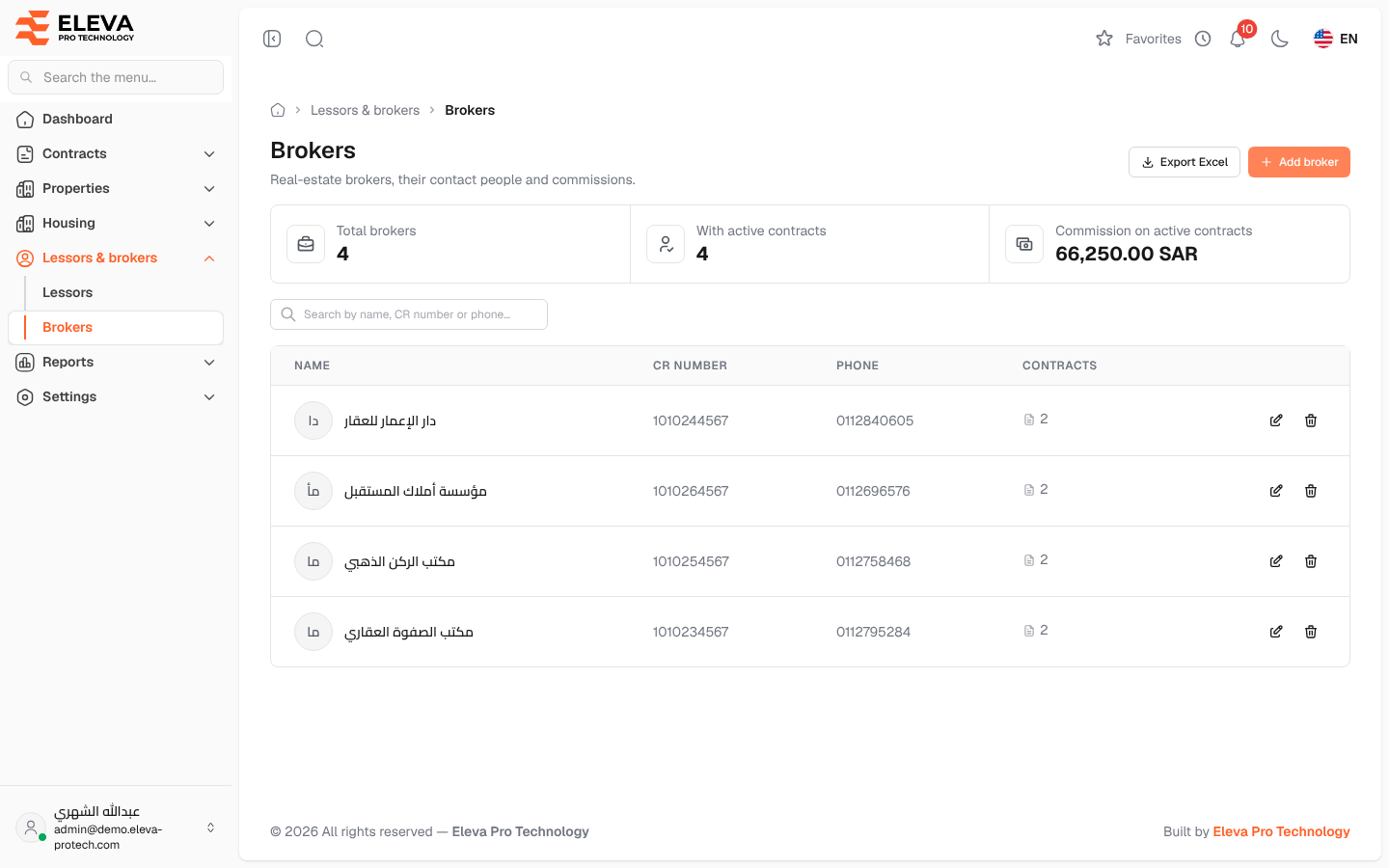
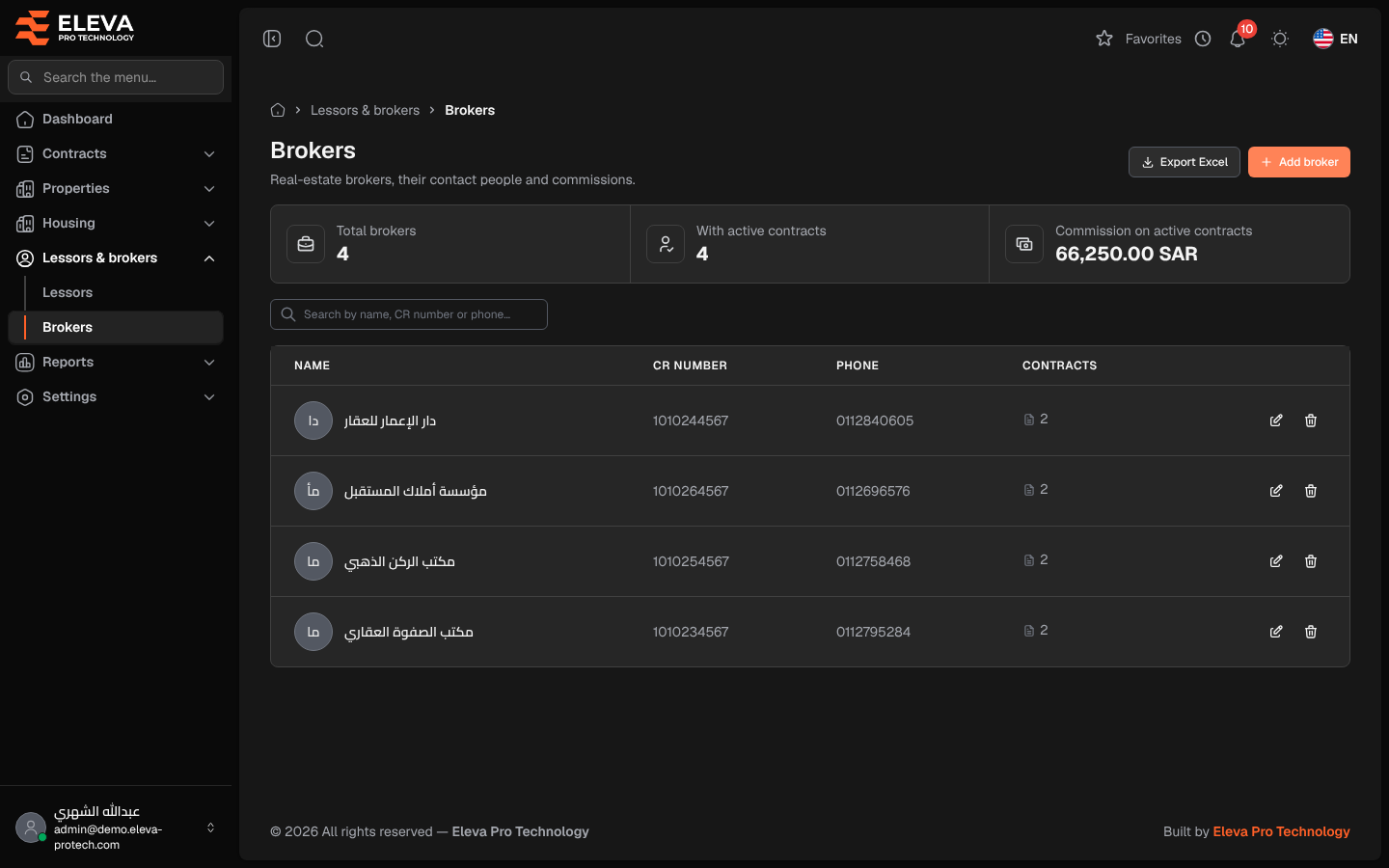
Brokers are the real-estate agents through whom buildings are leased. The Brokers screen lists them with their registration, phone and contracts, and shows the commission on active contracts.
From the side menu, open Lessors & brokers › Brokers.
What’s on this screen
Section titled “What’s on this screen”- Summary cards: Total brokers, With active contracts and Commission on active contracts.
- Search by name, CR number or phone…
- Export Excel and Add broker.
Columns
Section titled “Columns”- Name: with the address underneath.
- CR number: the commercial registration number.
- Phone
- Contracts: the number of the broker’s contracts.
- Actions: Edit and Delete.
Click a row to open the broker. See Broker details.
Required permissions
Section titled “Required permissions”- Brokers › View to open the screen.
- Brokers › Add, Edit and Delete for Add broker, Edit and Delete.
- Brokers › Export for Export Excel.