

Meter invoices
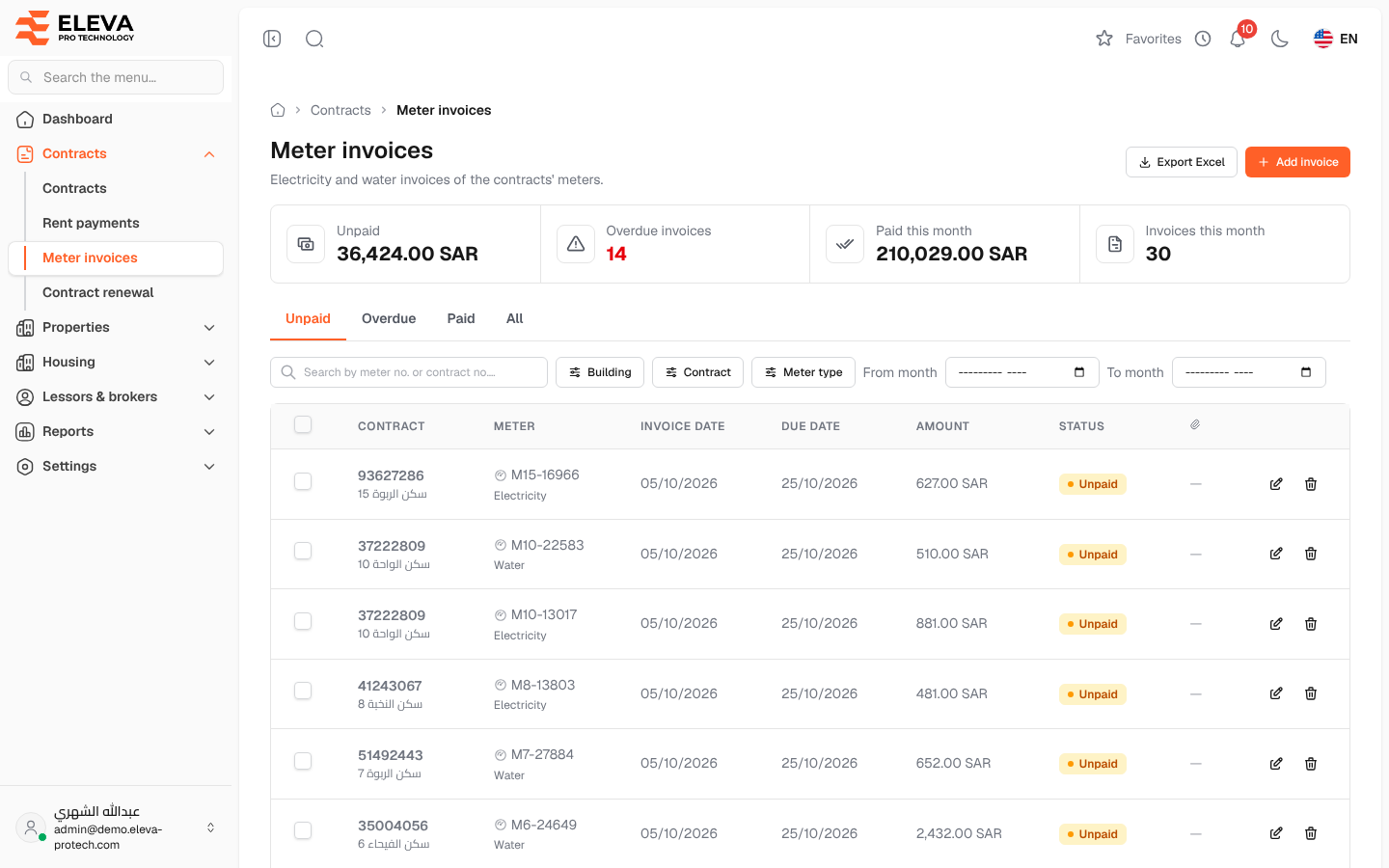
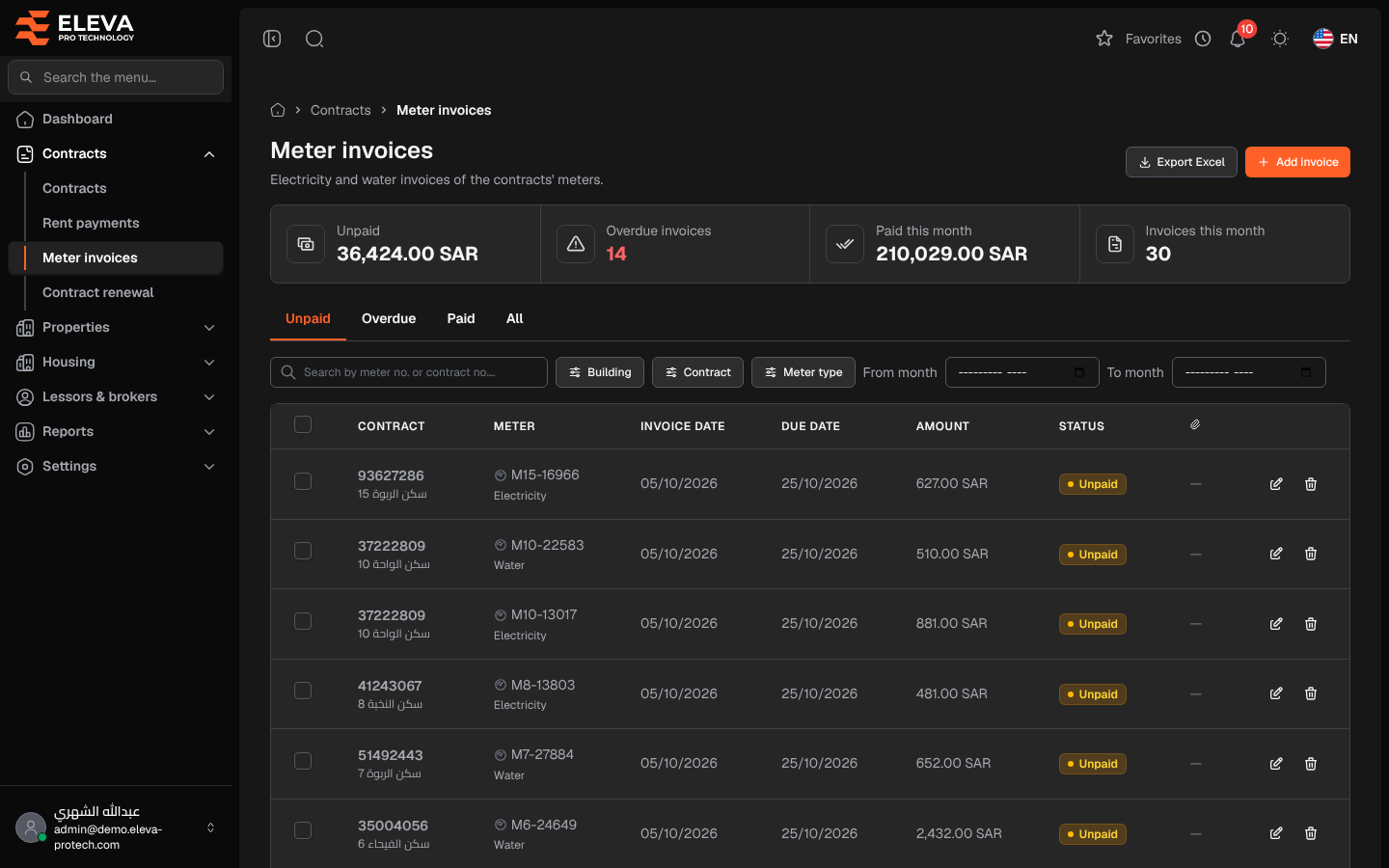
The Meter invoices screen lists the electricity and water invoices of all the contracts’ meters. Use it to record new invoices, follow up on unpaid and overdue ones, and record their payment.
From the side menu, open Contracts › Meter invoices.
What’s on this screen
Section titled “What’s on this screen”- Tabs: Unpaid, Overdue, Paid and All. The list opens on Unpaid.
- Summary cards: Unpaid (amount), Overdue invoices, Paid this month and Invoices this month.
- Search by meter no. or contract no.…
- Filters: Building, Contract, Meter type, and From month / To month.
- Export Excel and Add invoice.
Columns
Section titled “Columns”- A tick box, on unpaid invoices (for users who can edit invoices).
- Contract: the contract number, a link to the contract, with the building underneath.
- Meter: the meter number and type.
- Invoice date
- Due date
- Amount
- Status: Unpaid, Overdue (unpaid after its due date) or Paid.
- A paperclip column: the number of files attached.
- Actions: Edit and Delete.
How to mark invoices as paid
Section titled “How to mark invoices as paid”- Tick the unpaid invoices. The bar above the list shows N selected.
- Click Mark as paid.
- Read Mark invoices as paid, which gives the number and total of the invoices, and confirm.
How to delete an invoice
Section titled “How to delete an invoice”- Click the bin icon in the invoice’s row.
- Confirm with Delete in Delete invoice.
Required permissions
Section titled “Required permissions”- Meters & invoices › View to open the screen.
- Meters & invoices › Add, Edit and Delete for Add invoice, editing (including marking as paid) and deleting.
- Meters & invoices › Export for Export Excel.