

Language and formats
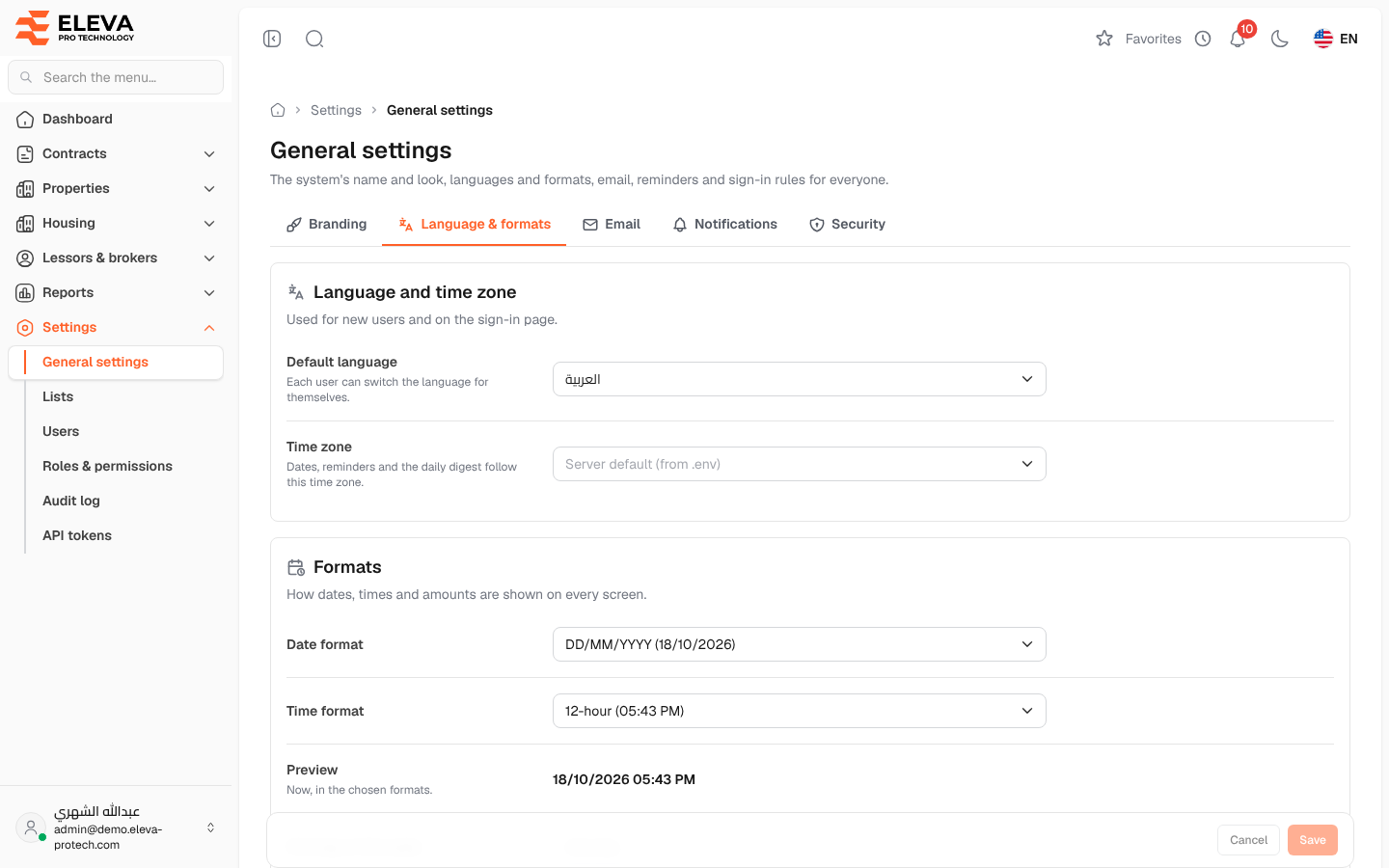
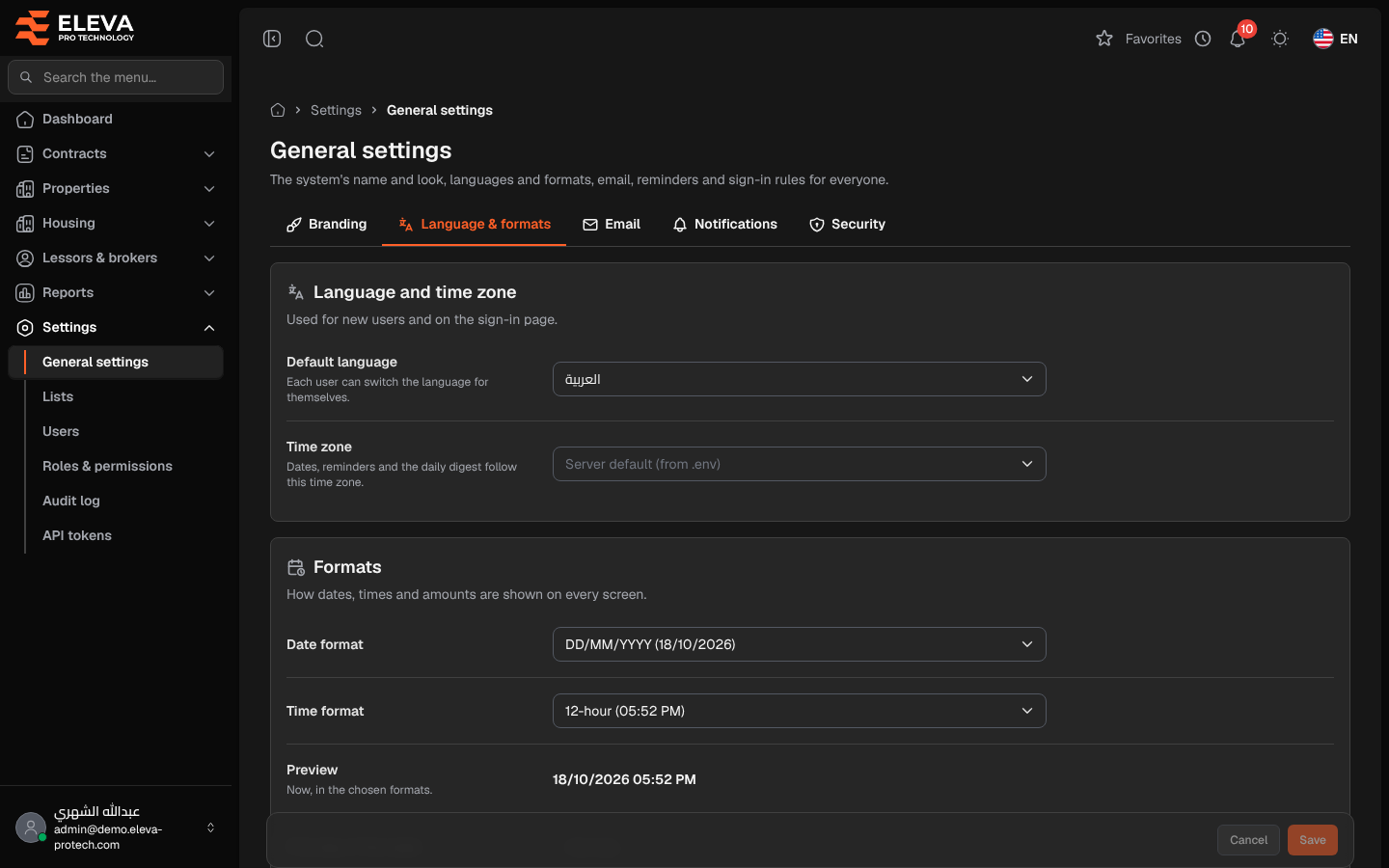
The Language & formats tab sets the default language, the time zone, and how dates, times and amounts are shown on every screen.
From the side menu, open Settings › General settings and click Language & formats.
Language and time zone
Section titled “Language and time zone”- Default language: العربية or English. Used for new users and on the sign-in page; each user can switch the language for themselves at the top of the screen.
- Time zone: dates, reminders and the daily digest follow this time zone. Left empty, the server default is used (Server default (from .env)).
Formats
Section titled “Formats”- Date format: DD/MM/YYYY, YYYY-MM-DD, MM/DD/YYYY or DD MMM YYYY.
- Time format: 12-hour or 24-hour.
- Preview: the current date and time in the chosen formats.
- First day of the week: Saturday, Sunday or Monday, used by the calendars.
- Currency: a three-letter code in capitals, for example SAR.
How to change the formats
Section titled “How to change the formats”- Change the fields and check the Preview.
- Click Save, or Cancel to discard your edits.
Required permissions
Section titled “Required permissions”General settings › View to open the screen; General settings › Edit to save.