

Lists
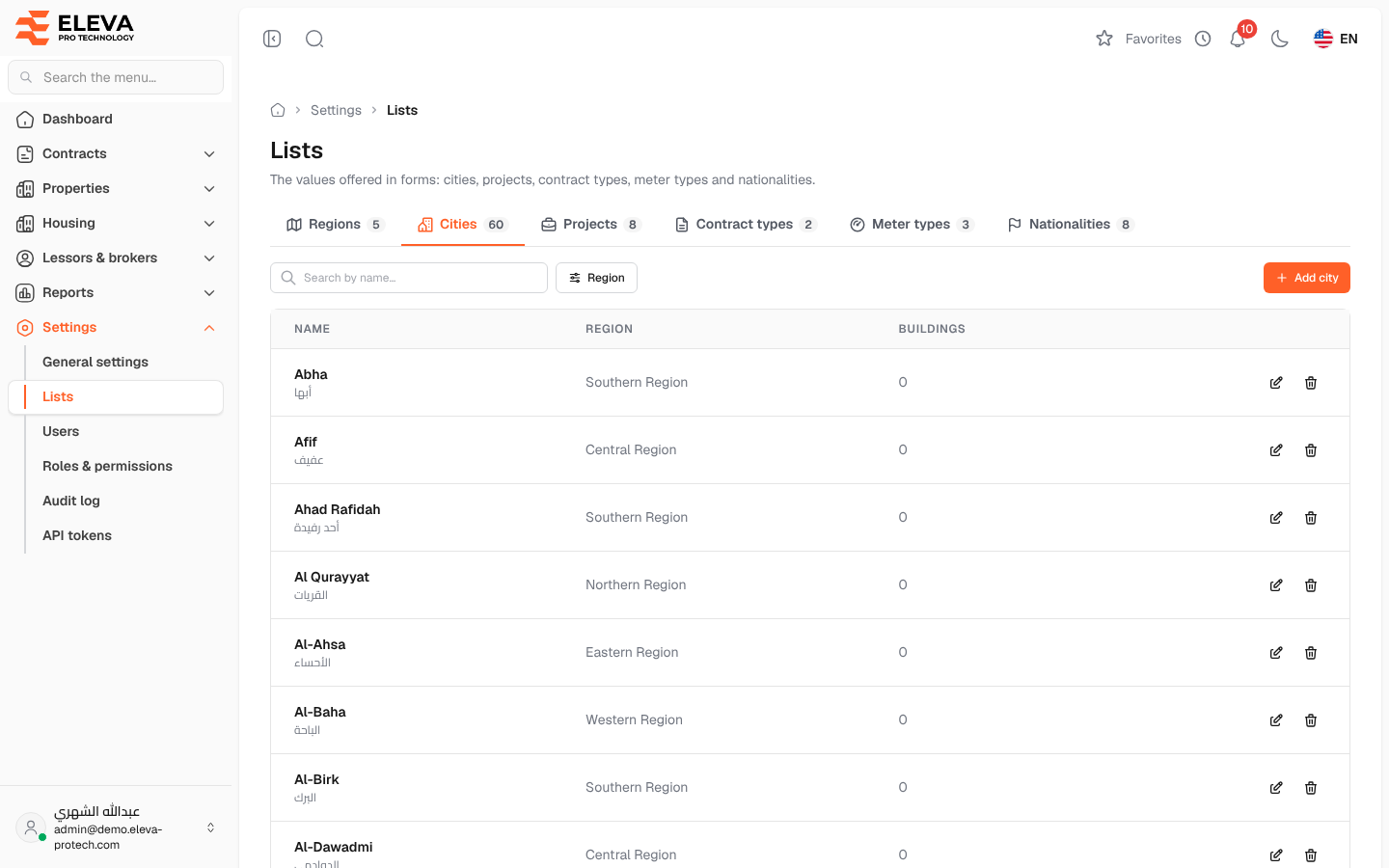
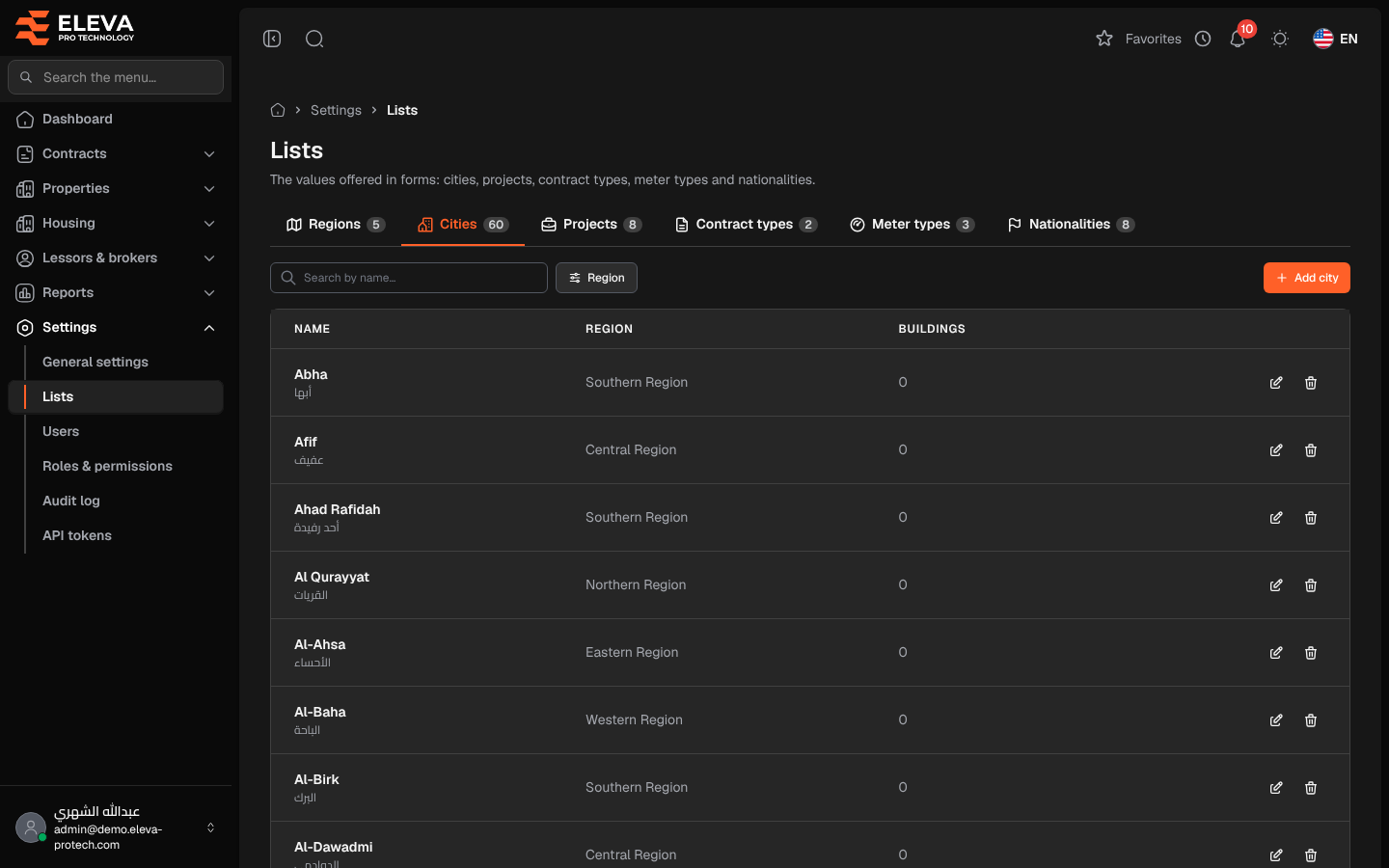
Lists holds the values offered in the system’s forms: regions and cities, projects, contract types, meter types and nationalities. Keep them tidy so that everyone picks from the same values.
From the side menu, open Settings › Lists.
The tabs
Section titled “The tabs”- Regions: fixed; they cannot be added or changed (Regions are fixed; add cities under them in the Cities tab.). The Cities column gives the number of cities in each region.
- Cities: each city with its Region and number of Buildings, and a Region filter.
- Projects: the projects employees work on, with their Current employees.
- Contract types: with the number of Contracts.
- Meter types: such as electricity and water, with the number of Meters.
- Nationalities: used for lessors and contact people.
Each tab has Search by name…, an add button (Add city, Add project, Add contract type, Add meter type or Add nationality) and Edit and Delete on each row.
Fields
Section titled “Fields”- Name (Arabic) and Name (English) (required): each must be unique in its list. City names only need to be unique within their region.
- Region (required, cities only). Users limited to some regions can only choose their own regions.
- Projects have a single Name (required, unique).
How to add a value
Section titled “How to add a value”- Open the tab and click its add button.
- Fill in the name (and the region for a city).
- Click Save.
How to delete a value
Section titled “How to delete a value”- Click the bin icon on the row and confirm with Delete.
Required permissions
Section titled “Required permissions”Lists › View to open the screen; Lists › Add, Edit and Delete for the buttons.