

Add or edit a building
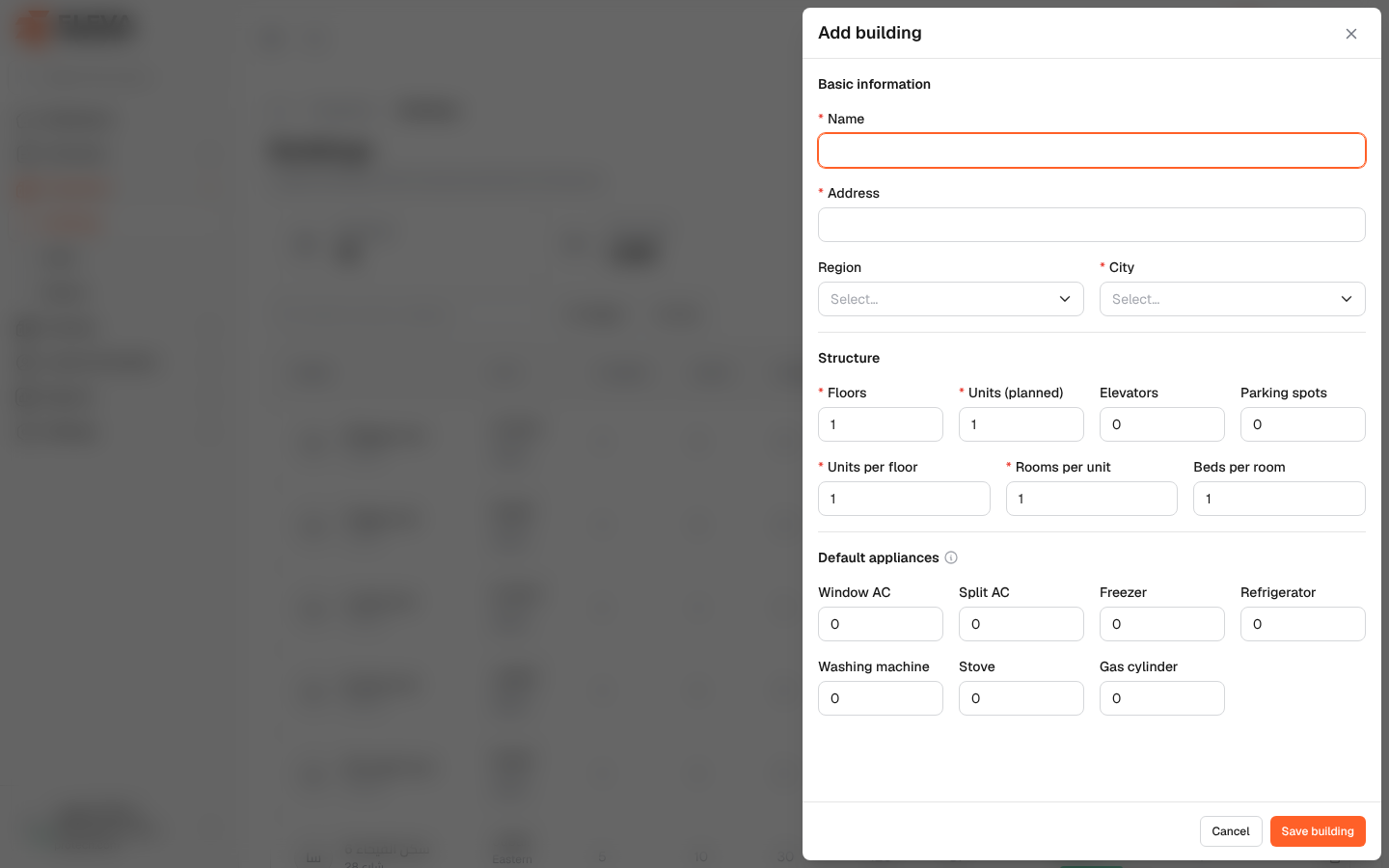
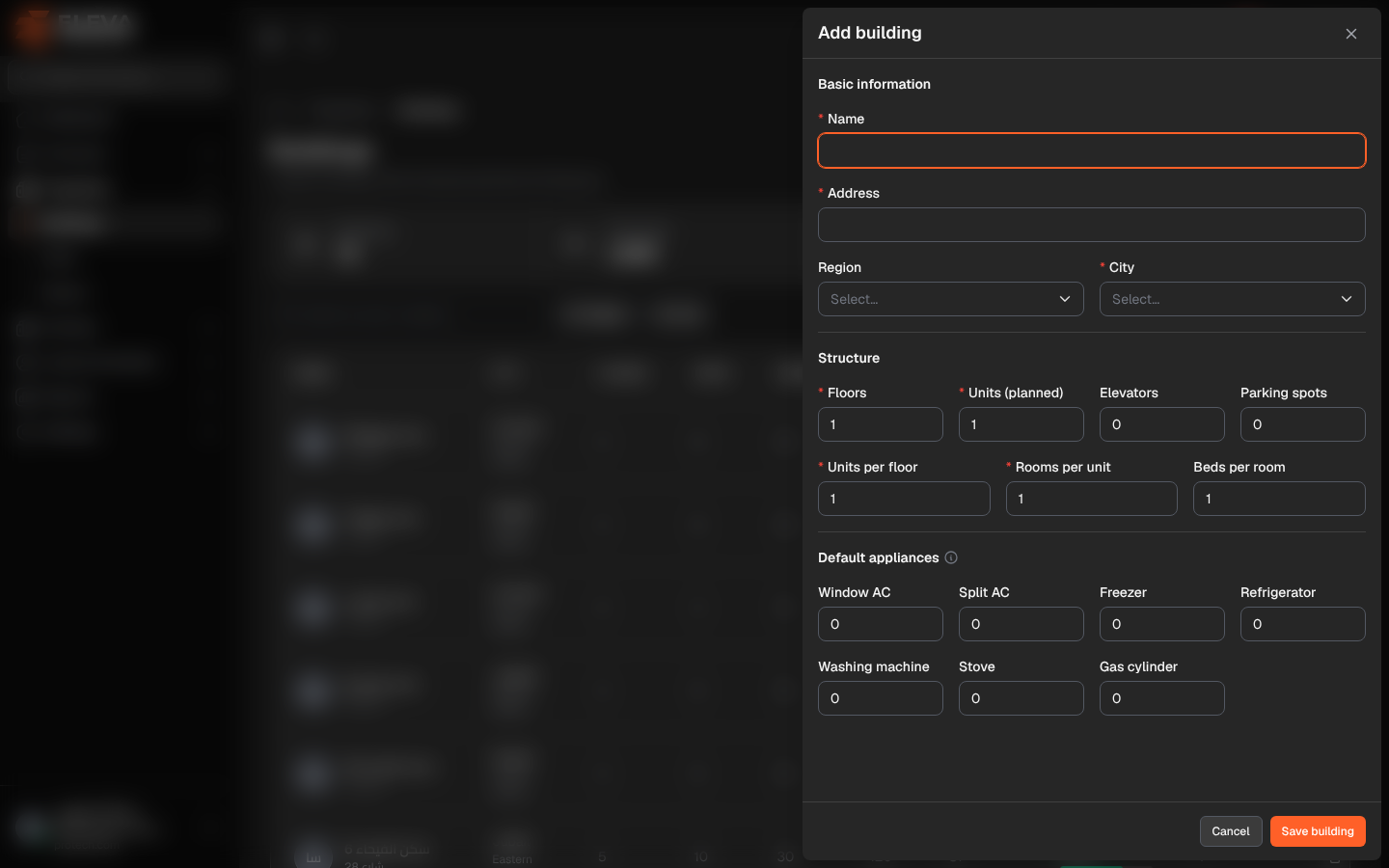
Add a building when a new property is leased for housing. The form records where the building is and how it is laid out; its units and rooms are then added on the building page. A building can also be created from the new contract wizard.
From the side menu, open Properties › Buildings and click Add building. To edit a building, click Edit on the building page or the pencil icon in the list.
Fields
Section titled “Fields”Basic information
- Name (required) and Address (required).
- Region and City (required): choosing a region narrows the list of cities. Users limited to some regions can only choose cities in those regions.
Structure
- Floors and Units (planned) (required).
- Elevators and Parking spots.
- Units per floor and Rooms per unit (required) and Beds per room.
All counts are whole numbers up to 1000. The structure describes the building and is used as the default by the layout generator.
Default appliances: Window AC, Split AC, Freezer, Refrigerator, Washing machine, Stove and Gas cylinder. They are copied into each new unit of this building and can be changed per unit.
How to add a building
Section titled “How to add a building”- Click Add building.
- Fill in the fields, section by section.
- Click Save building, or Cancel to close without saving.
Required permissions
Section titled “Required permissions”Buildings, units & rooms › Add to add; Buildings, units & rooms › Edit to edit.