

Housing with averages
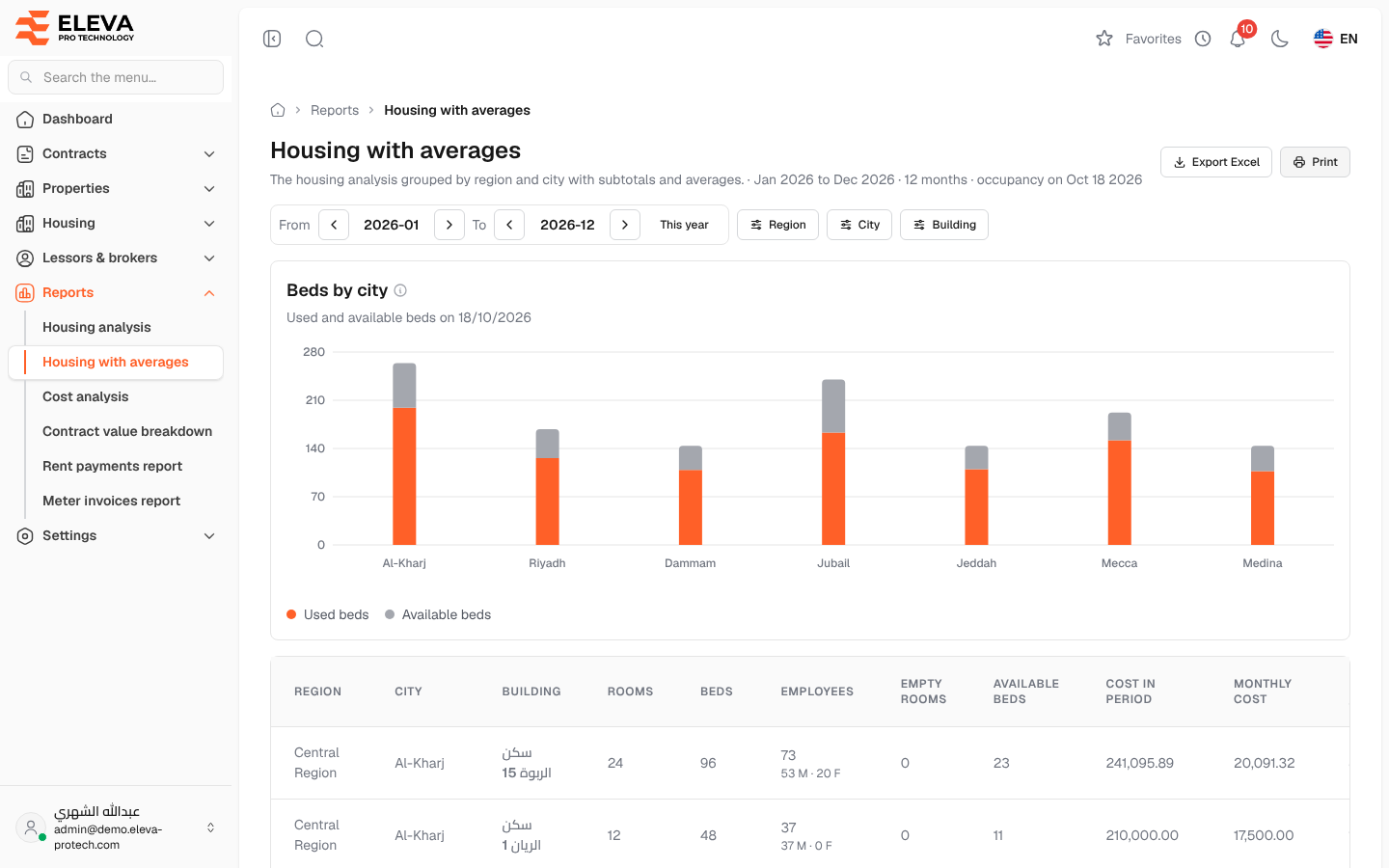
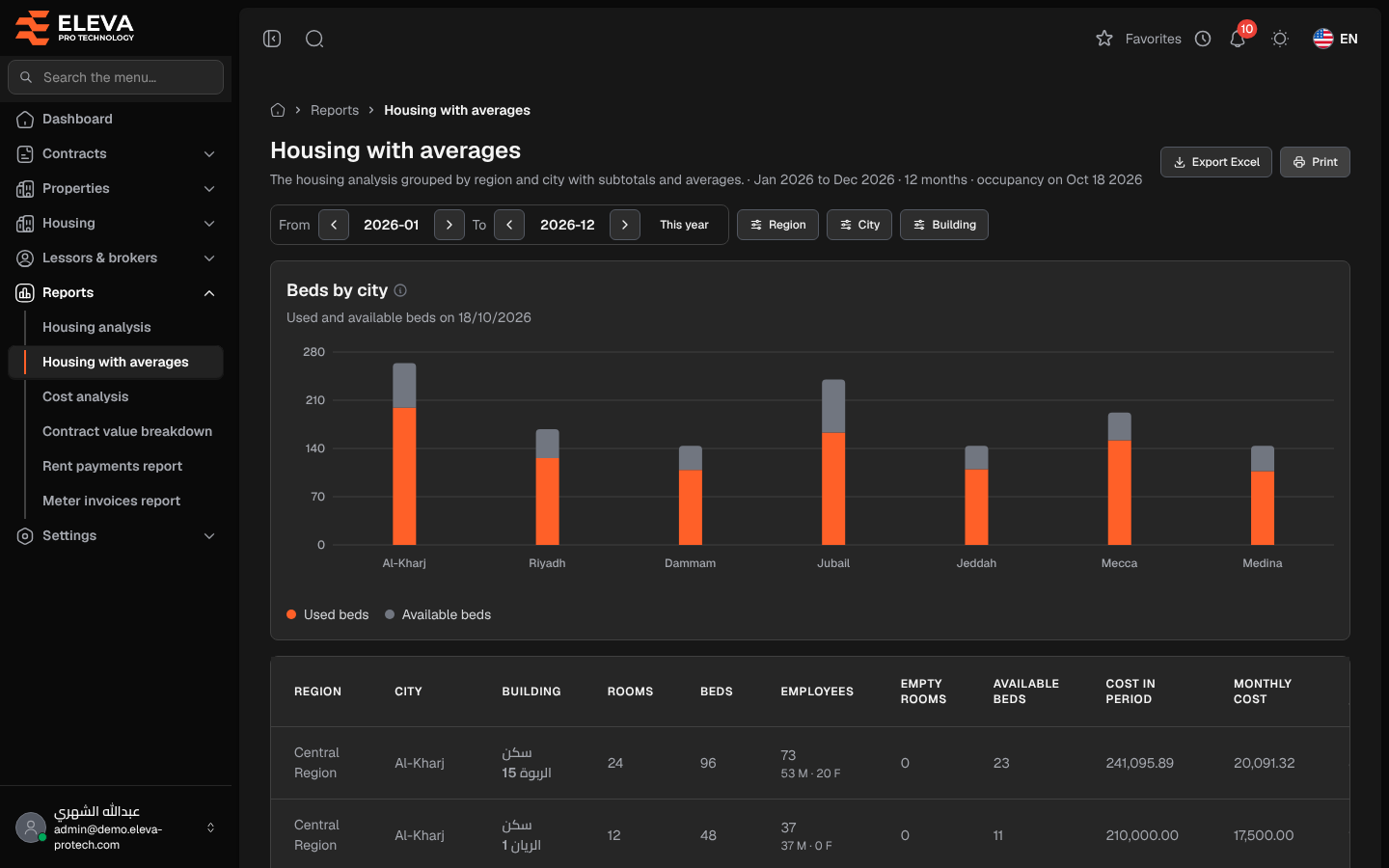
The Housing with averages report is the housing analysis grouped by region and city, with subtotals and averages. Use it to compare cities and regions rather than single buildings.
From the side menu, open Reports › Housing with averages.
Filters
Section titled “Filters”From, To (or This year), Region, City and Building, as in Housing analysis.
What’s on this screen
Section titled “What’s on this screen”- Export Excel and Print.
- Beds by city: used and available beds of each city on the occupancy day.
- The table, with the same columns as Housing analysis: Region, City, Building, Rooms, Beds, Employees, Empty rooms, Available beds, Cost in period, Monthly cost, Monthly / room, Monthly / bed and Monthly / used bed.
Summary rows
Section titled “Summary rows”The buildings of each city are followed by City total and City average (the average per building), and each region by Region total and Region average. The last rows are the Total and Average per building of the whole report. Summary rows are highlighted so they stand out from the building rows.
Required permissions
Section titled “Required permissions”- Reports › View to open the report.
- Reports › Export for Export Excel.