

Audit log
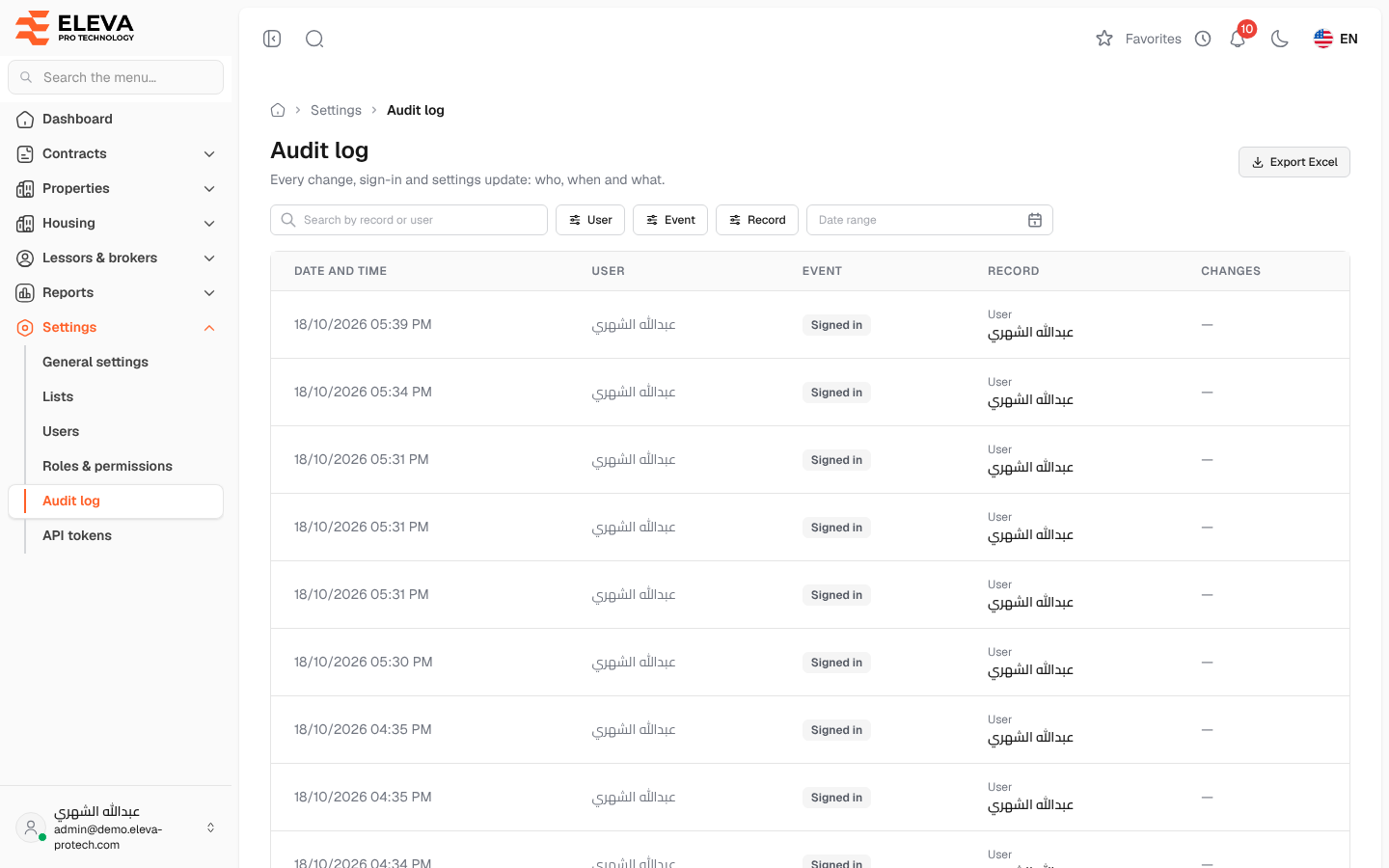
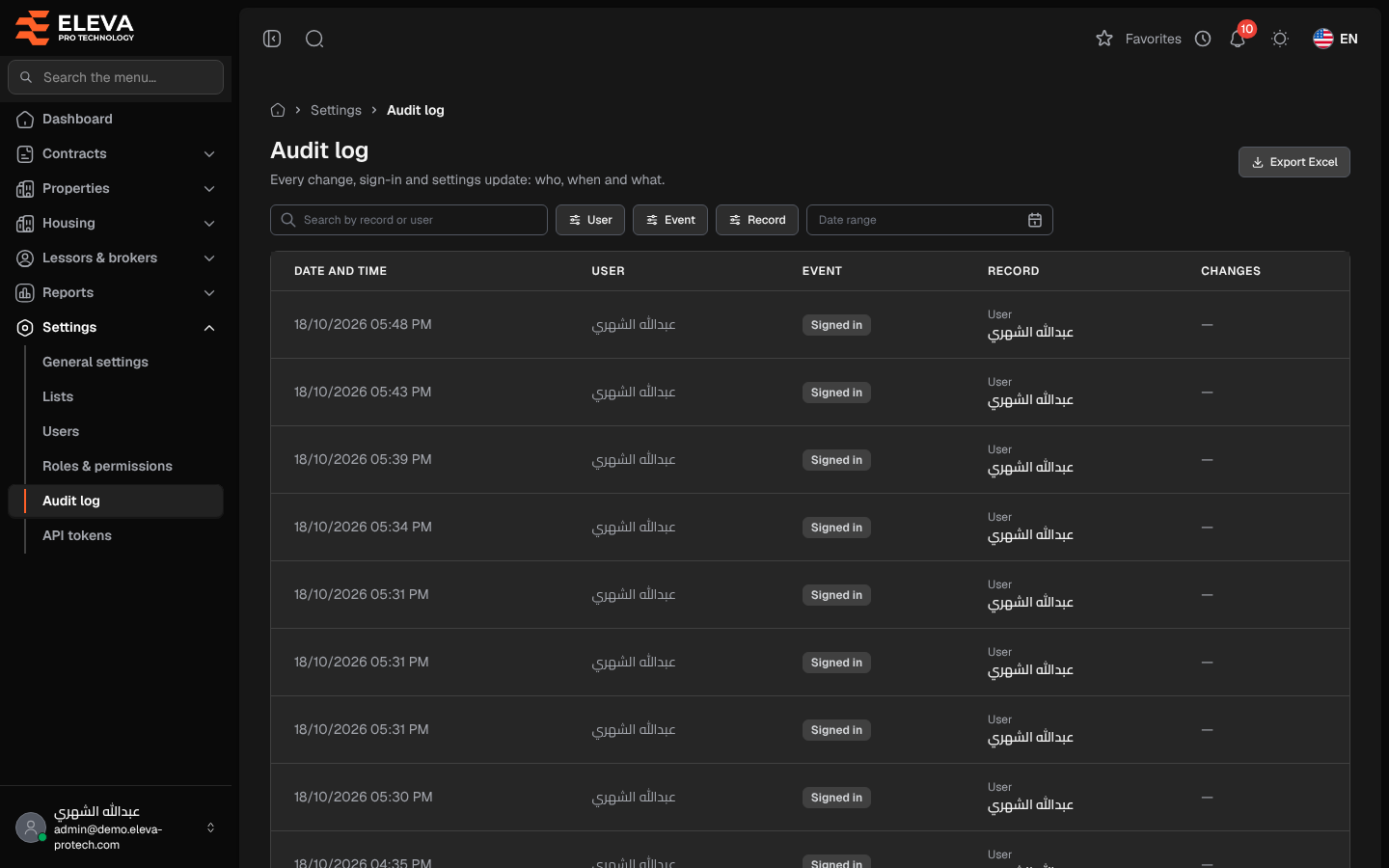
The audit log is the system’s record of every change, sign-in and settings update: who did what, and when, newest first. Use it to investigate an unexpected change or to trace the history of a record.
From the side menu, open Settings › Audit log.
What’s on this screen
Section titled “What’s on this screen”- Search by record or user
- Filters: User, Event, Record (the kind of record, such as Contract, Building, Employee, Stay or User) and Date range.
- Export Excel: downloads the entries as shown.
Columns
Section titled “Columns”- Date and time
- User: who made the change, or System for automatic tasks.
- Event: such as Created, Updated, Deleted, Signed in, Signed out, Imported, Contract renewed, Password changed, Settings changed, Test email sent, Access changed, API token created or API token revoked.
- Record: the kind of record, with its name underneath (a link to it when it still exists).
- Changes: the number of fields changed.
How to see the details of a change
Section titled “How to see the details of a change”- Use the search and filters to narrow the list.
- Click an entry. The Audit entry panel shows the Date and time, User, Event, Record and IP address, and a Changes table with each Field and its value Before and After.
When an event has no field values (a sign-in, for example), the panel shows No field values were recorded for this event.
Required permission
Section titled “Required permission”Audit log › View, for the screen and for Export Excel.