

Security
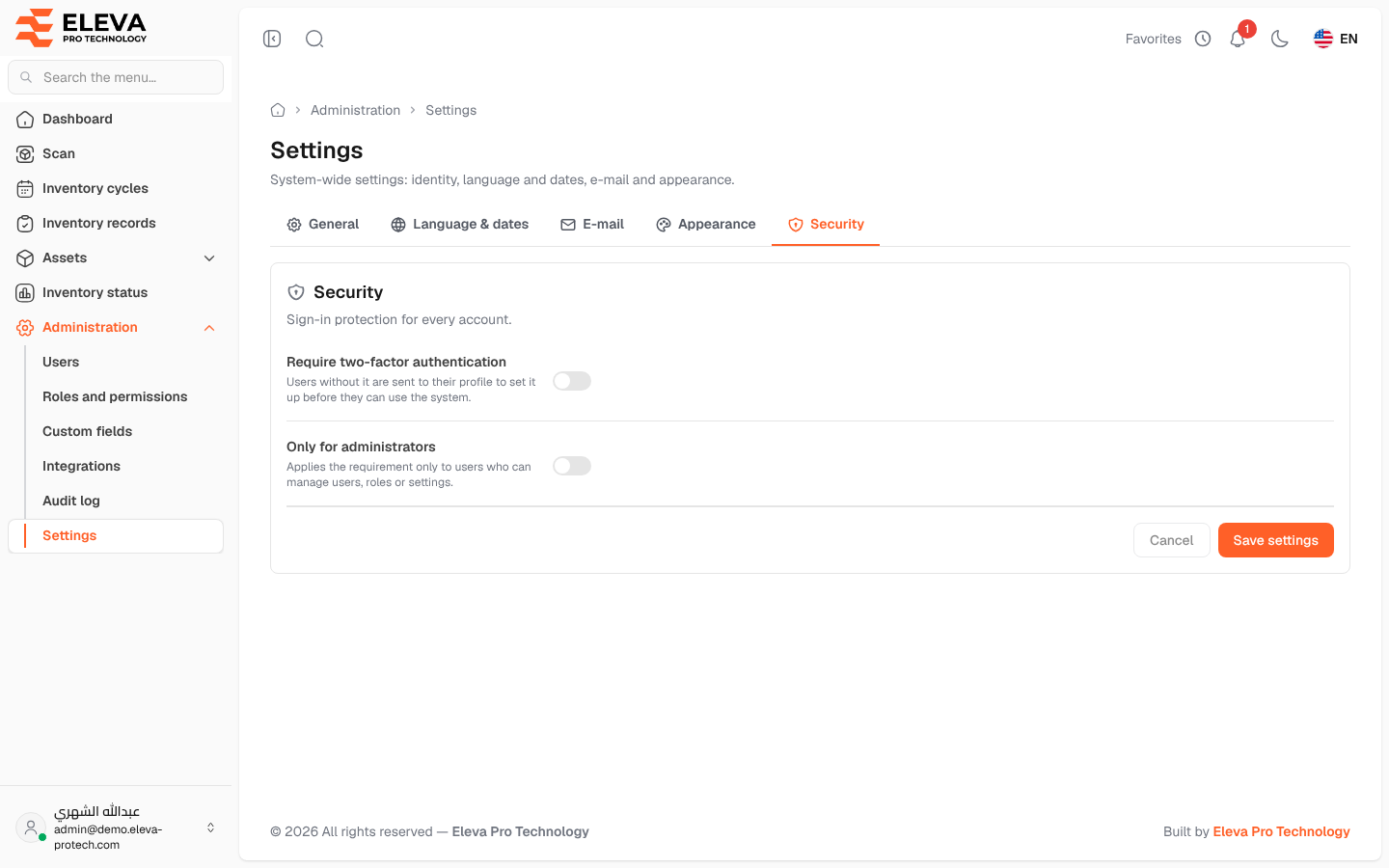
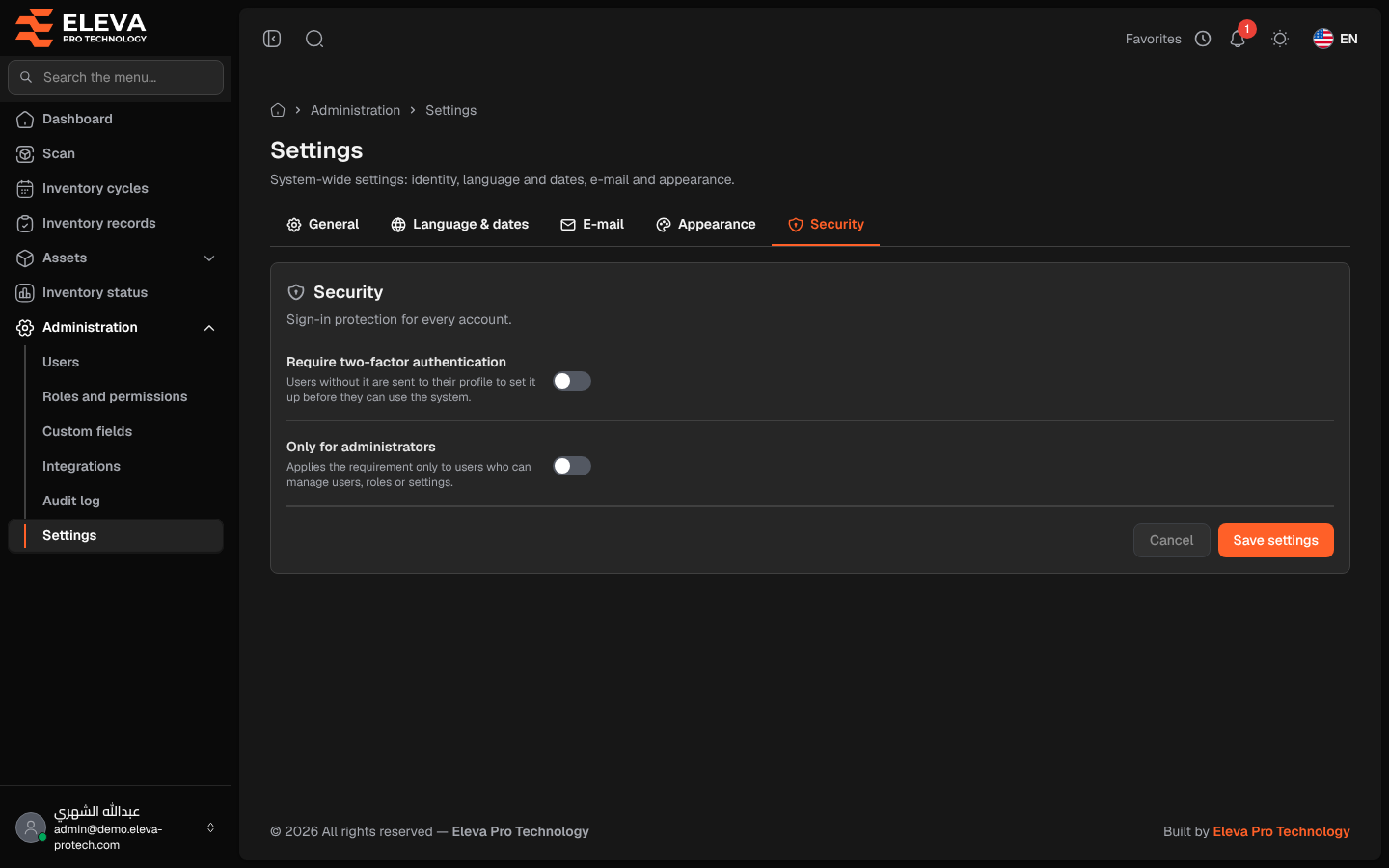
The Security tab decides whether two-factor authentication is required (Sign-in protection for every account.).
From the side menu, open Administration › Settings, then click the Security tab.
Fields
Section titled “Fields”- Require two-factor authentication: Users without it are sent to their profile to set it up before they can use the system.
- Only for administrators: Applies the requirement only to users who can manage users, roles or settings. It has an effect only when the first switch is on.
How to require two-factor authentication
Section titled “How to require two-factor authentication”- Turn Require two-factor authentication on.
- To require it only from administrators, also turn Only for administrators on.
- Click Save settings.
From their next page, the users concerned who have not set it up are sent to My profile with the message Your organisation requires two-factor authentication. Set it up to continue using the system. Once it is set up, they can work normally, and they cannot turn it off. See Two-factor authentication.
Required permissions
Section titled “Required permissions”Settings › View to open; Settings › Edit to save.