

Custody history
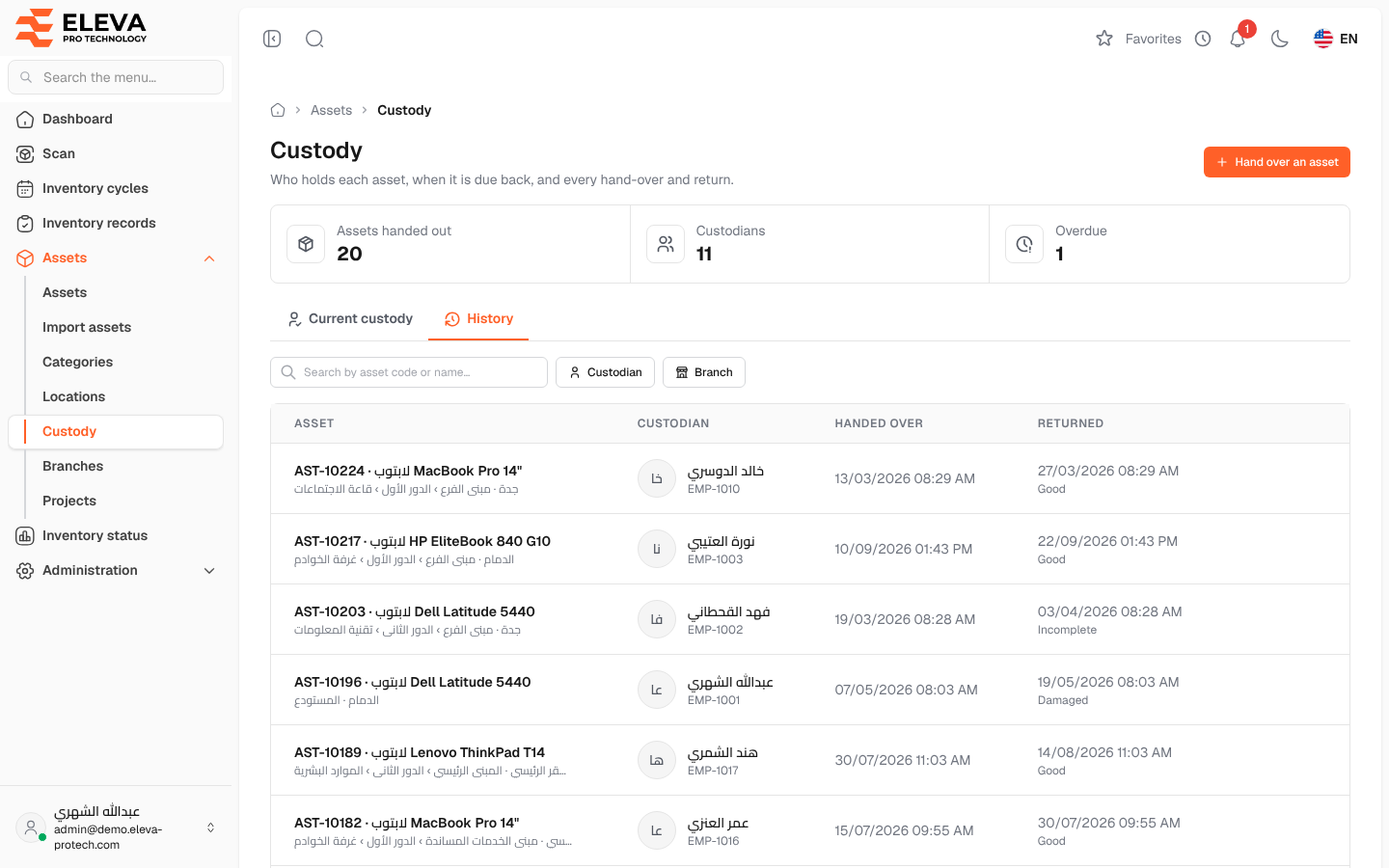
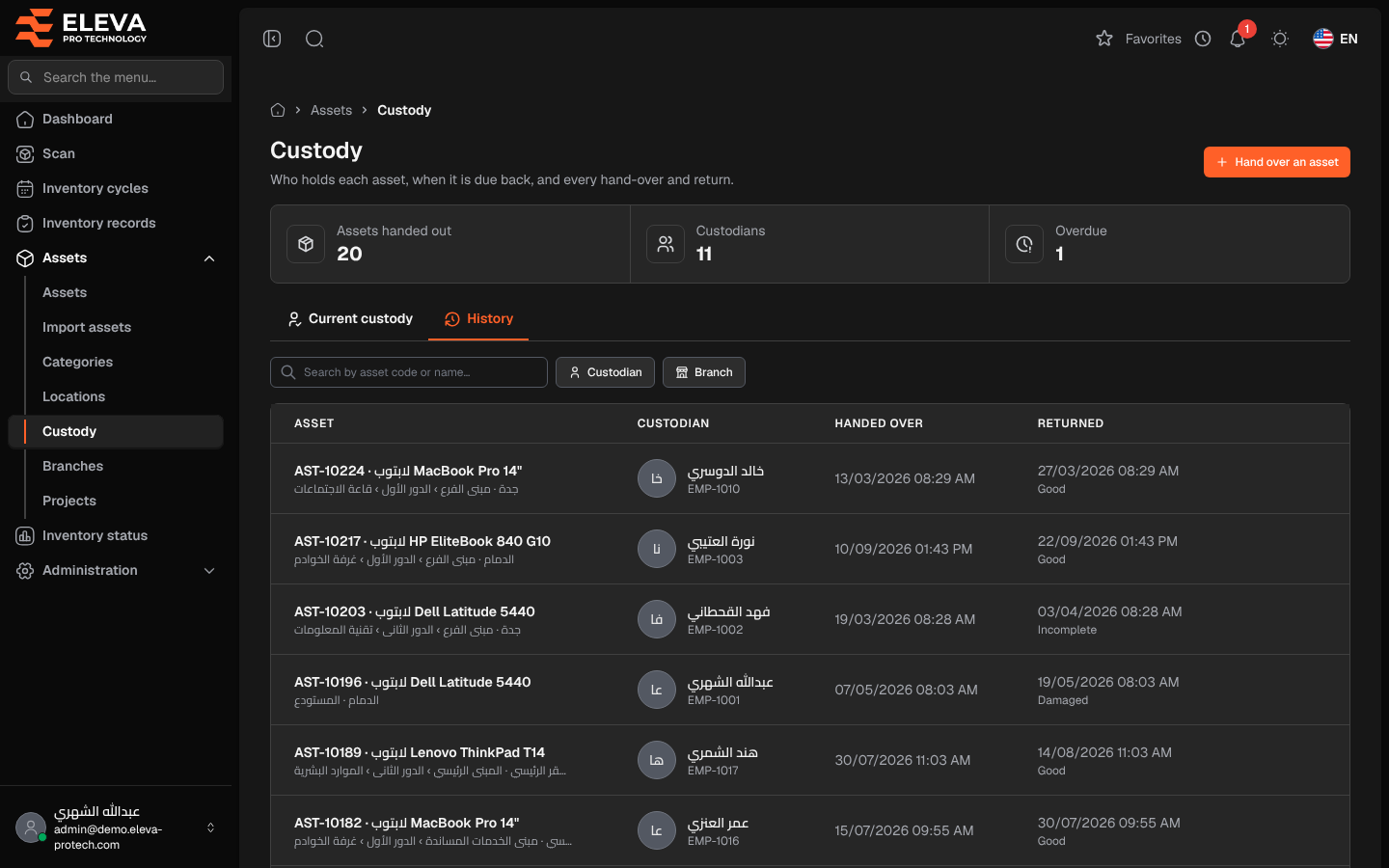
The History tab lists every hand-over ever recorded, newest first, including the ones not returned yet. Use it to know who held an asset at a given time and in what condition it came back.
From the side menu, open Assets › Custody, then click the History tab.
Columns
Section titled “Columns”- Asset: code and name, with the branch and location below.
- Custodian: the person who received the asset. Deleted user appears when the account was deleted.
- Handed over: the date and time of the hand-over.
- Returned: the date and time of the return, with the Condition on return (Good, Damaged or Incomplete) below it, or Not returned yet.
- Return: for a hand-over not returned yet.
When nothing was handed over yet, the tab shows No custody history yet.
How to find the history of an asset
Section titled “How to find the history of an asset”- Open the History tab.
- Type the asset code or name in Search by asset code or name….
- Narrow by Custodian or Branch if needed.
Required permission
Section titled “Required permission”Custody › View.