

My profile
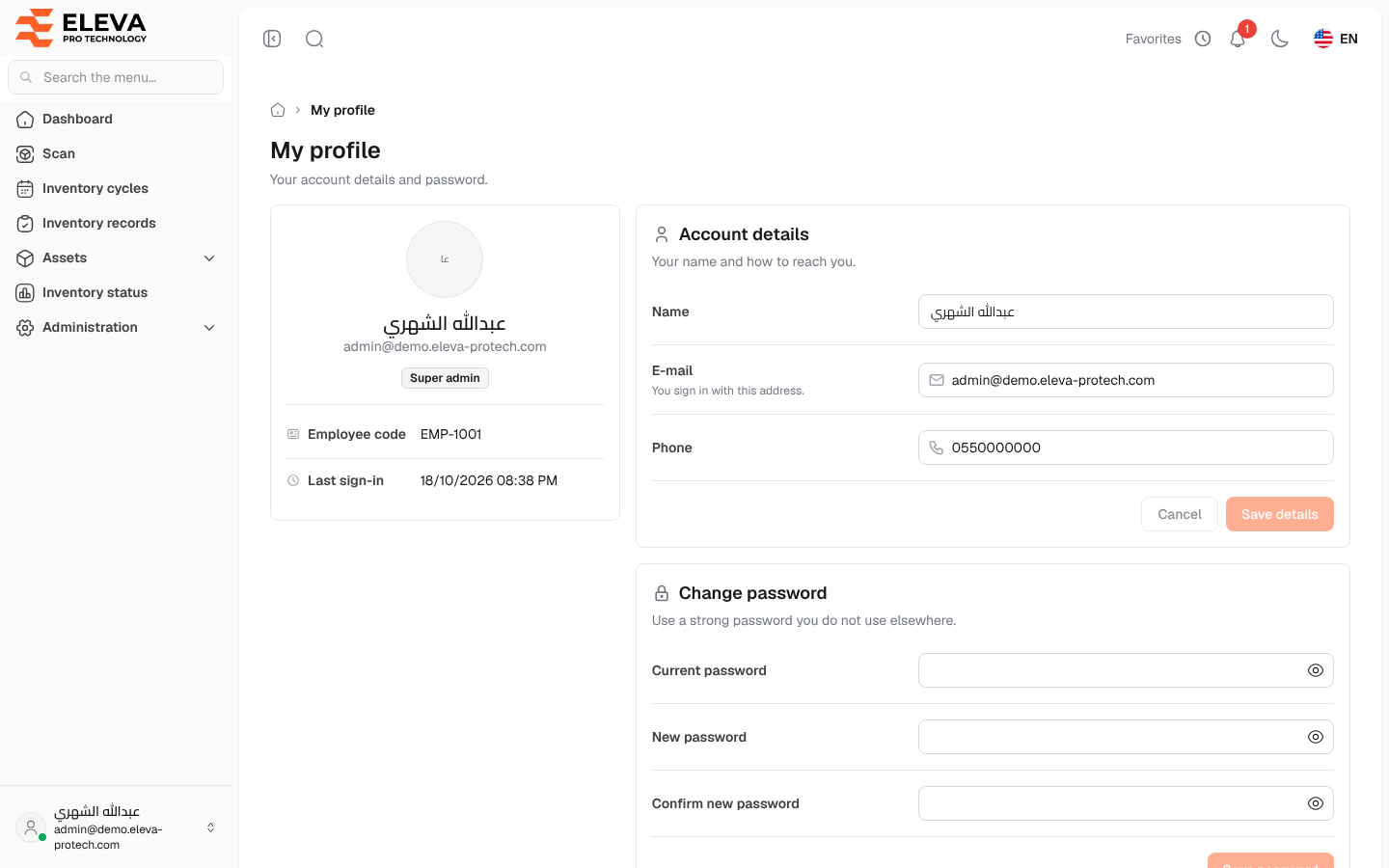
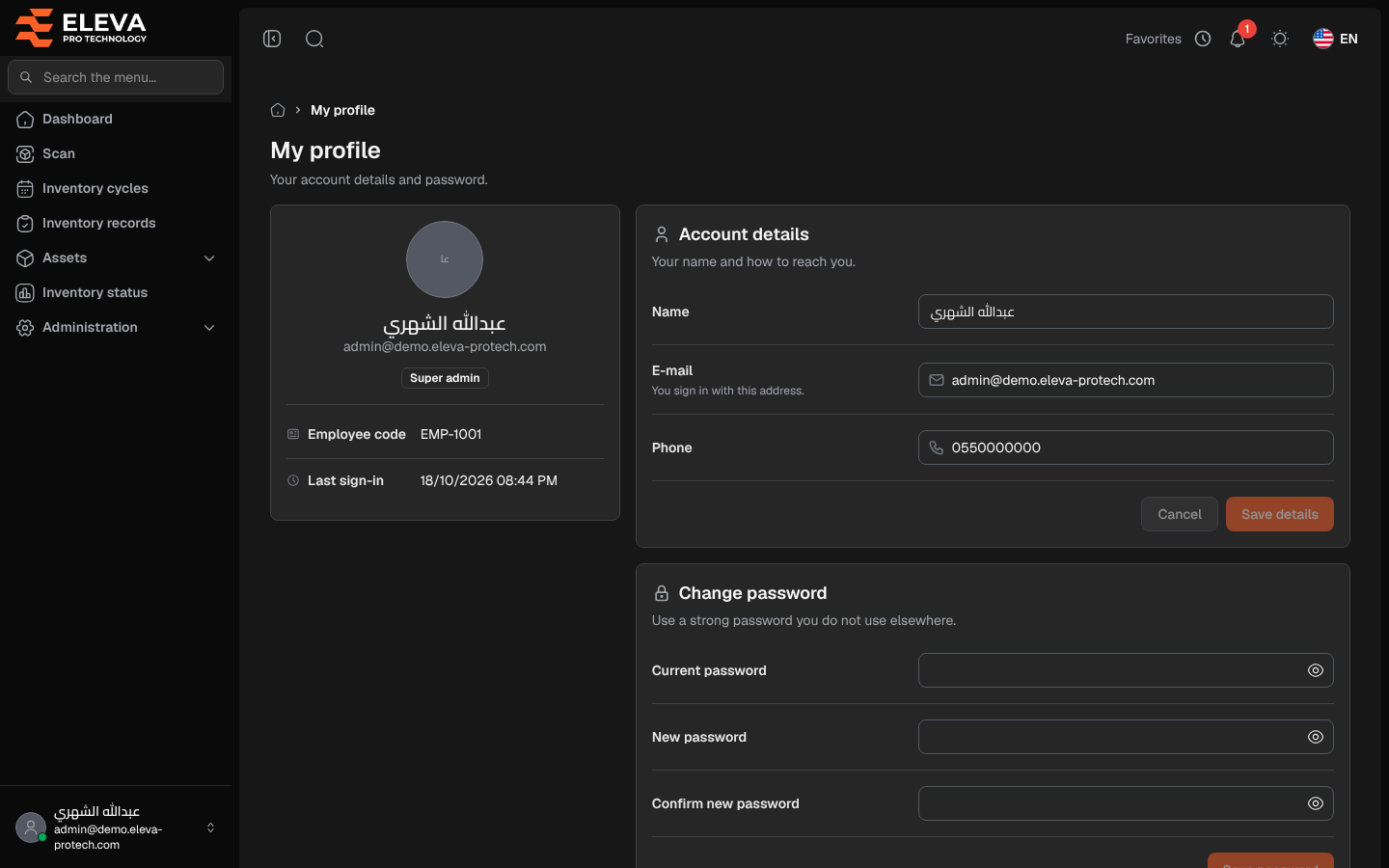
Your profile holds your account details: your name, the e-mail you sign in with, your phone and your password. It also shows your roles, your employee code, when you last signed in, your two-factor authentication and the assets in your custody. Every user can open their own profile, whatever their role.
To open it, click your name at the bottom of the side menu, then My profile.
What’s on this screen
Section titled “What’s on this screen”- A card with your initials, name, e-mail and roles, your Employee code and Last sign-in.
- Account details: your name and how to reach you.
- Change password.
- Two-factor authentication (see Two-factor authentication).
- Assets in my custody (see Assets in my custody).
Fields
Section titled “Fields”Account details
- Name (required).
- E-mail (required): you sign in with this address. It must be a valid address that no other user has.
- Current password: appears only when you change the e-mail. It is required to change your sign-in e-mail.
- Phone: optional, up to 20 characters.
Change password
- Current password (required).
- New password (required): at least 10 characters with upper-case and lower-case letters and numbers; passwords known from public data leaks are refused.
- Confirm new password (required): must match the new password; otherwise The two passwords do not match. appears under it.
Your Employee code and your roles are set by an administrator in Users and cannot be changed here.
How to update your details
Section titled “How to update your details”- Change Name, E-mail or Phone.
- If you changed the e-mail, type your password in Current password.
- Click Save details, or Cancel to discard your changes.
- The message Profile information updated successfully. confirms the change.
How to change your password
Section titled “How to change your password”- In Change password, type your Current password.
- Type the new password in New password and again in Confirm new password.
- Click Save password. The message Password updated successfully. confirms the change.
If the current password is wrong, the page shows The current password is incorrect.
Required permission
Section titled “Required permission”None: every signed-in user can open and edit their own profile.