

Inventory record details
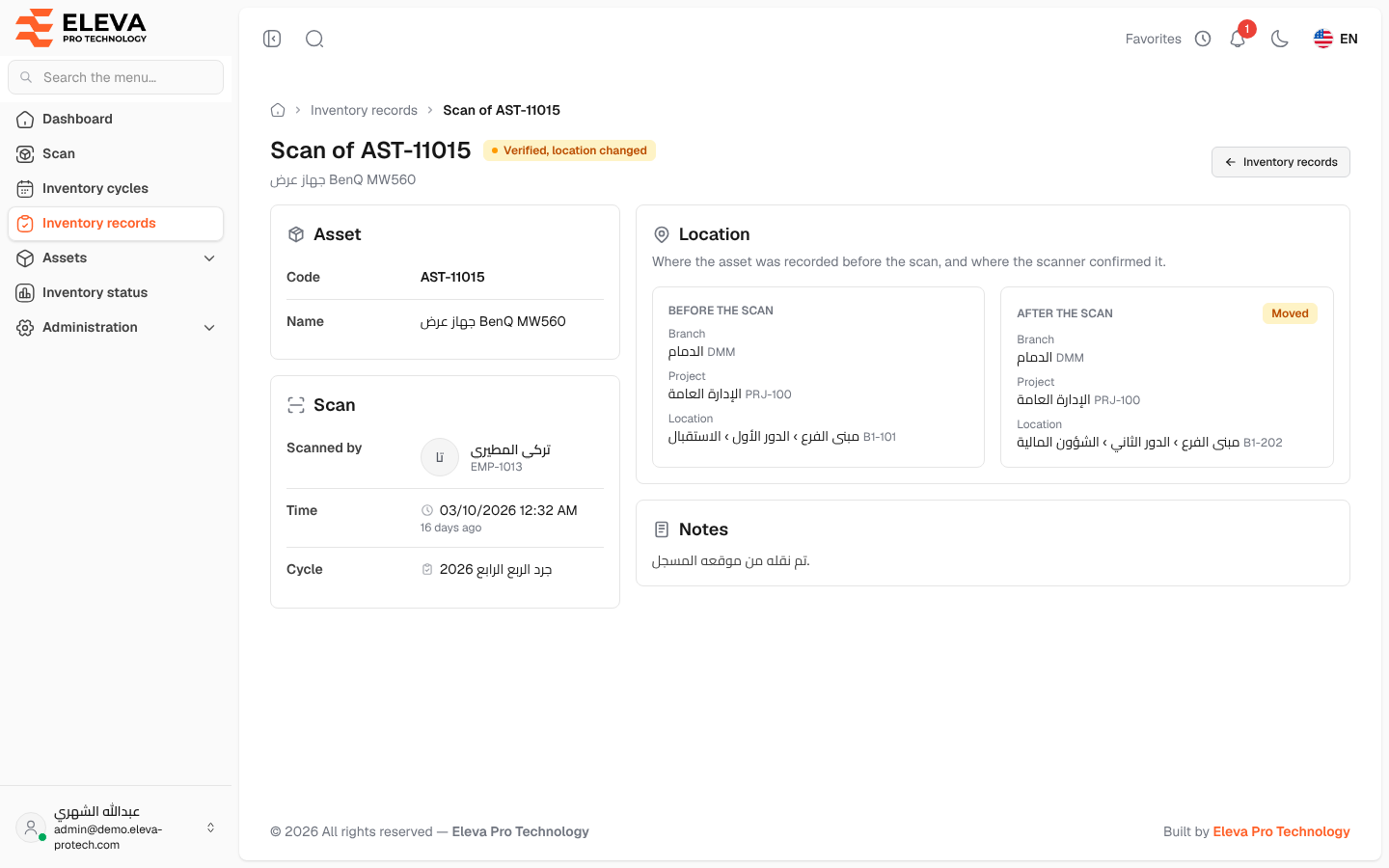
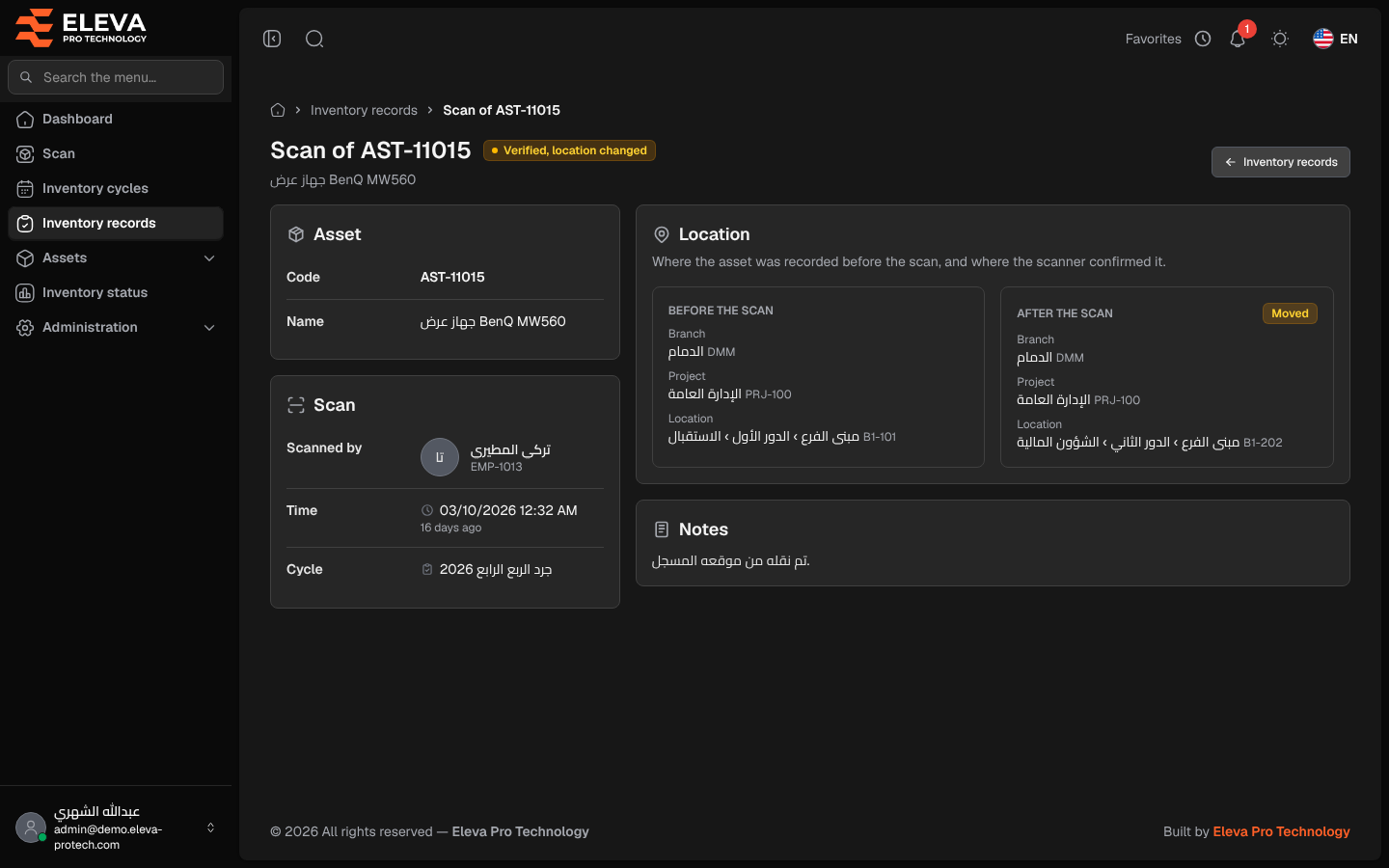
The record page shows one scan in full: the asset, who scanned it and when, the cycle it counts in, where the asset was recorded before the scan and where the scanner confirmed it, and the scanner’s notes.
From the side menu, open Inventory records and click a record. Records also open from the Moved and Found outside scope tabs of an inventory cycle.
What’s on this screen
Section titled “What’s on this screen”At the top: Scan of … with the asset code, the result (Verified, no change or Verified, location changed), the asset name, and Inventory records to go back to the list.
- Asset: Code and Name.
- Scan: Scanned by (name and employee code), Time (with how long ago) and Cycle (a link to the cycle, or No cycle).
- Location (Where the asset was recorded before the scan, and where the scanner confirmed it.):
- Before the scan: Branch, Project and Location.
- After the scan: the same, with a Moved tag when the scan changed the place.
- Notes: the scanner’s notes, or No notes were added.
How to check a move
Section titled “How to check a move”- Open the record.
- Compare Before the scan and After the scan. The asset’s place was updated to the After the scan values when the scan was saved.
- Click the cycle name under Scan to open the cycle the scan counts in.
Required permission
Section titled “Required permission”Inventory records › View.