

API tokens
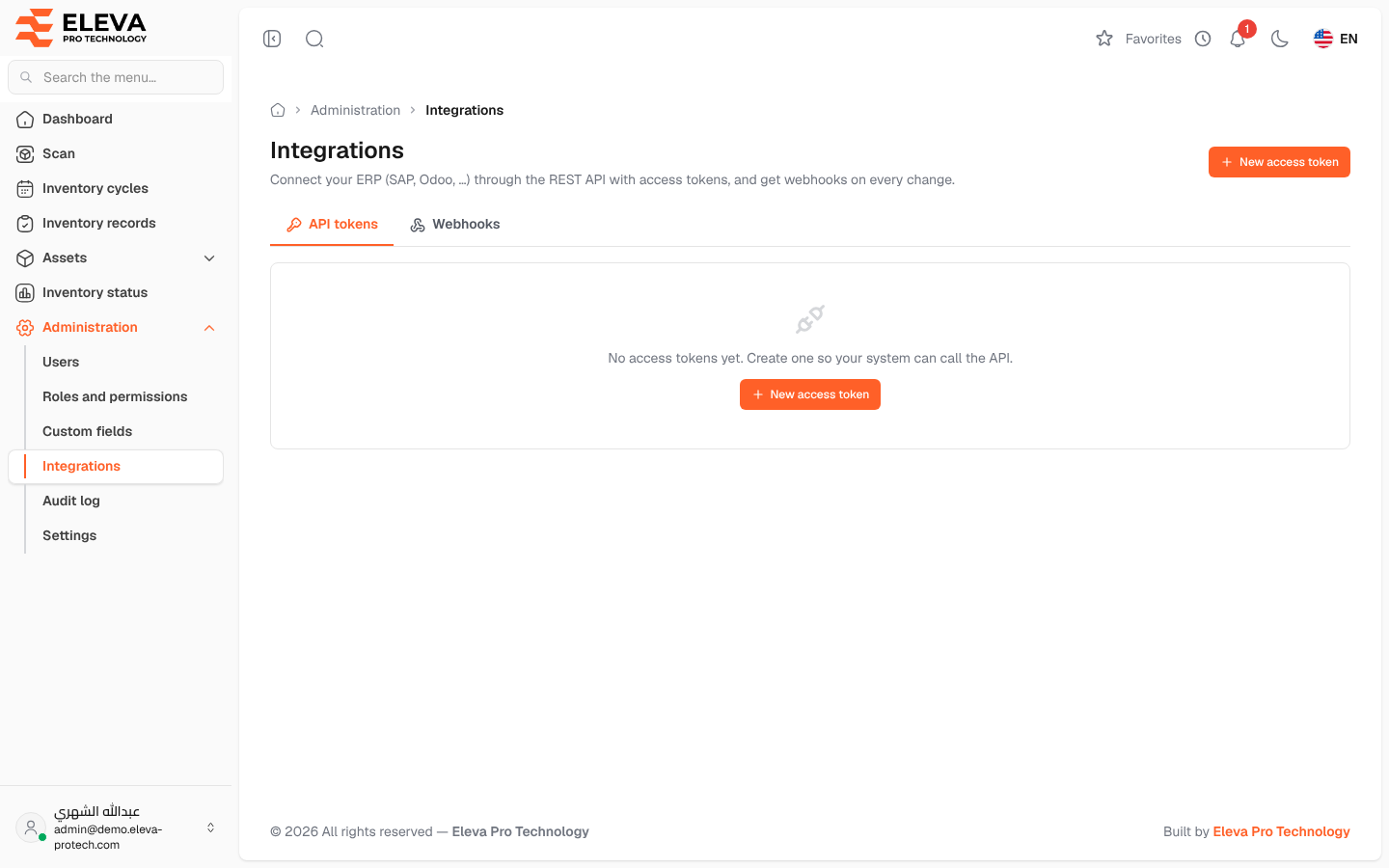
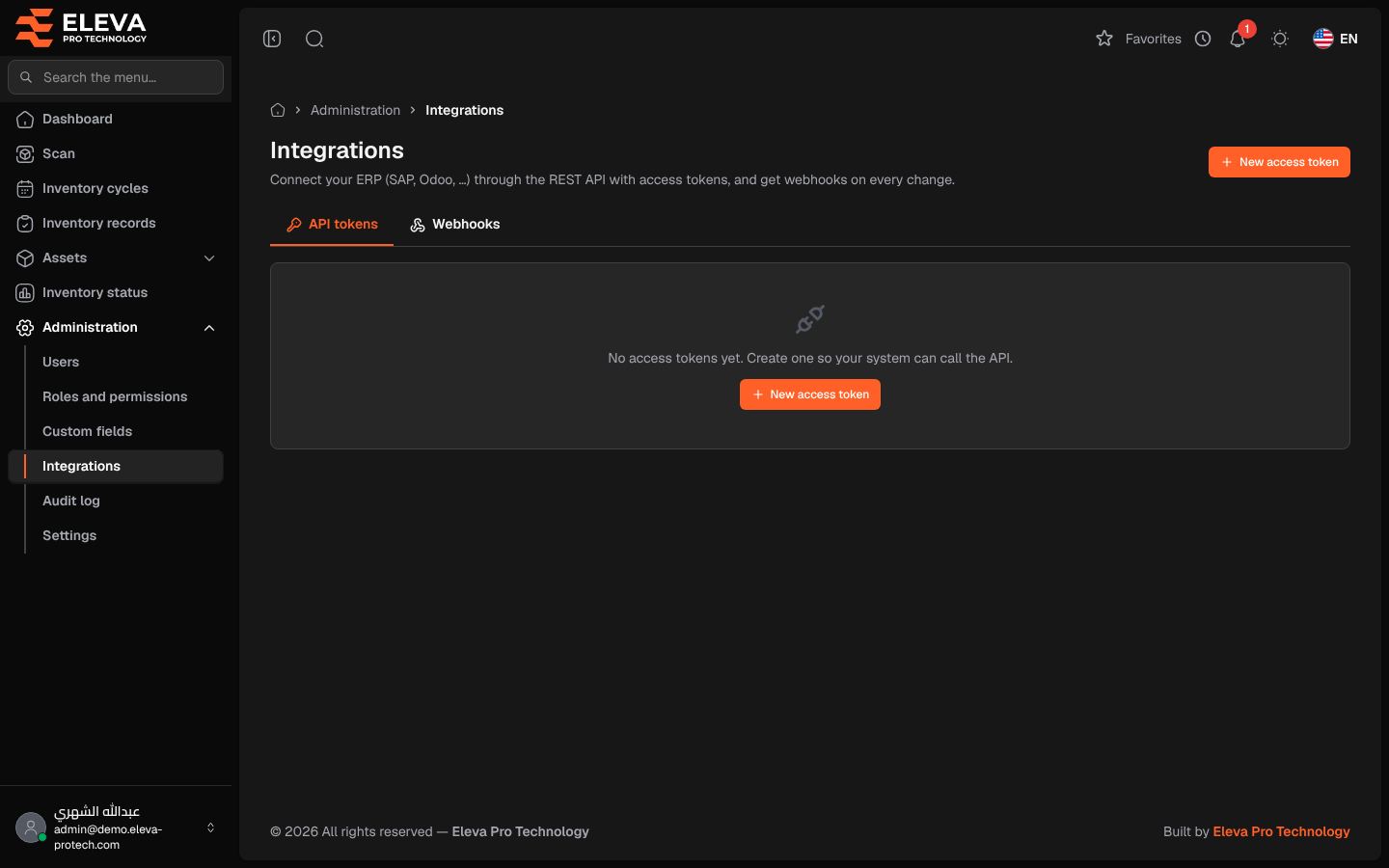
The Integrations screen connects the system to your ERP, such as SAP or Odoo, or to any other system (Connect your ERP (SAP, Odoo, …) through the REST API with access tokens, and get webhooks on every change.). An access token lets the other system call the REST API of your installation, at your system’s address followed by /api/v1, to read and update assets, master data, inventory records and cycles. The API tokens tab lists the tokens.
From the side menu, open Administration › Integrations. The screen opens on the API tokens tab.
What’s on this screen
Section titled “What’s on this screen”- New access token: opens the new token window (see Create an access token).
- API tokens and Webhooks: the two tabs of the screen (see Webhooks).
- The list of tokens.
Columns
Section titled “Columns”- Token name.
- Integration user: the user the token acts as, with their e-mail.
- Abilities: what the token may do, for example assets:read or inventory:write.
- Last used: the date and time of the last call, or Never used.
- Expiry date: the date, Expired, or Never expires.
- Revoke token: the bin icon.
When there is no token, the list shows No access tokens yet. Create one so your system can call the API.
How to revoke a token
Section titled “How to revoke a token”- Click the bin icon in the token’s row.
- The Revoke access token window warns that Every system using this token stops connecting at once. This cannot be undone. Click Revoke token.
- The message Access token revoked. appears.
Required permission
Section titled “Required permission”Integrations › Manage.