

Inventory cycles
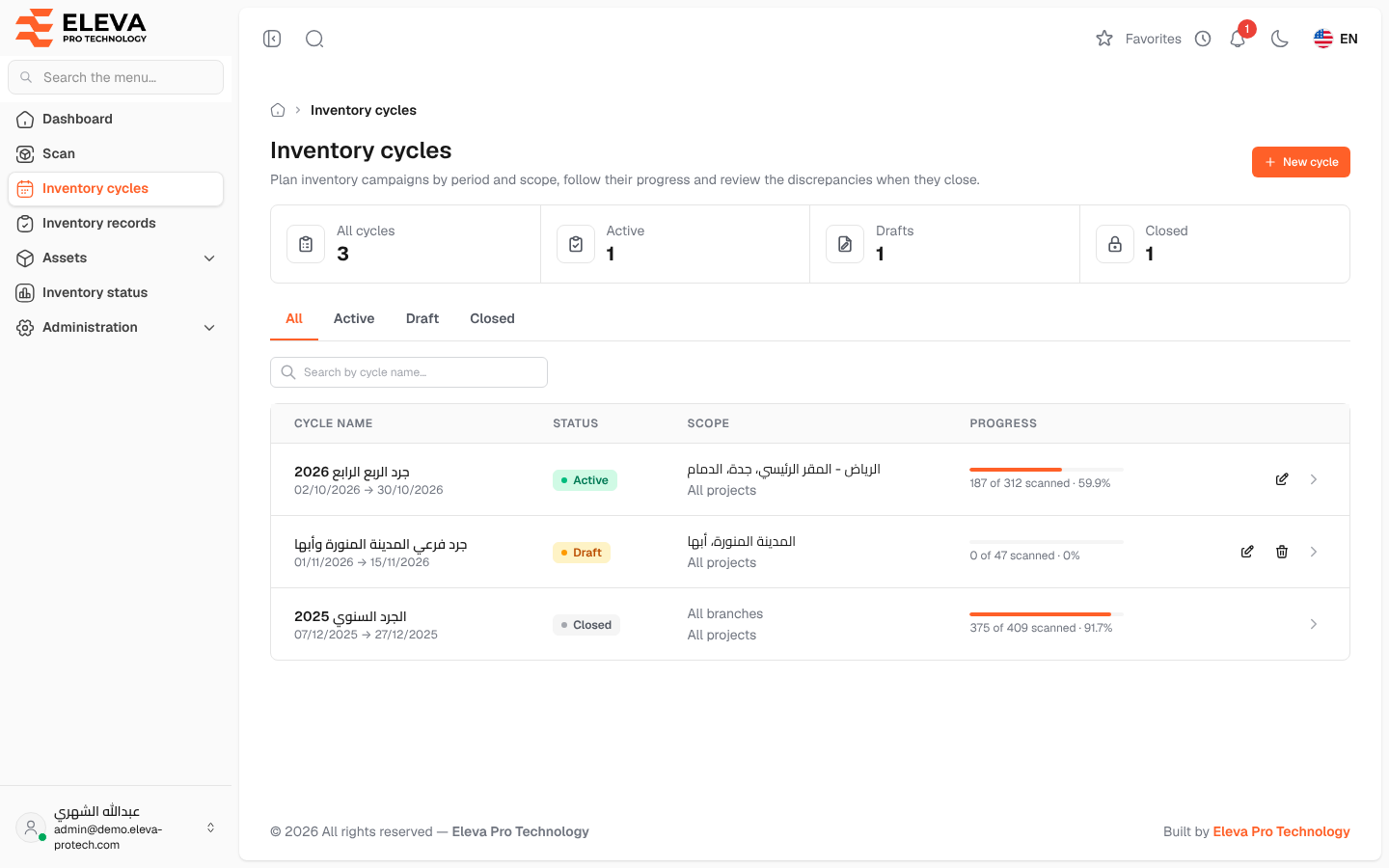
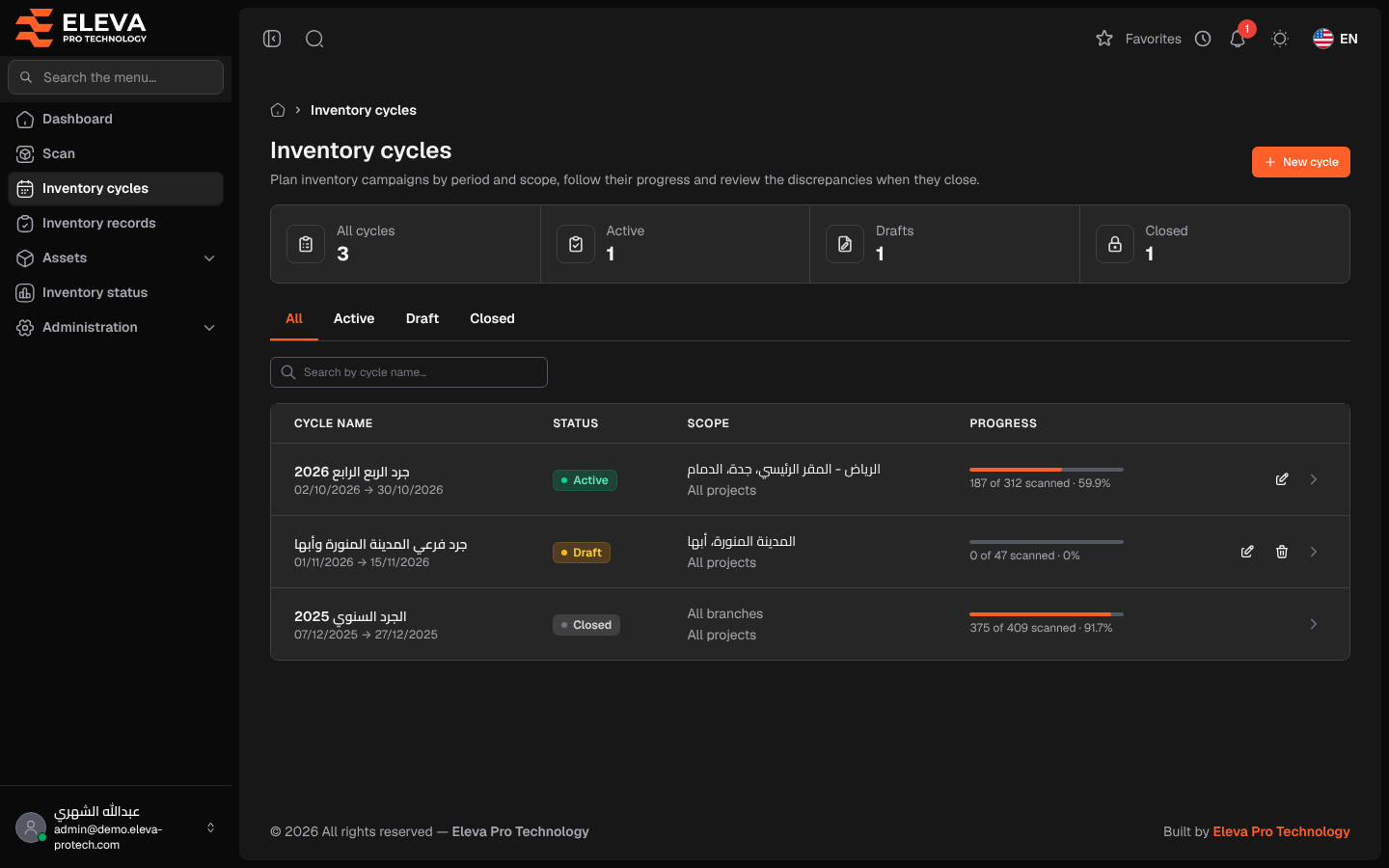
An inventory cycle is a planned inventory campaign: a period, a scope of branches and projects, and the assets expected in that scope. While a cycle is active, every scan in its scope counts towards its progress; when it closes, its discrepancy report shows what was missing, moved, unregistered or found outside the scope. The Inventory cycles screen lists every cycle with its status and progress. Inventory managers use it to plan campaigns and follow them up.
From the side menu, open Inventory cycles.
What’s on this screen
Section titled “What’s on this screen”- New cycle: opens the new cycle form.
- Figures: All cycles, Active, Drafts and Closed.
- All, Active, Draft and Closed: tabs that filter by status.
- Search by cycle name…: finds a cycle by its name.
The list shows active cycles first, then drafts, then closed cycles, the most recent first within each, 15 per page.
Columns
Section titled “Columns”- Cycle name: the name, with the period (start date → end date) below it.
- Status: Draft, Active or Closed.
- Scope: the branches and the projects of the cycle, or All branches and All projects.
- Progress: a bar with … of … scanned and the percentage of the assets in scope that were scanned in the cycle.
- Actions: the pencil icon edits the cycle (not for a closed cycle), the bin icon deletes it (only a draft with no scans), and the arrow opens it.
The life of a cycle
Section titled “The life of a cycle”- Draft: the cycle is created and can be changed or deleted. Scans cannot be recorded in it yet.
- Active: after Start cycle, scanners can record scans in it. Its dates, scope and notes can still be changed.
- Closed: after Close cycle, no scan can be recorded in it any more and it cannot be changed. Its report stays available.
How to open a cycle
Section titled “How to open a cycle”Click the row, or the arrow at the end of it. The cycle page shows its progress and its discrepancy report.
How to delete a draft cycle
Section titled “How to delete a draft cycle”- Click the bin icon in the row of a draft cycle.
- Confirm with Delete.
Required permissions
Section titled “Required permissions”- Inventory cycles › View to open the screen and the cycles.
- Inventory cycles › Add for New cycle.
- Inventory cycles › Edit to edit a cycle and to start it.
- Inventory cycles › Delete to delete a draft cycle.
- Inventory cycles › Close to close an active cycle.