

Custody receipt
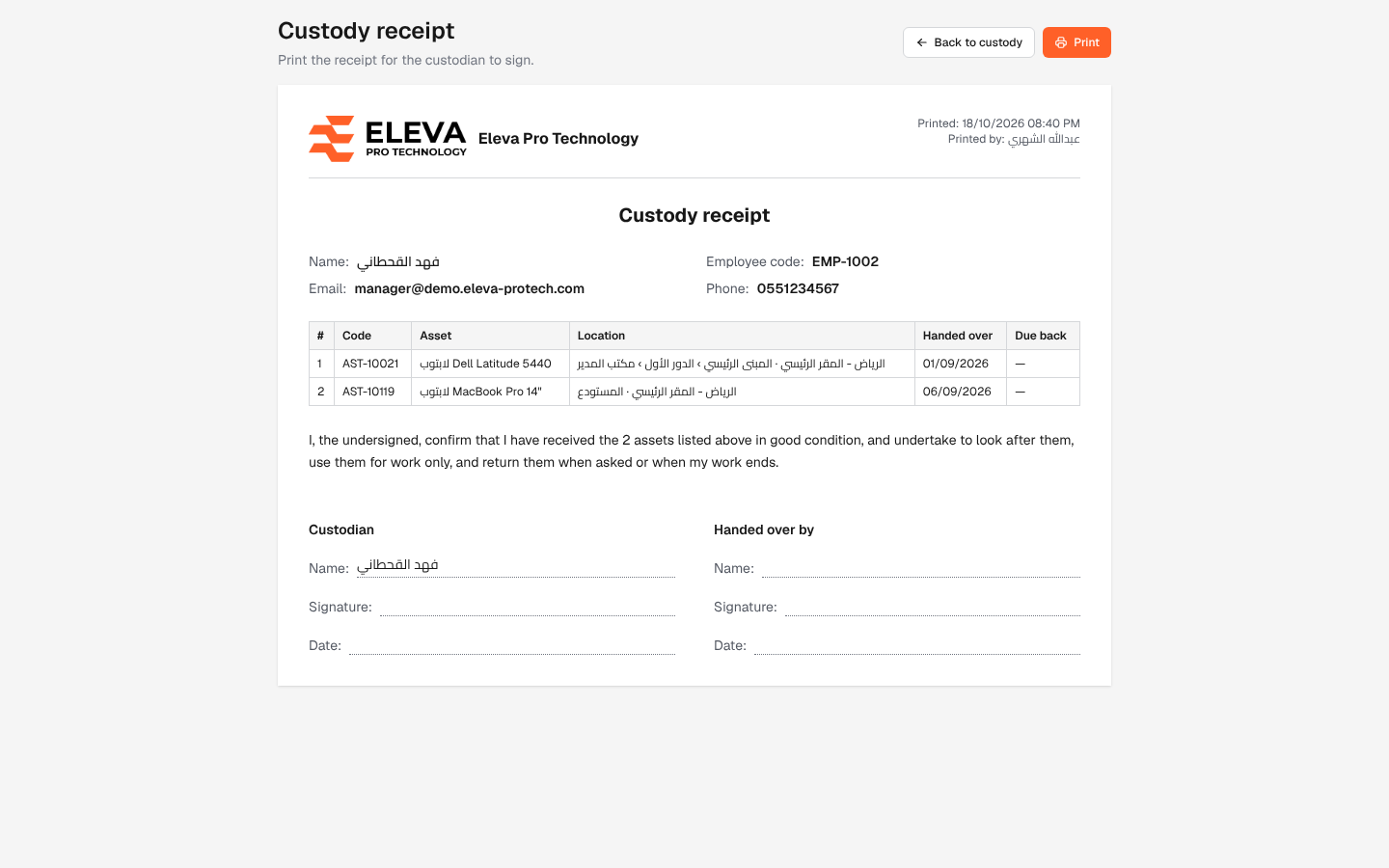
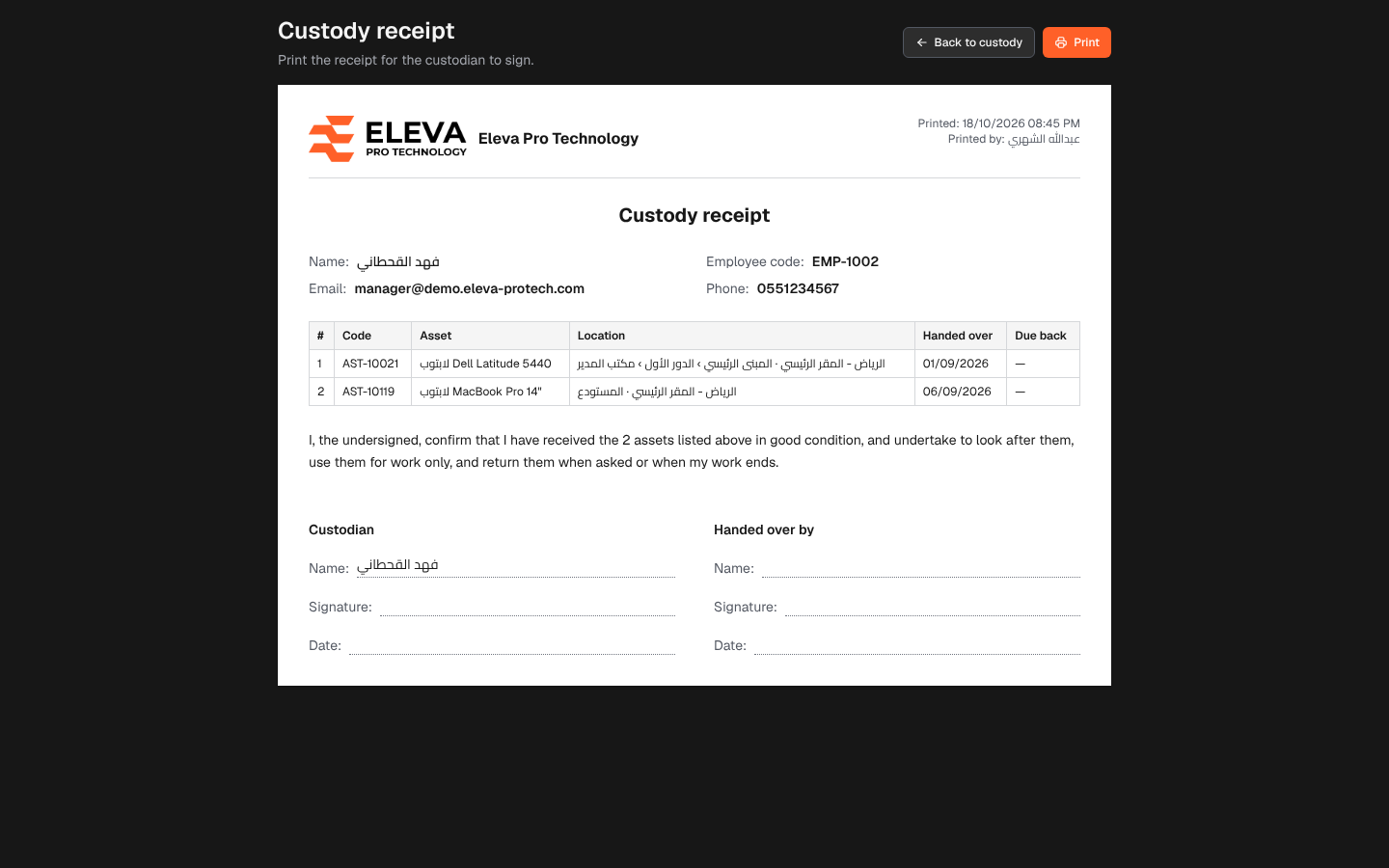
The custody receipt is the document the custodian signs to acknowledge the assets they received. It lists every asset the person holds now, with a declaration and signature blocks for the custodian and for the person handing over (Print the receipt for the custodian to sign.).
From the side menu, open Assets › Custody, click the custodian, then click Print custody receipt.
What’s on the receipt
Section titled “What’s on the receipt”- Your logo and company name, with Printed: … and Printed by: ….
- Custody receipt, with the custodian’s Name, Employee code, Email and Phone.
- A table: #, Code, Asset, Location, Handed over and Due back.
- The declaration: the custodian confirms they received the assets in good condition, will look after them, use them for work only and return them when asked or when their work ends.
- Two signature blocks, Custodian and Handed over by, each with Name, Signature and Date.
How to print the receipt
Section titled “How to print the receipt”- Open the custodian’s page and click Print custody receipt.
- Check the list of assets.
- Click Print. Only the sheet is printed, on A4, without the buttons.
- Have the custodian and the person handing over sign it, and keep it on file.
Click Back to custody to return to the custodian’s page.
Required permission
Section titled “Required permission”Custody › View.