

Assets in my custody
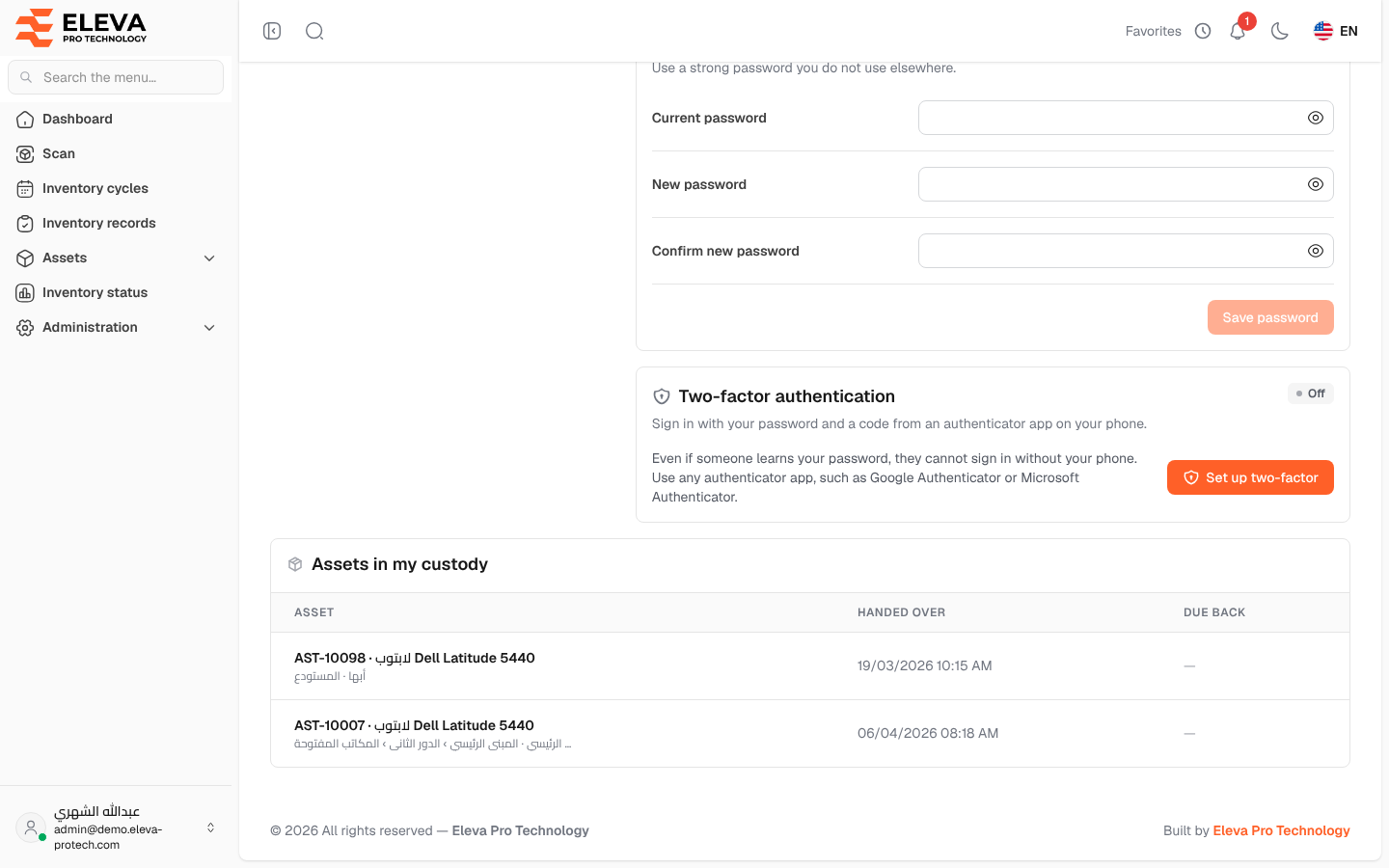
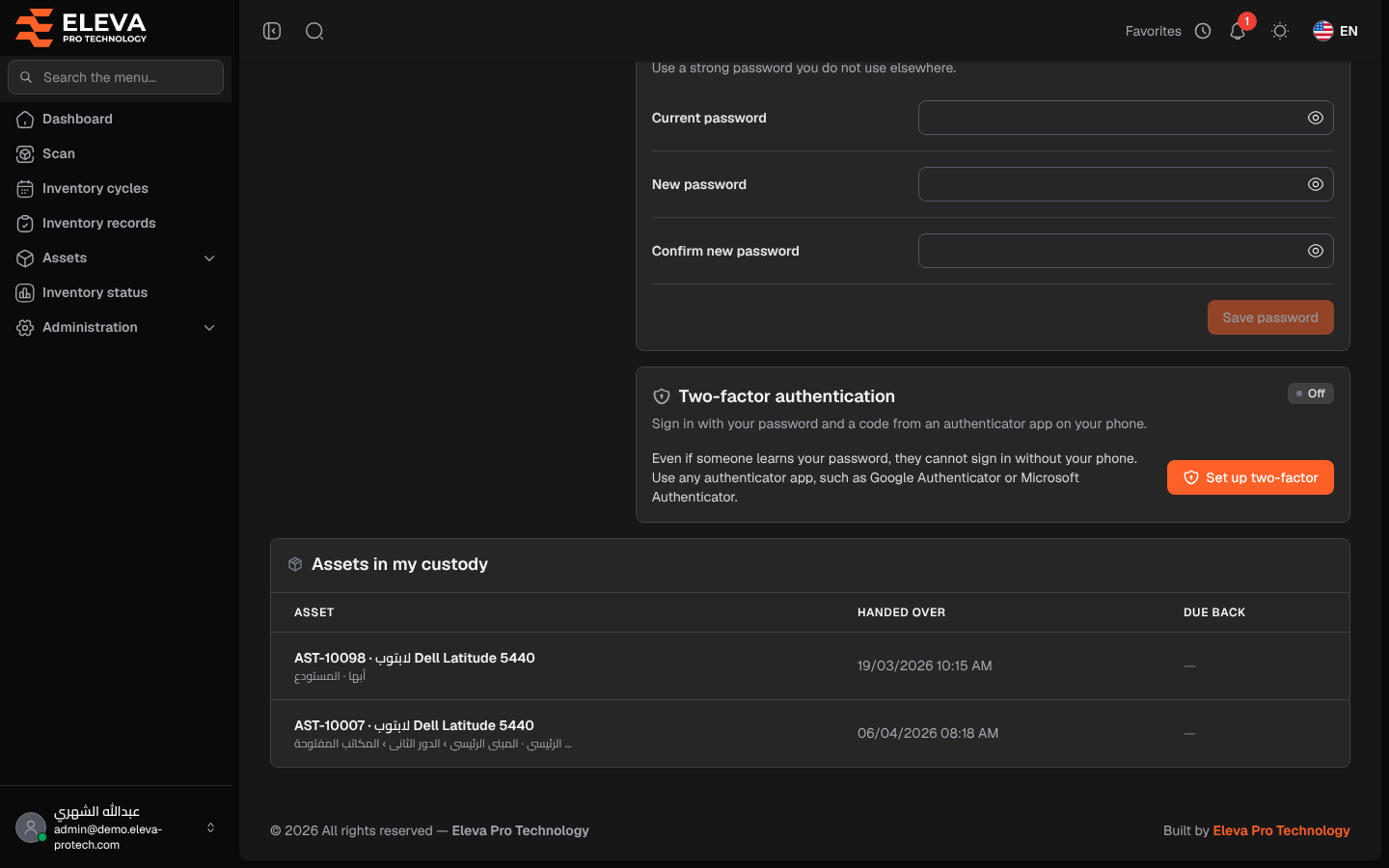
The Assets in my custody list at the bottom of your profile shows the assets that were handed over to you and that you have not returned yet: a laptop, a device or a tool you are responsible for. Every user sees their own custody here, even without access to the Custody screen.
To open it, click your name at the bottom of the side menu, then My profile, and scroll to the bottom of the page.
Columns
Section titled “Columns”- Asset: the asset code and name, with its branch and location below.
- Handed over: the date and time the asset was handed to you.
- Due back: the date you are expected to return it, or a dash when no date was set. When the date has passed, the cell shows Overdue since … in red.
When you hold nothing, the list shows You hold no assets.
How custody reaches you
Section titled “How custody reaches you”- A user with the custody permission hands an asset over to you from Assets › Custody or from the asset list.
- You receive a notification Asset in your custody: … with the expected return date, if one was set.
- The asset appears in this list until its return is recorded.
Required permission
Section titled “Required permission”None: every user sees the assets in their own custody.