

Report an unregistered item
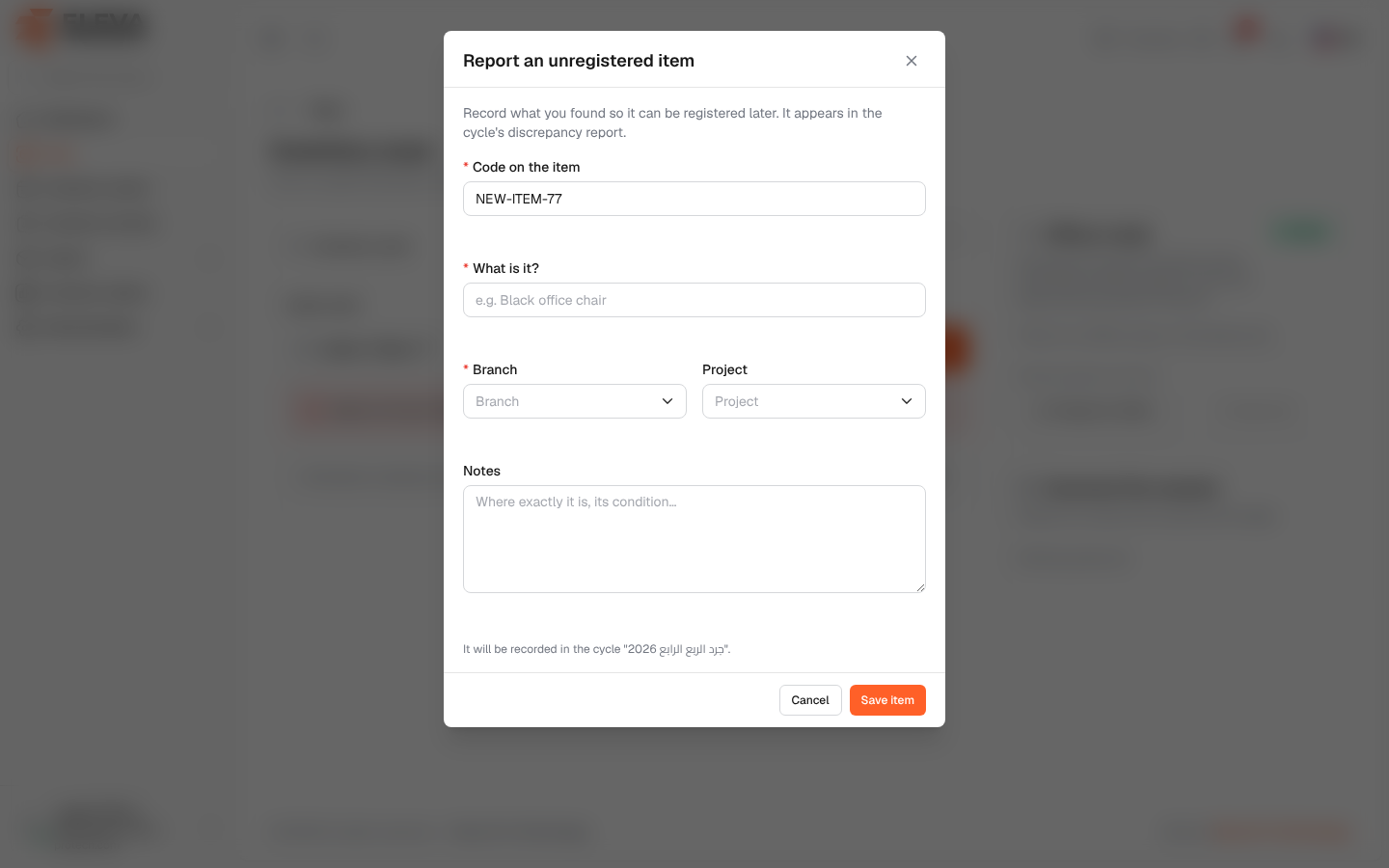
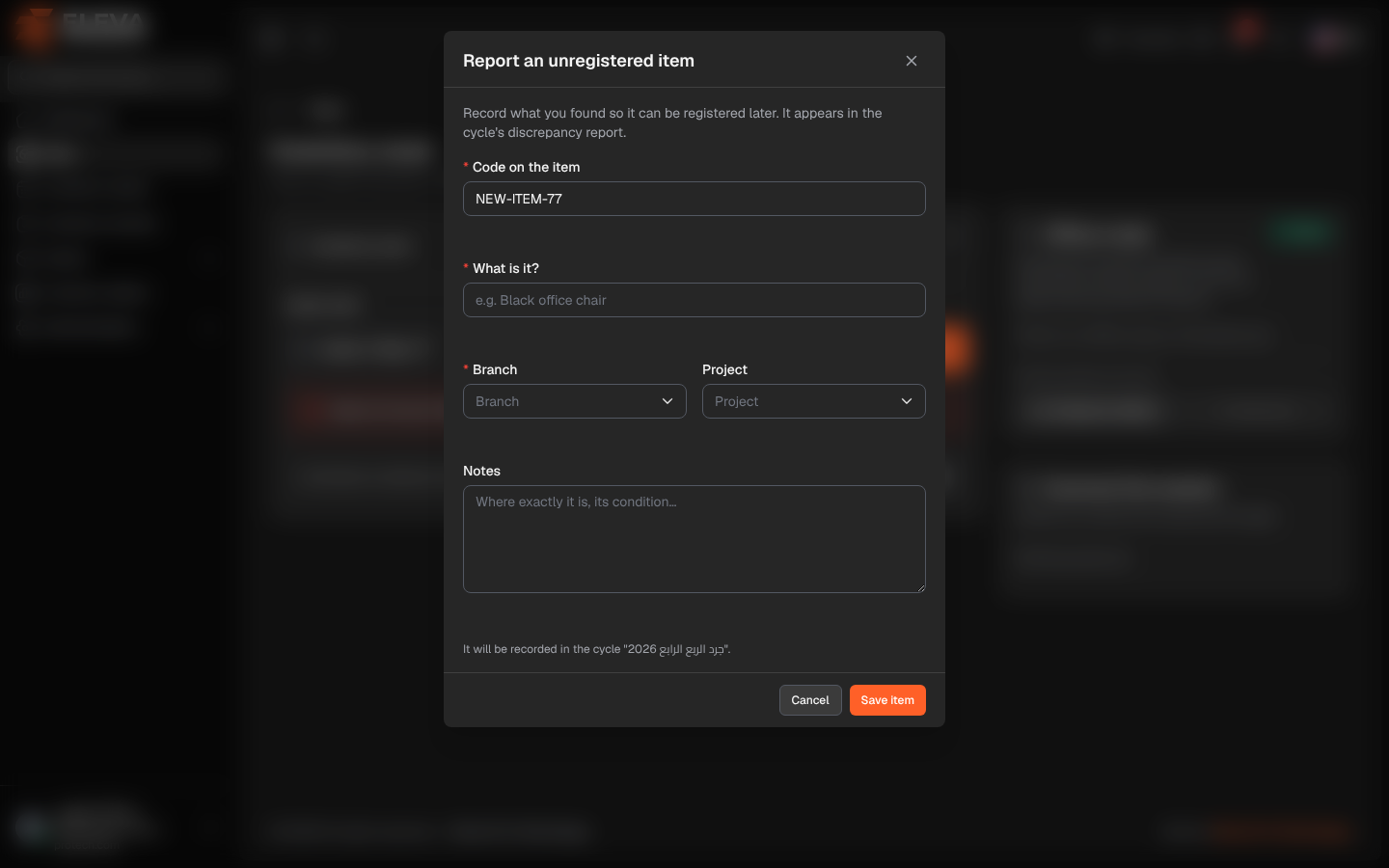
During an inventory you may find an item on site that is not in the system: a device bought recently, or one whose label was never registered. Instead of skipping it, report it as an unregistered item. The report is kept with the inventory cycle and appears in its discrepancy report, so the item can be registered later.
From the side menu, open Scan and look up the item’s code. When the code is not found, the screen asks Is the item on site but not in the system?; click Report as unregistered item.
Fields
Section titled “Fields”- Code on the item (required): filled with the code you scanned; correct it if needed. If an asset in use already has this code, the report is refused with An asset with this code is already registered; search for it and scan it instead.
- What is it? (required): a short description, up to 255 characters, for example e.g. Black office chair.
- Branch (required): where the item was found.
- Project: optional.
- Notes: optional, up to 1000 characters (Where exactly it is, its condition…).
Under the fields, a line tells you where the report goes: It will be recorded in the cycle “…”. or It will be recorded outside any cycle.
How to report an unregistered item
Section titled “How to report an unregistered item”- Scan or type the item’s code and click Find.
- When the asset is not found, click Report as unregistered item.
- Fill in What is it? and Branch, and the other fields if useful.
- Click Save item, or Cancel to close the window.
- The message Unregistered item recorded. appears and the item joins Scanned this session as an Unregistered item.
What happens next
Section titled “What happens next”- The report appears on the cycle’s Unregistered items tab with Not registered yet.
- When someone later adds an asset with the same code (from Assets or by import), the report is linked to it automatically and the tab shows the registered asset instead.
Required permission
Section titled “Required permission”Inventory scanning › Scan.