

Audit log
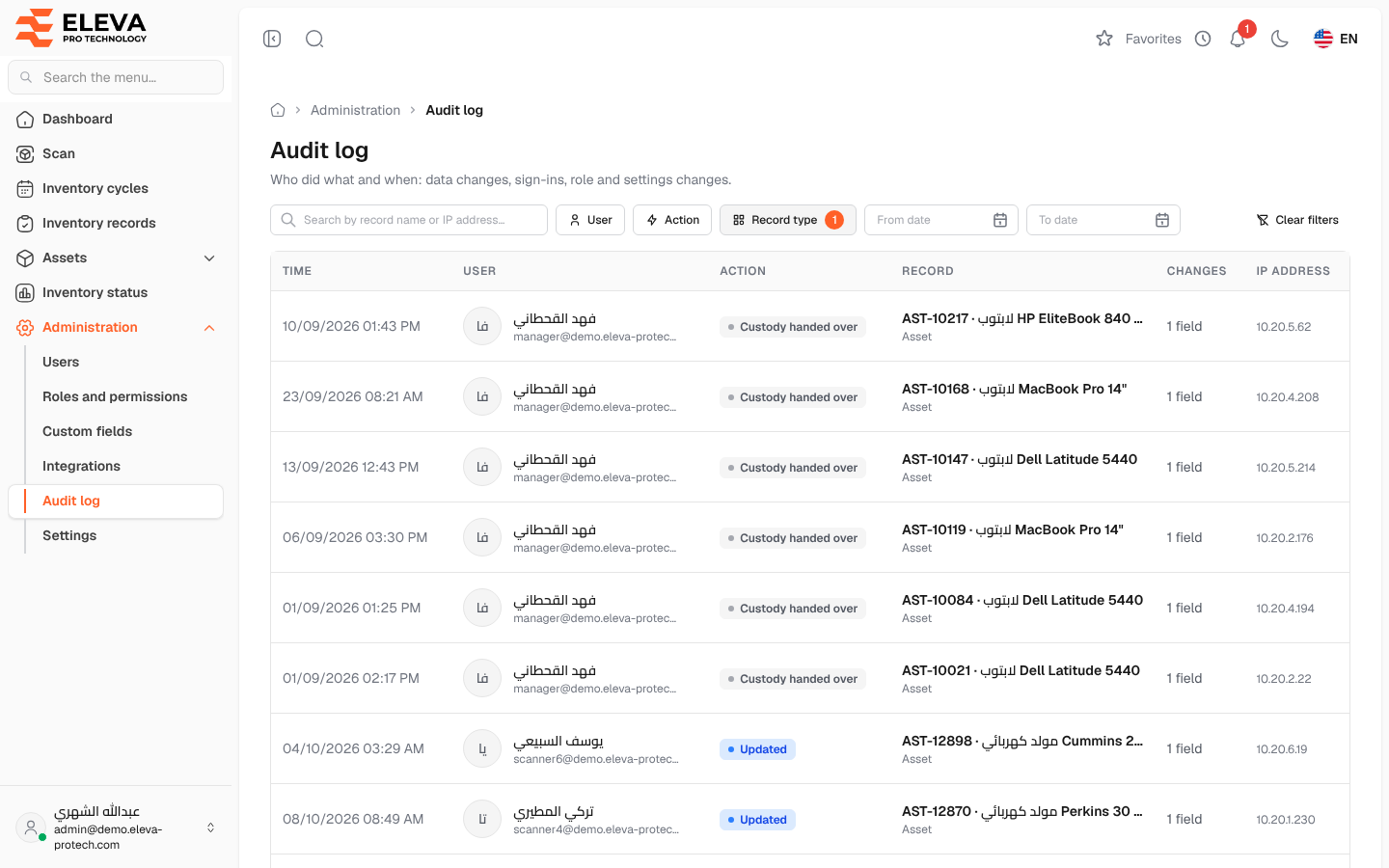
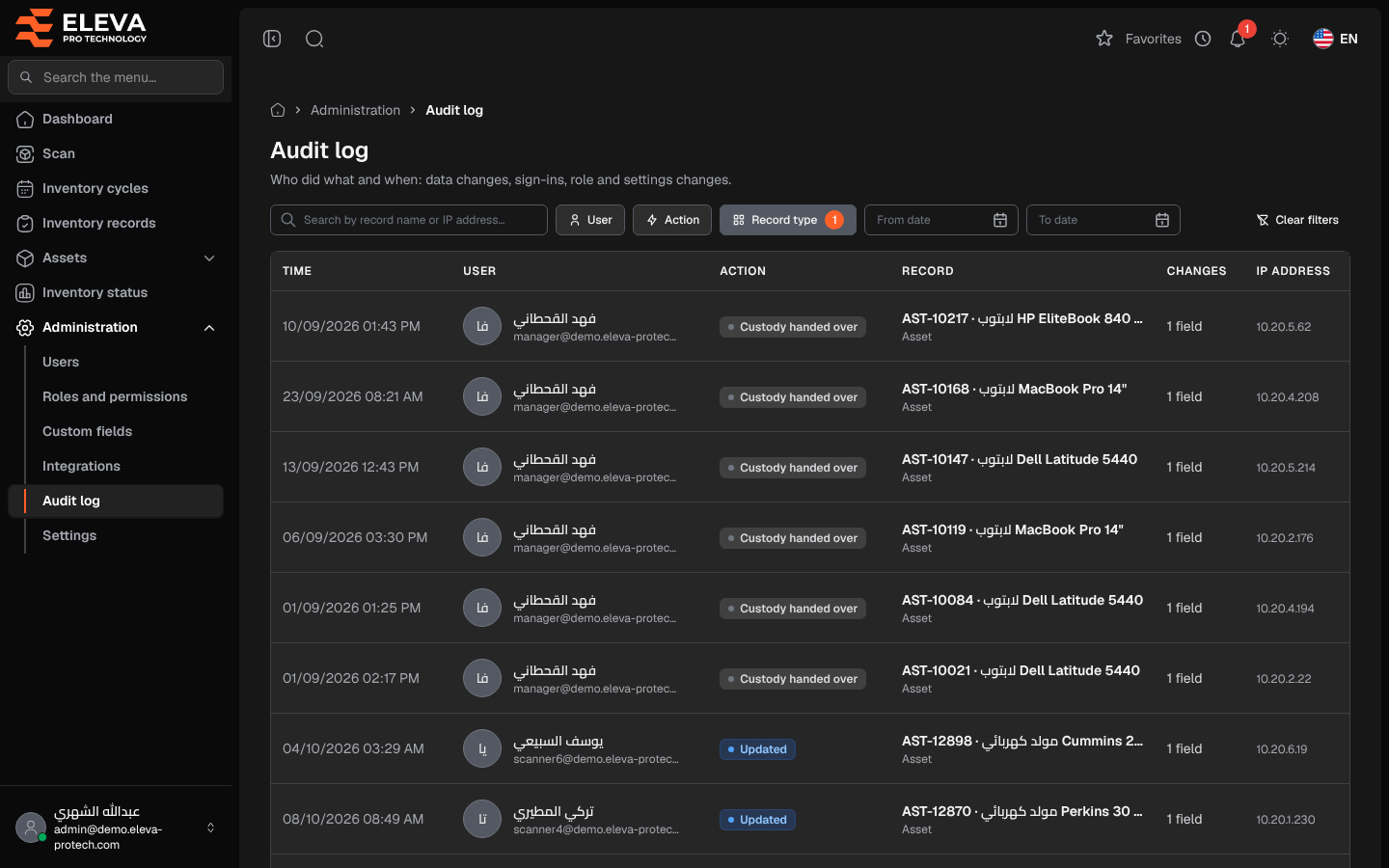
The audit log is the system’s record of who did what and when (Who did what and when: data changes, sign-ins, role and settings changes.). It records every change to assets, branches, projects, categories, locations, users, roles, cycles and settings, every sign-in and failed sign-in, custody hand-overs and returns, and the actions on integrations and two-factor authentication. Use it to investigate an unexpected change or to trace the history of a record.
From the side menu, open Administration › Audit log.
Filters
Section titled “Filters”- Search by record name or IP address….
- User: the person who made the change.
- Action: for example Created, Updated, Deleted, Restored, Permanently deleted, Signed in, Signed out, Failed sign-in, Roles changed, Settings updated, Inventory cycle closed, Custody handed over, Custody returned, Access token created, Webhook secret viewed or Two-factor turned on.
- Record type: for example Asset, Branch, User, Role, Inventory cycle, Location, Custom field or Setting.
- From date and To date.
- Clear filters: appears when a filter is set and removes all of them.
Columns
Section titled “Columns”- Time: the date and time of the action.
- User: the person, with their e-mail, or System for automatic tasks.
- Action.
- Record: the record concerned, with its type below.
- Changes: the number of fields changed, for example 2 fields.
- IP address: the network address the action came from.
The list shows 25 entries per page, newest first.
How to see the details of an action
Section titled “How to see the details of an action”- Use the filters to narrow the list.
- Click an entry. See Audit entry details.
Required permission
Section titled “Required permission”Audit log › View.