

Hand over and return
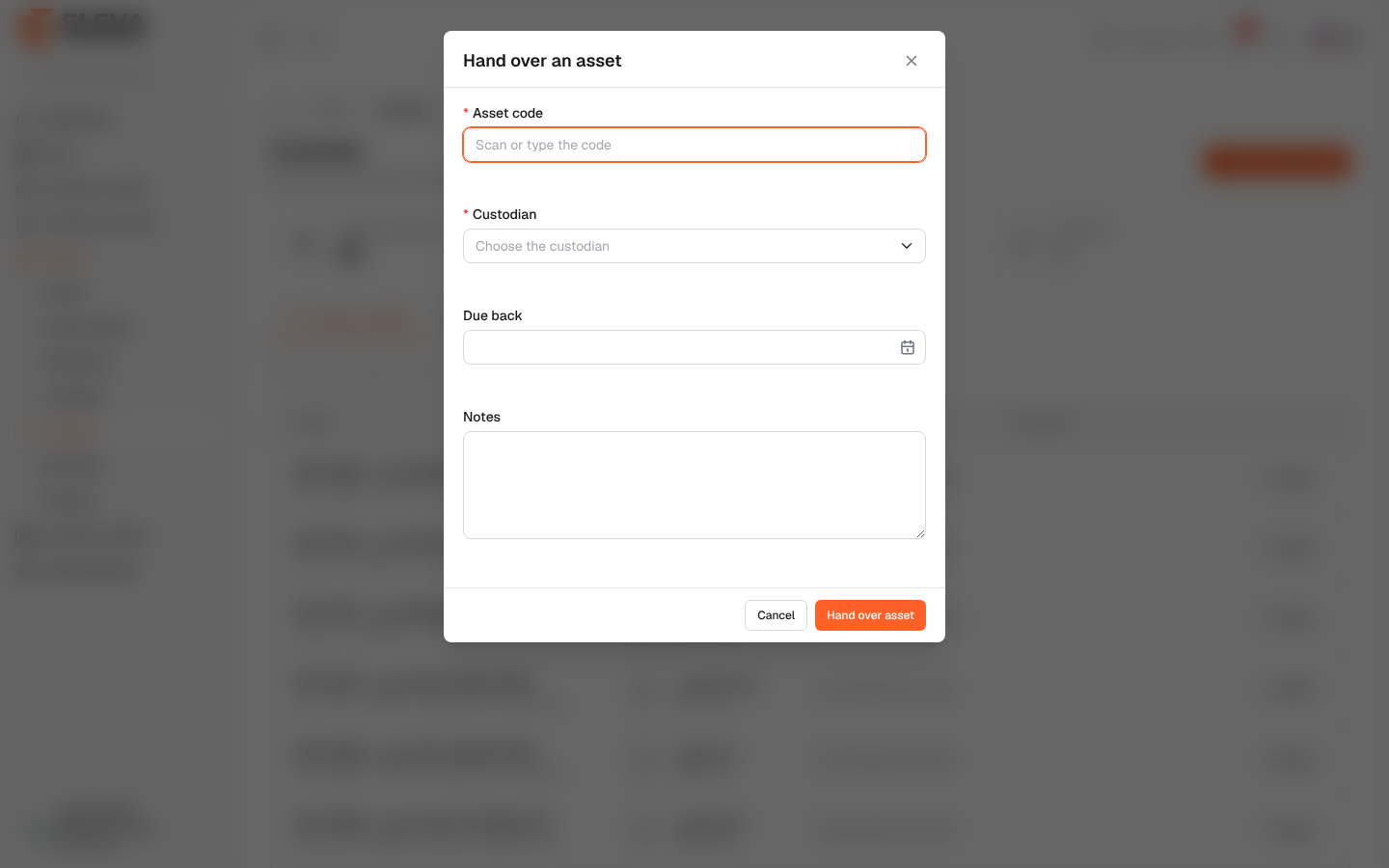
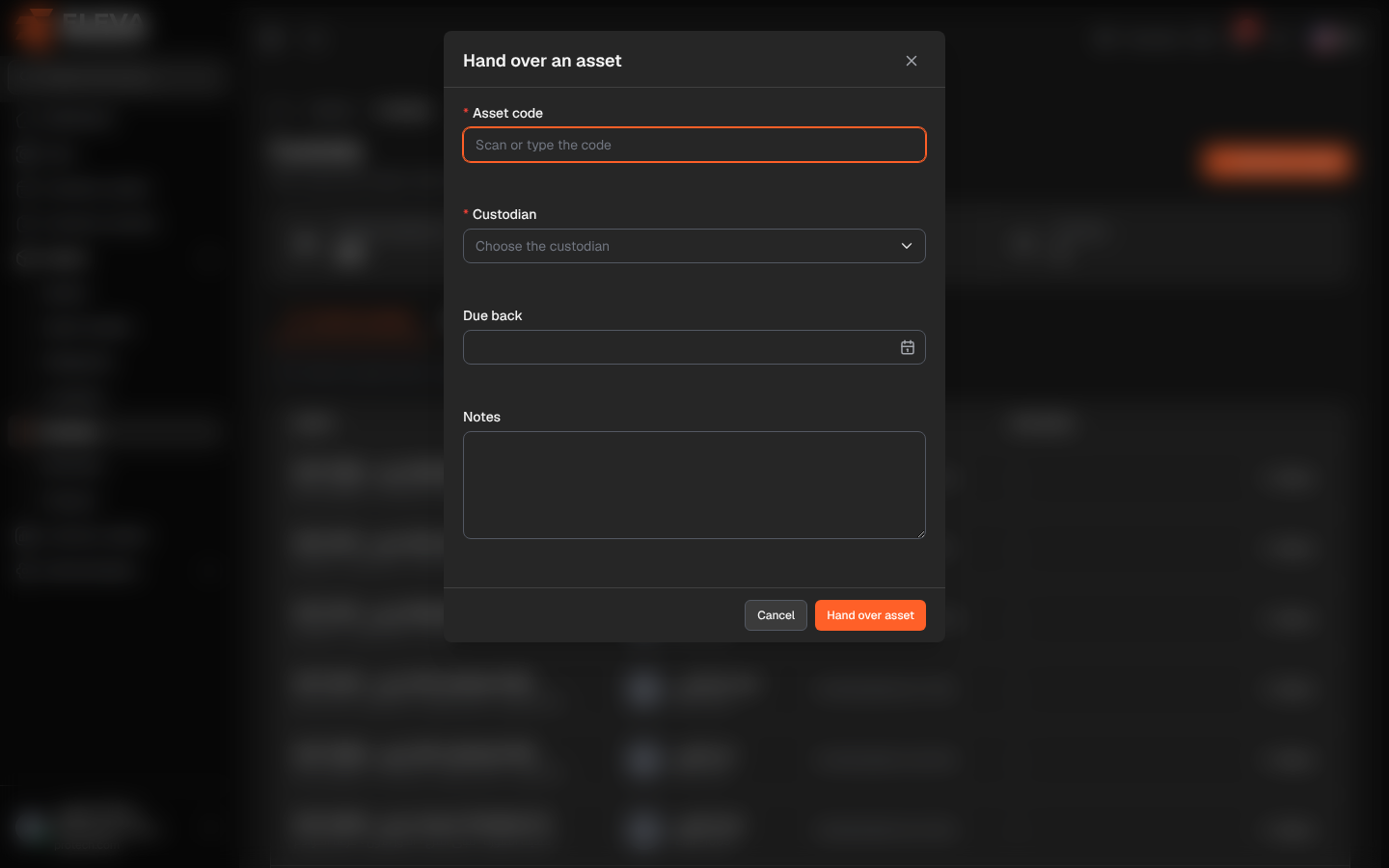
Handing over an asset records that an employee now holds it and is responsible for it; returning it records that they gave it back, in what condition. An asset that someone holds can also be transferred to another person in one step.
You can hand over an asset from several places:
- Assets › Custody or a custodian’s page: click Hand over an asset.
- Assets › Assets: click Hand over in the asset’s row, or in the asset’s form.
Fields of the hand-over window
Section titled “Fields of the hand-over window”- Asset code (required, only from Hand over an asset): scan or type the code (Scan or type the code). From an asset’s row the asset is already chosen and the window is titled Hand over ….
- Custodian (required): an active user (Choose the custodian). From a custodian’s page, that person is already chosen.
- Due back: optional; today or a later date.
- Notes: optional, up to 1000 characters.
How to hand over an asset
Section titled “How to hand over an asset”- Click Hand over an asset (or Hand over in the asset’s row).
- Scan or type the asset code, and choose the custodian.
- Set Due back if the asset must come back by a date, and add notes if useful.
- Click Hand over asset.
- The message … was handed to …. appears. The custodian receives a notification, and the asset appears in their Assets in my custody.
How to transfer custody
Section titled “How to transfer custody”When the asset is already held by someone, the window says … holds this asset. It will be returned from them and handed to the new custodian in one step. and the button becomes Transfer custody. Choose the new custodian and click Transfer custody.
How to record a return
Section titled “How to record a return”- Click Return in the asset’s row (on Custody, on the custodian’s page or on Assets).
- The Return … window says The asset will be recorded as returned by ….
- Choose the Condition on return: Good, Damaged or Incomplete, and add Return notes if needed.
- Click Record return. The message … was returned. appears.
If the hand-over is refused
Section titled “If the hand-over is refused”- There is no asset with this code.: check the code.
- … is disposed or archived and cannot be handed out.
- … already holds this asset.
- … is held by someone else. Return it first or choose transfer.
Required permission
Section titled “Required permission”Custody › Assign.