

Edit role
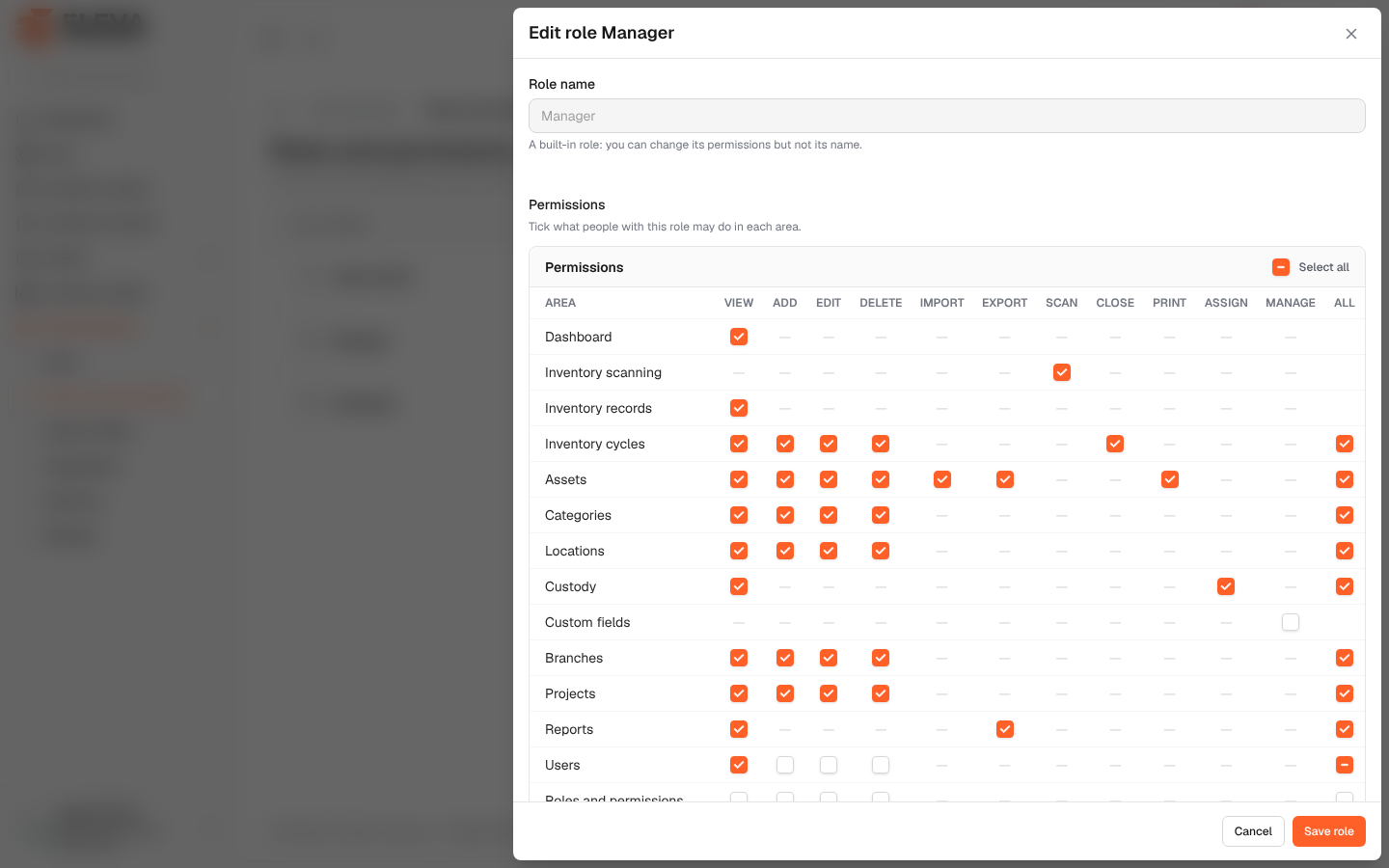
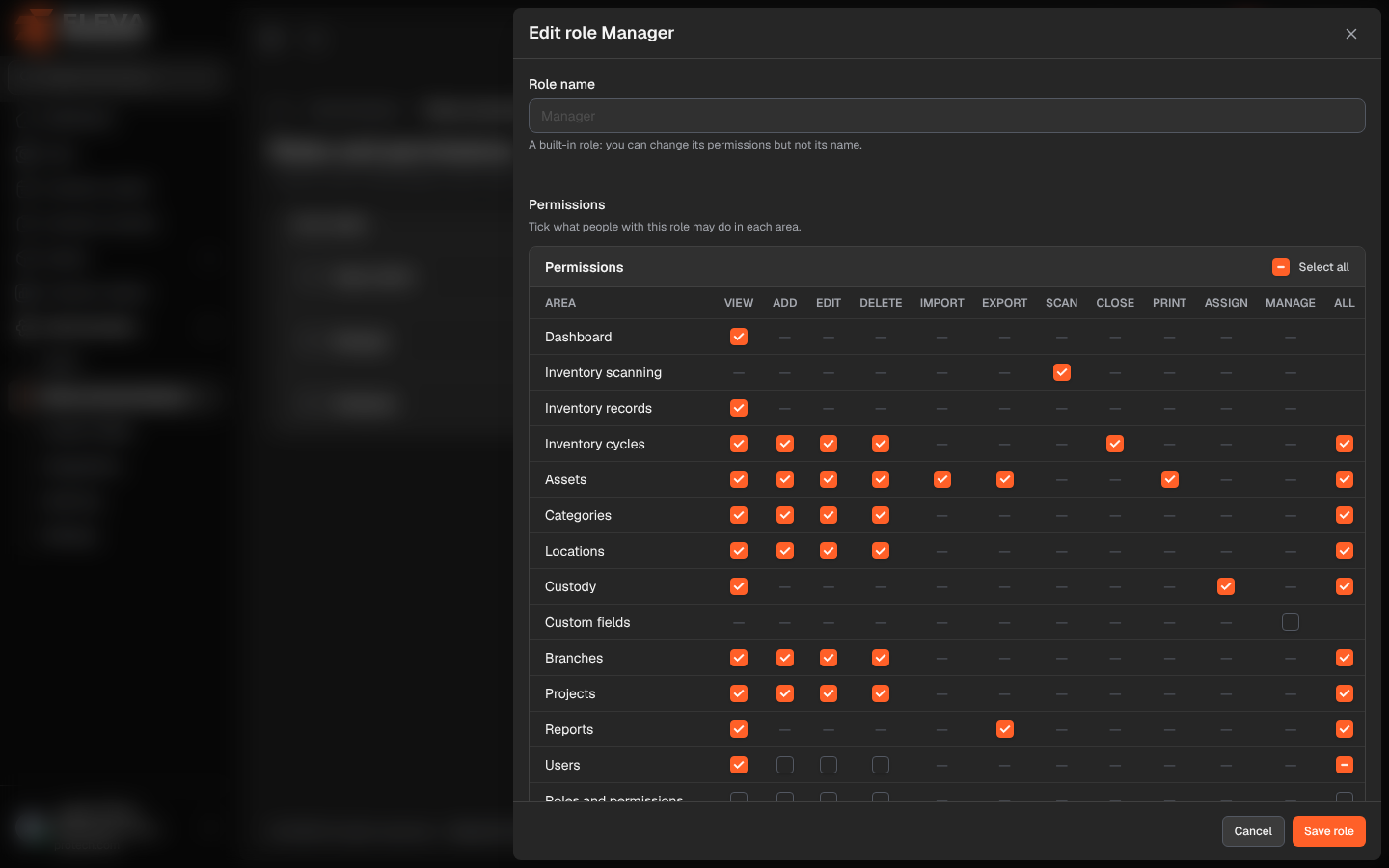
The role form sets the role’s name and its permissions. Permissions are shown as a matrix: one row for each area of the system, and one column for each action, such as view, add, edit, delete, import, export or scan (Tick what people with this role may do in each area.).
From the side menu, open Administration › Roles and permissions, then click a role or its pencil icon. To create a role, click Add role; the form is the same.
What’s on this screen
Section titled “What’s on this screen”- Role name (required): up to 100 characters, unique. For the built-in roles Manager and Employee the name is shown greyed out with A built-in role: you can change its permissions but not its name.
- Permissions: the matrix, with Select all at the top.
- Cancel and Save role.
The permission matrix
Section titled “The permission matrix”| Area | Permissions |
|---|---|
| Dashboard | View |
| Inventory scanning | Scan |
| Inventory records | View |
| Inventory cycles | View, Add, Edit (also starts a cycle), Delete, Close |
| Assets | View, Add, Edit, Delete (also the trash), Import, Export, Print (labels) |
| Categories, Locations, Branches, Projects | View, Add, Edit, Delete |
| Custody | View, Assign (hand over and return) |
| Custom fields | Manage |
| Reports | View, Export |
| Users | View, Add, Edit, Delete |
| Roles and permissions | View, Add, Edit, Delete |
| Settings | View, Edit |
| Audit log | View |
| Integrations | Manage (API tokens and webhooks) |
- Tick a box to give that permission in that area; a dash means the action does not exist there.
- Select all ticks or clears every permission.
How to edit a role
Section titled “How to edit a role”- Change the Role name if needed (custom roles only).
- Tick or clear the permissions.
- Click Save role. The message Role updated successfully. appears (Role created successfully. for a new role).
Changes apply at once to every user who holds the role.
- You can only give permissions you hold yourself; the matrix shows only those. A super admin can give any permission.
- If the role has permissions you do not hold, a warning explains that you cannot save it until someone who holds them removes them or saves it.
- The Super admin role cannot be edited.
Required permission
Section titled “Required permission”Roles and permissions › Edit (or Roles and permissions › Add to create a role).