

Audit entry details
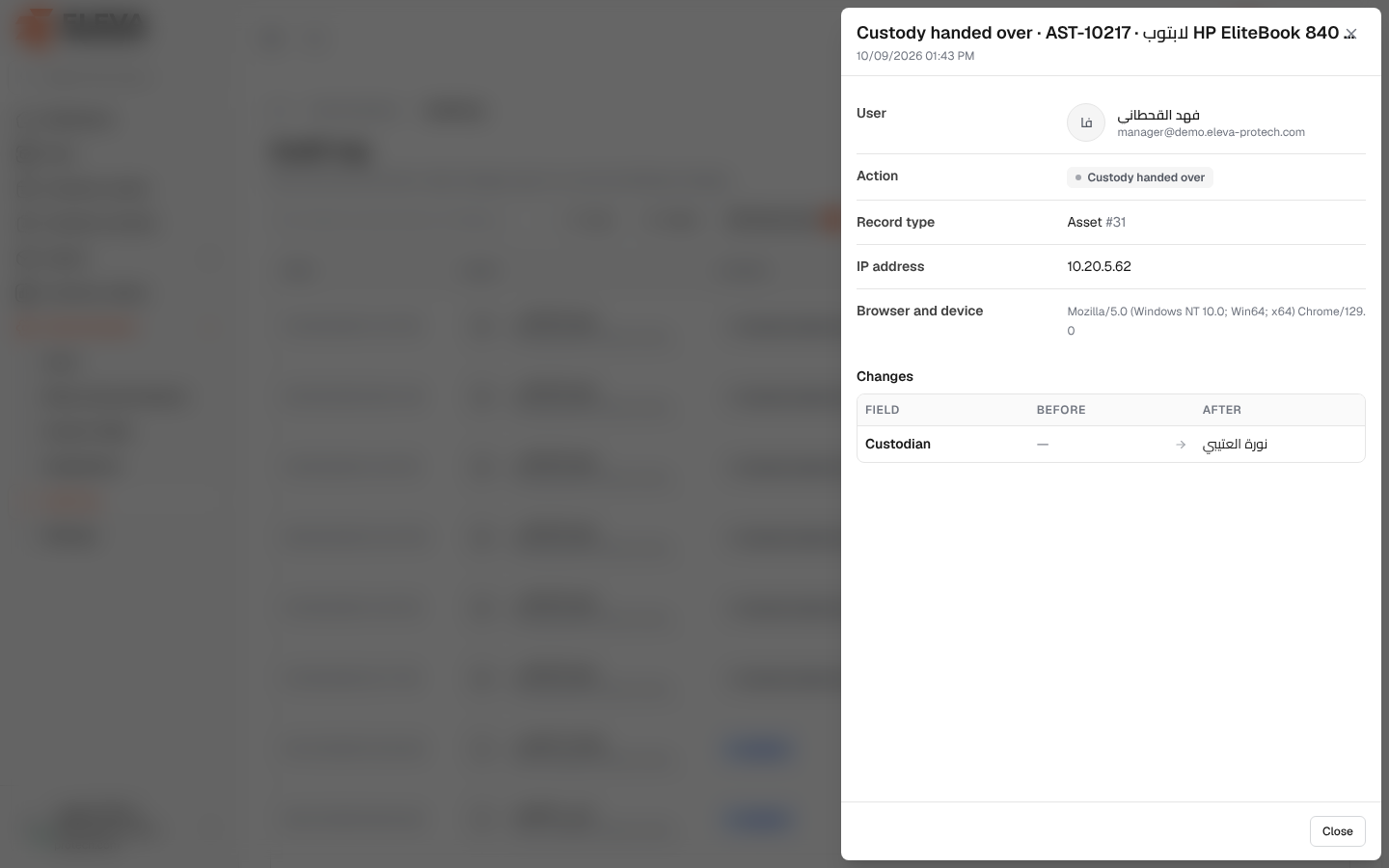
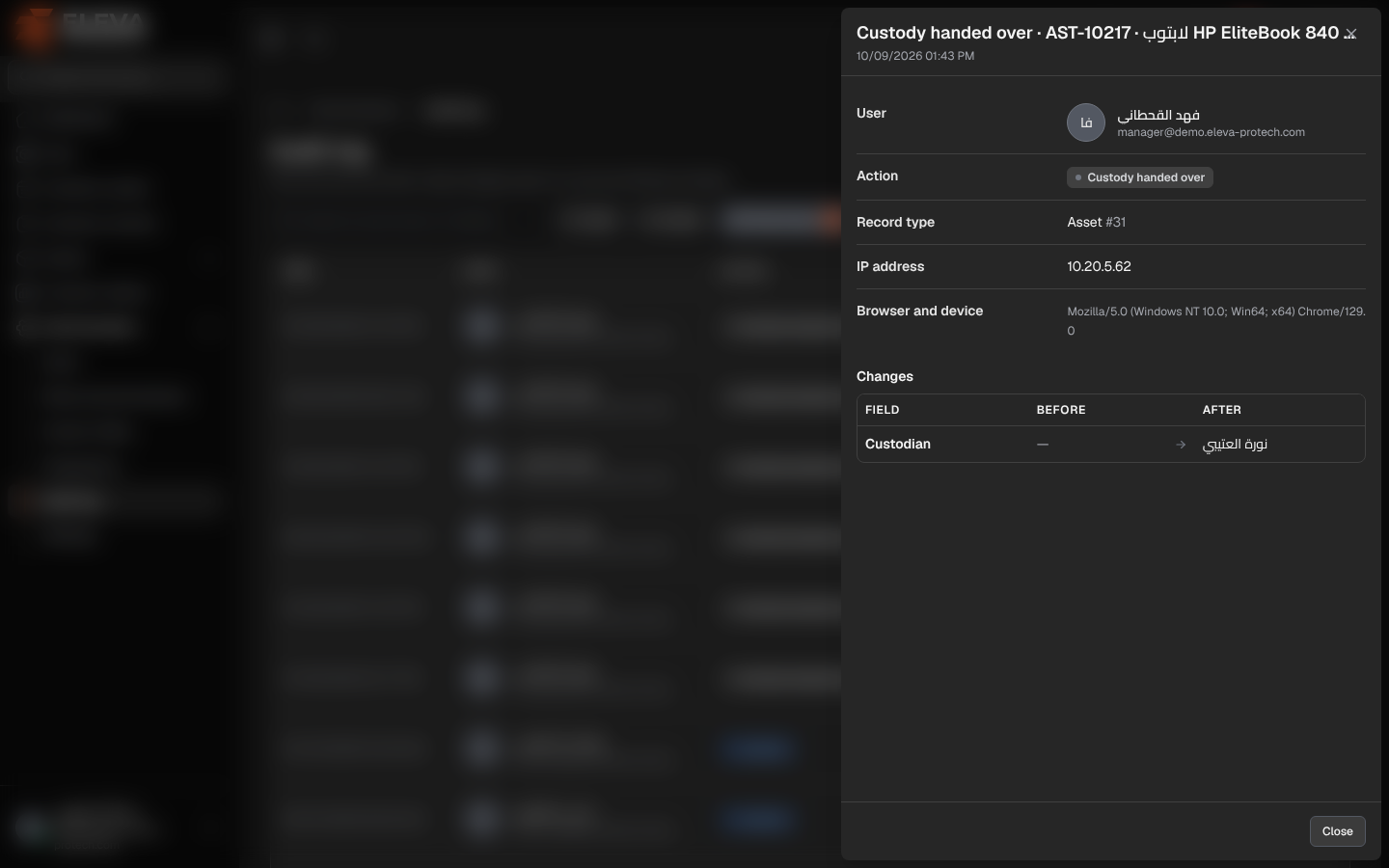
The details of an audit entry show exactly what changed: each field with its value before and after, who did it, when, and from which device.
From the side menu, open Administration › Audit log and click an entry.
What’s on this screen
Section titled “What’s on this screen”At the top: the action and the record, with the date and time.
- User: name and e-mail, or System.
- Action.
- Record type: with the record’s number.
- IP address.
- Browser and device: the browser and operating system used.
- Changes: a table with Field, Before (struck through) and After. Branches, projects, categories and locations are shown by their names. For a settings change, the field and its values appear as they are labelled on the settings screen (for example Colour scheme: Blue → Custom). When the action has no values, for example a sign-in, the panel shows No values were recorded for this action.
Click Close to go back to the list.
Required permission
Section titled “Required permission”Audit log › View.