

Language & dates
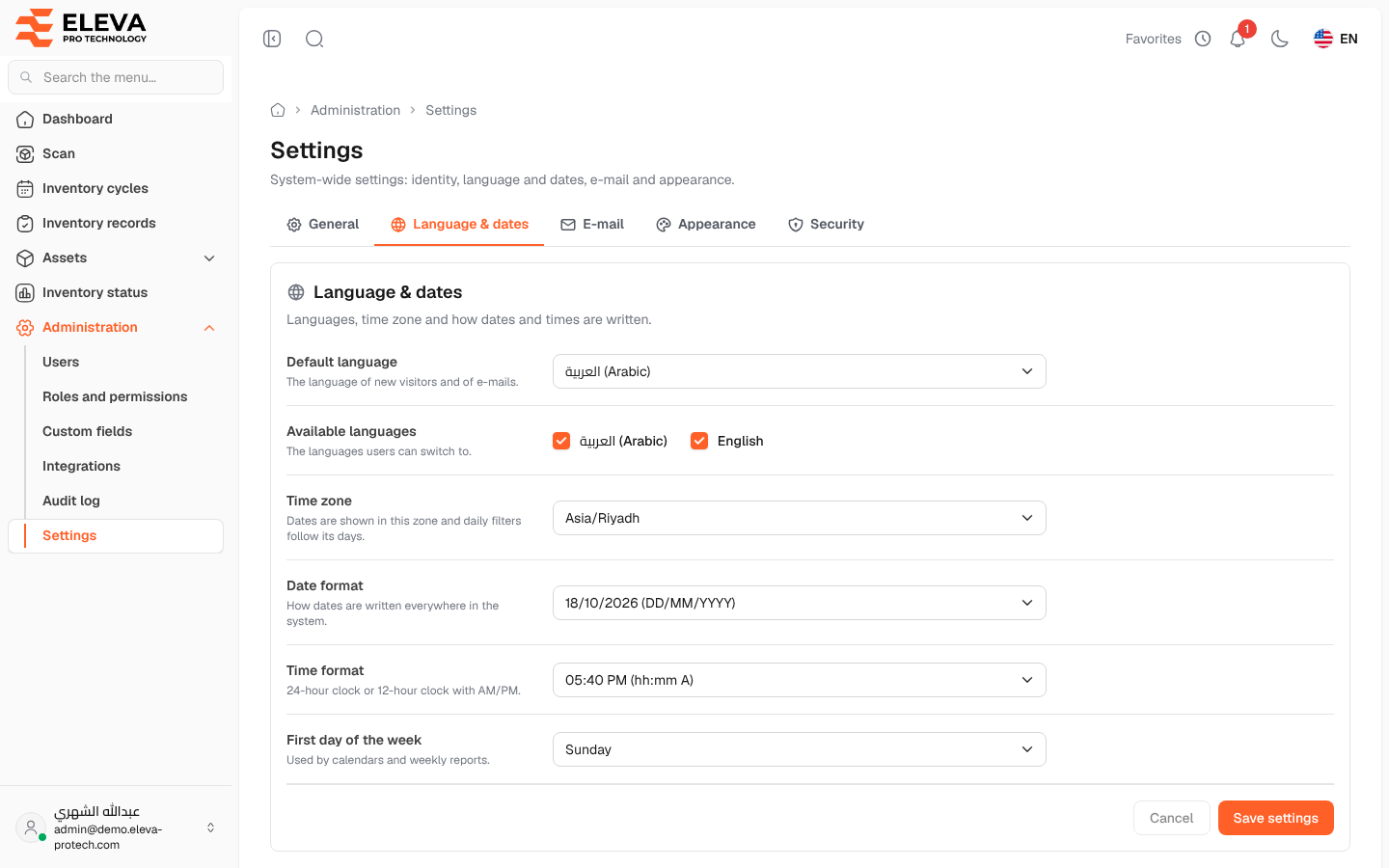
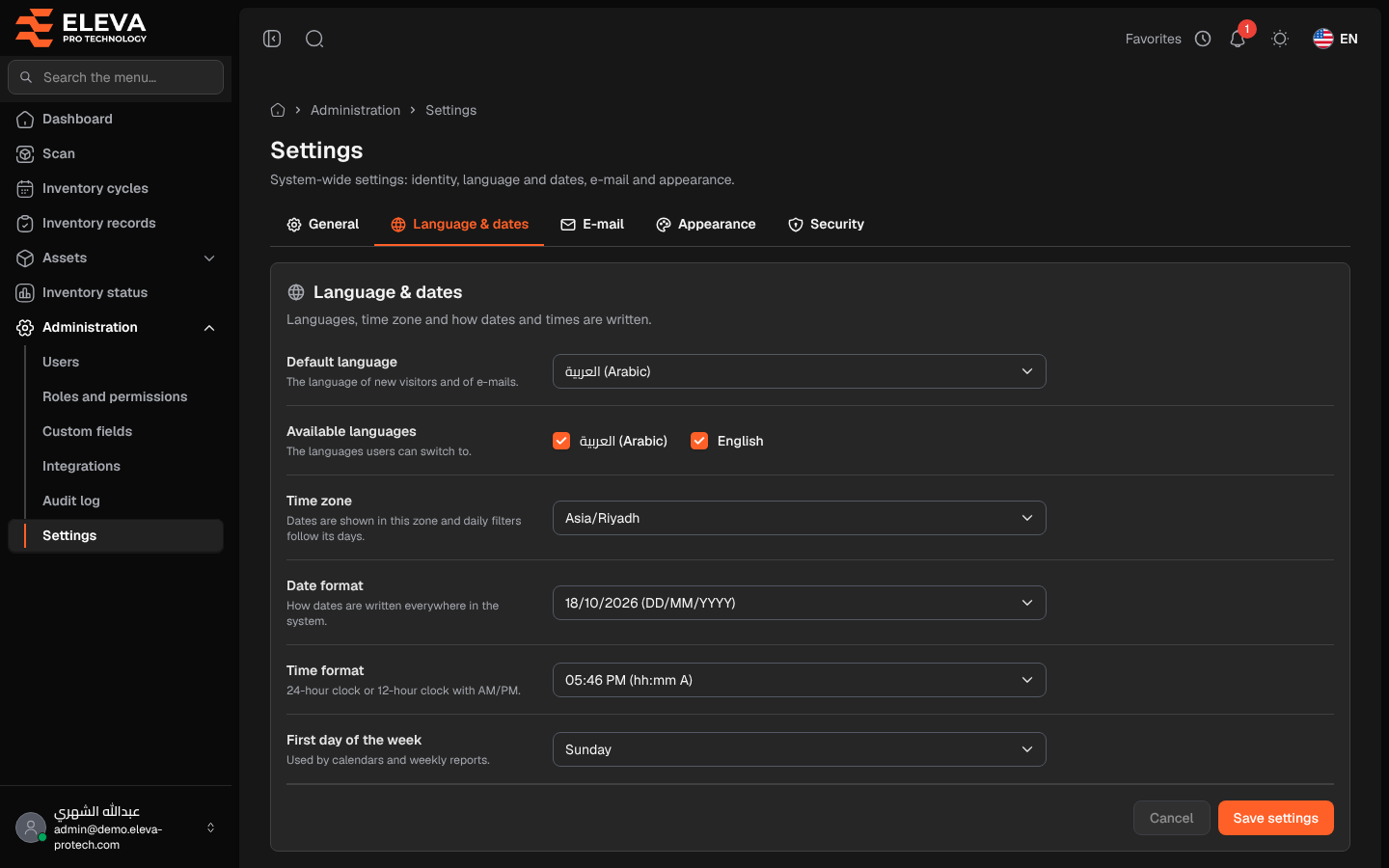
The Language & dates tab sets the languages of the system, its time zone and how dates and times are written (Languages, time zone and how dates and times are written.).
From the side menu, open Administration › Settings, then click the Language & dates tab.
Fields
Section titled “Fields”- Default language (required): Arabic or English. The language of new visitors and of e-mails.
- Available languages (required, at least one): The languages users can switch to.
- Time zone (required): searchable (Search for a time zone…). Dates are shown in this zone and daily filters follow its days.
- Date format (required): DD/MM/YYYY, MM/DD/YYYY, YYYY-MM-DD, DD-MM-YYYY, D MMM YYYY or MMM D, YYYY. Each choice shows today’s date in that format. How dates are written everywhere in the system.
- Time format (required): 24-hour (HH:mm) or 12-hour with AM/PM (hh:mm A).
- First day of the week (required): Sunday, Monday or Saturday. It is used by the date pickers and by Scans this week on the dashboard.
How to change these settings
Section titled “How to change these settings”- Change the fields you need.
- Click Save settings. To discard your edits, click Cancel.
Required permissions
Section titled “Required permissions”Settings › View to open; Settings › Edit to save.