

Custodian page
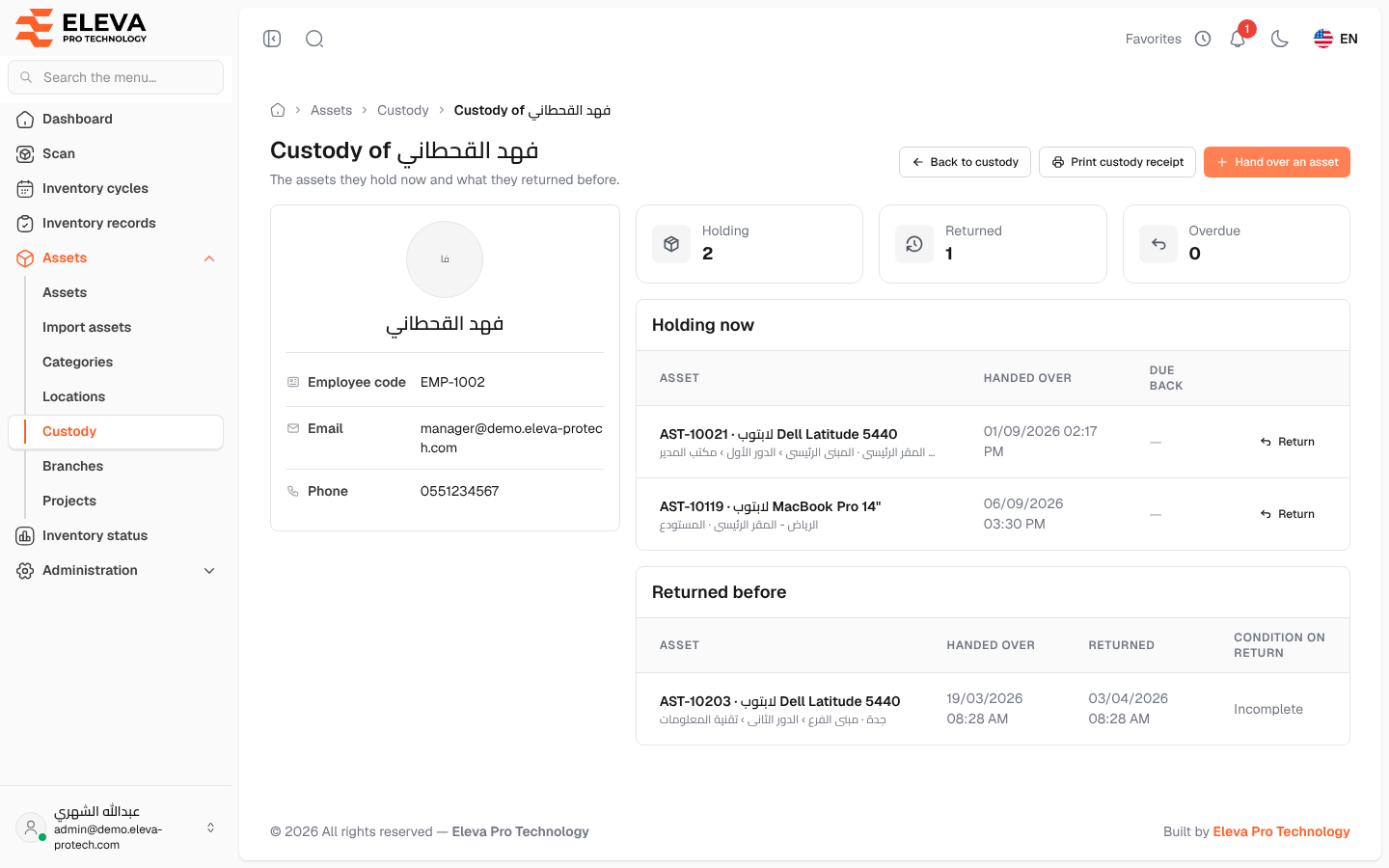
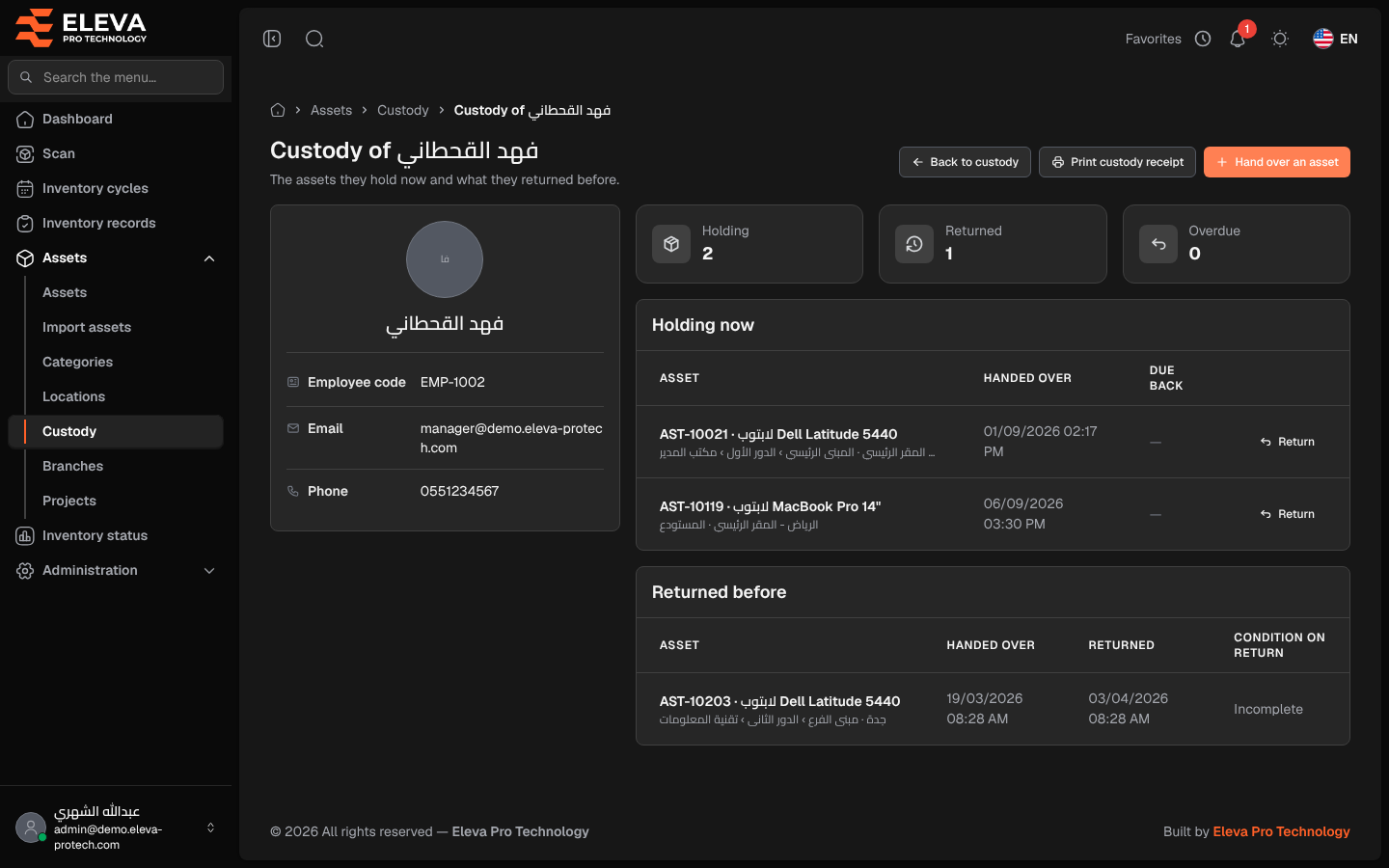
The custodian page brings together everything one person holds now and everything they returned before (The assets they hold now and what they returned before.). Open it before an employee leaves or changes job, to collect their assets and print their custody receipt.
From the side menu, open Assets › Custody and click a row or a custodian’s name.
What’s on this screen
Section titled “What’s on this screen”At the top: Custody of …, with Back to custody, Print custody receipt (available when the person holds at least one asset) and Hand over an asset (the custodian is already chosen).
- A card with the person’s name, Employee code, Email and Phone.
- Figures: Holding, Returned and Overdue.
- Holding now: Asset, Handed over, Due back and Return. When they hold nothing: They hold no assets.
- Returned before: Asset, Handed over, Returned and Condition on return.
How to collect the assets of a leaving employee
Section titled “How to collect the assets of a leaving employee”- Open the employee’s custodian page.
- For each asset under Holding now, click Return, choose the condition and click Record return.
- When Holding shows 0, the employee holds nothing.
Required permissions
Section titled “Required permissions”Custody › View; Custody › Assign for Hand over an asset and Return.