

Asset inventory status
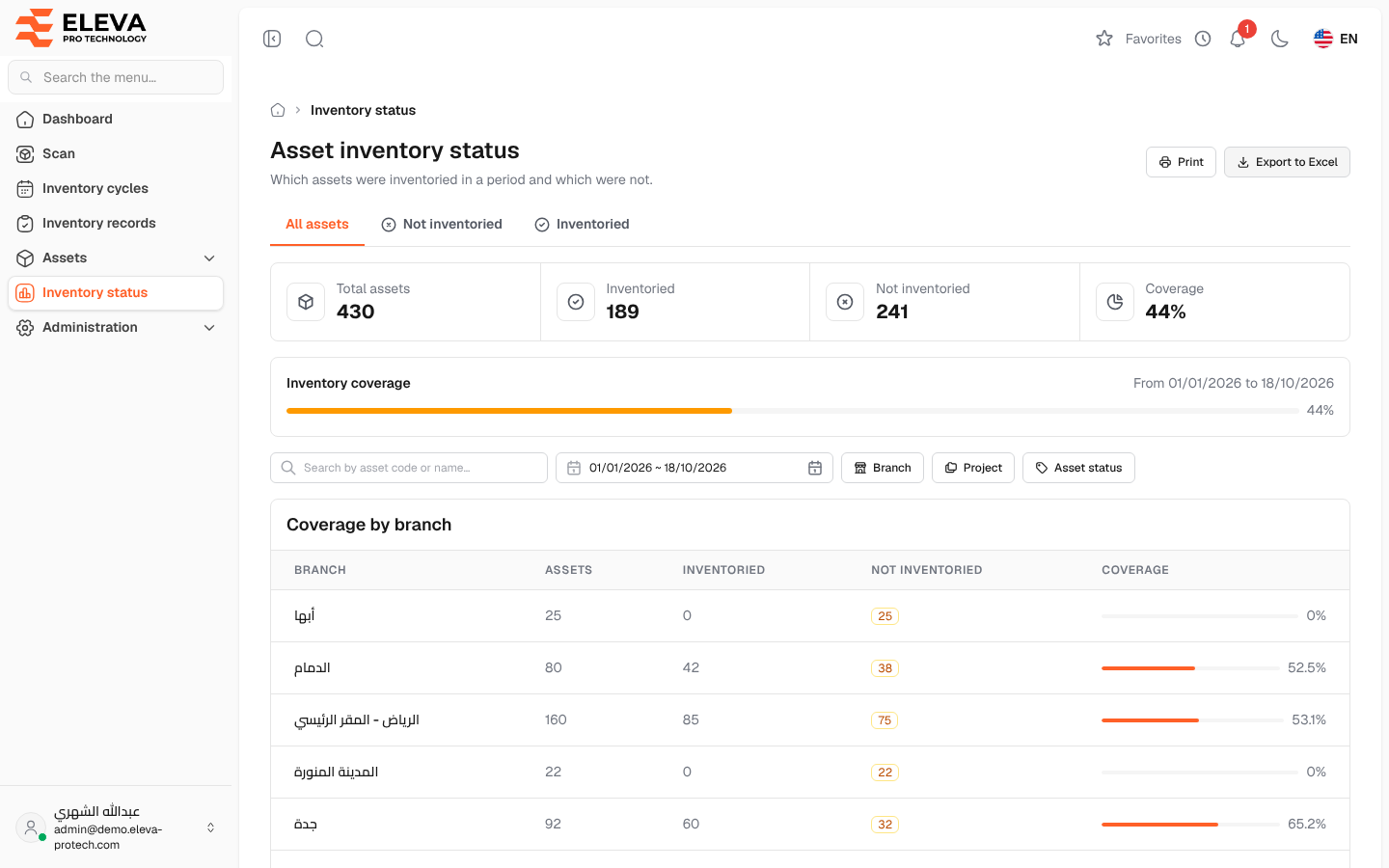
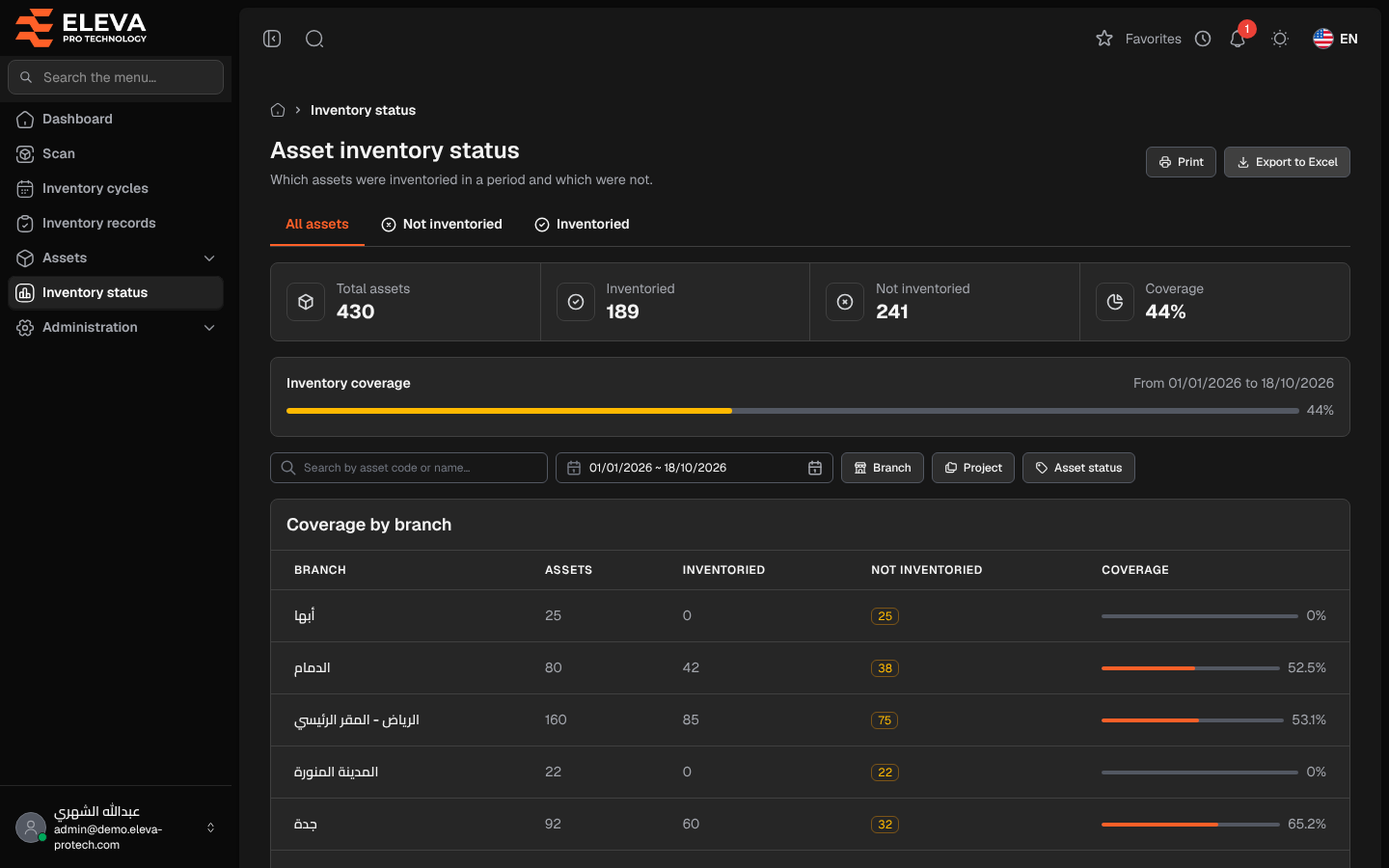
The asset inventory status report shows which assets were inventoried in a period and which were not (Which assets were inventoried in a period and which were not.): the overall coverage, the coverage of each branch, and the list of assets with how many times each was scanned. Managers use it to check that every asset was seen at least once in a quarter or a year, independently of inventory cycles.
From the side menu, open Inventory status, or click Inventory status on the dashboard.
What’s on this screen
Section titled “What’s on this screen”- Print and Export to Excel: print the page, or download the report with the same period, tab and filters.
- All assets, Not inventoried and Inventoried: tabs that filter the asset list.
- Figures: Total assets, Inventoried, Not inventoried and Coverage (the share of assets inventoried in the period).
- Inventory coverage: a bar with the period (From … to …). It is green at 100%, in the main colour from 50% and amber below 50%.
- Filters: Search by asset code or name…, the period, Branch, Project and Asset status.
The period opens from the first day of the year until today. An asset counts as inventoried when it was scanned at least once in the period, in any cycle or outside cycles.
Coverage by branch
Section titled “Coverage by branch”- Branch, Assets, Inventoried, Not inventoried and Coverage (with a bar).
Assets
Section titled “Assets”20 assets per page:
- Asset: code and name.
- Branch, Project and Status.
- Inventory: Inventoried or Not inventoried in the period.
- Scans in period: how many times the asset was scanned in the period.
- Last scan: the date of the last scan in the period with its result, or Not scanned in this period.
How to find the assets not seen this year
Section titled “How to find the assets not seen this year”- From the side menu, open Inventory status. The period already covers this year.
- Click the Not inventoried tab.
- Choose a Branch to send the list to the team responsible for it.
- Click Export to Excel to share the list, or Print.
Required permissions
Section titled “Required permissions”- Reports › View to open the report.
- Reports › Export for Export to Excel.