

Reset your password
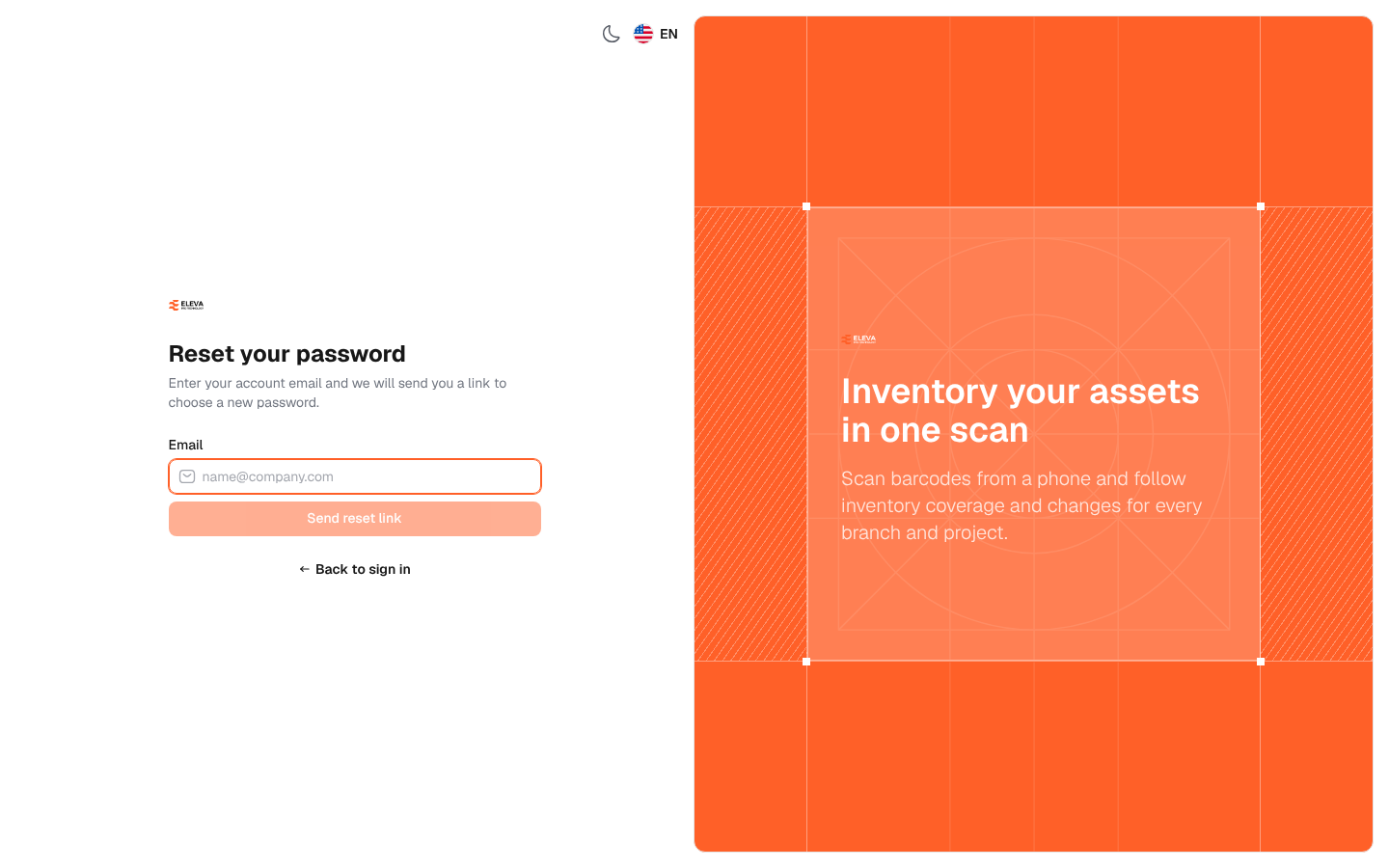
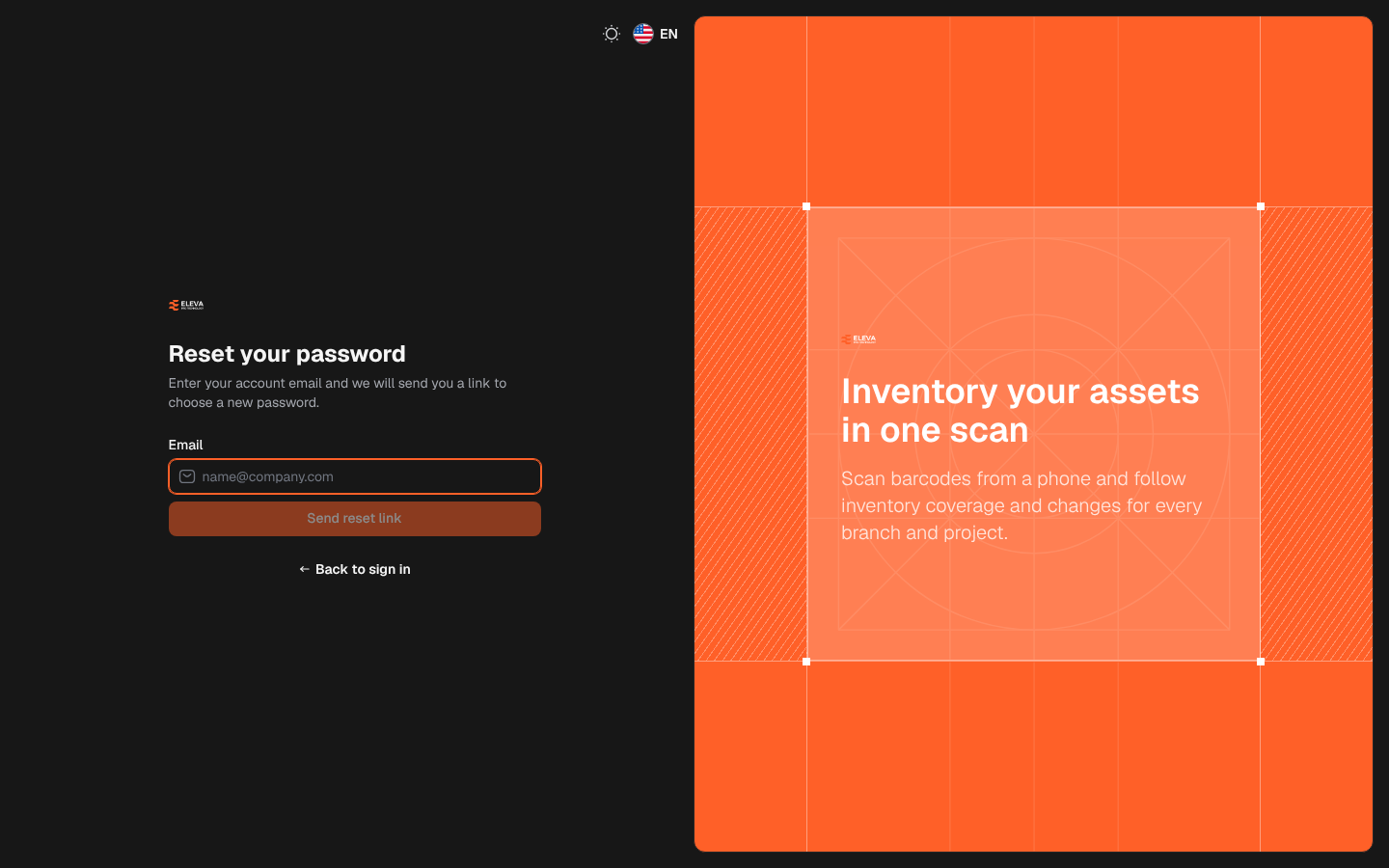
If you forgot your password, you can choose a new one yourself. The system e-mails a reset link to the address of your account. To open this page, click Forgot password? on the sign-in page.
What’s on this screen
Section titled “What’s on this screen”- Email: the e-mail address of your account.
- Send reset link: sends the link. It is available once you type an address.
- Back to sign in: returns to the sign-in page.
How to request a reset link
Section titled “How to request a reset link”- On the sign-in page, click Forgot password?.
- In Email, type the e-mail you sign in with.
- Click Send reset link.
- The message If an account exists for this e-mail address, we have sent it a link to reset the password. appears. The message is the same whether or not the address belongs to an account, so the page never reveals which addresses are registered. If no e-mail arrives, check that you typed the address you sign in with.
How to choose a new password
Section titled “How to choose a new password”- Open the e-mail and click the reset link. The Choose a new password page opens.
- Check your address in Email.
- Type the password in New password and again in Confirm new password. If the two do not match, the page shows The two passwords do not match.
- Click Reset password, then sign in with the new password.
If the link no longer works, click Request a new link on that page.
Password rules
Section titled “Password rules”A password must be at least 10 characters long and contain upper-case and lower-case letters and numbers. Passwords that are known from public data leaks are refused.